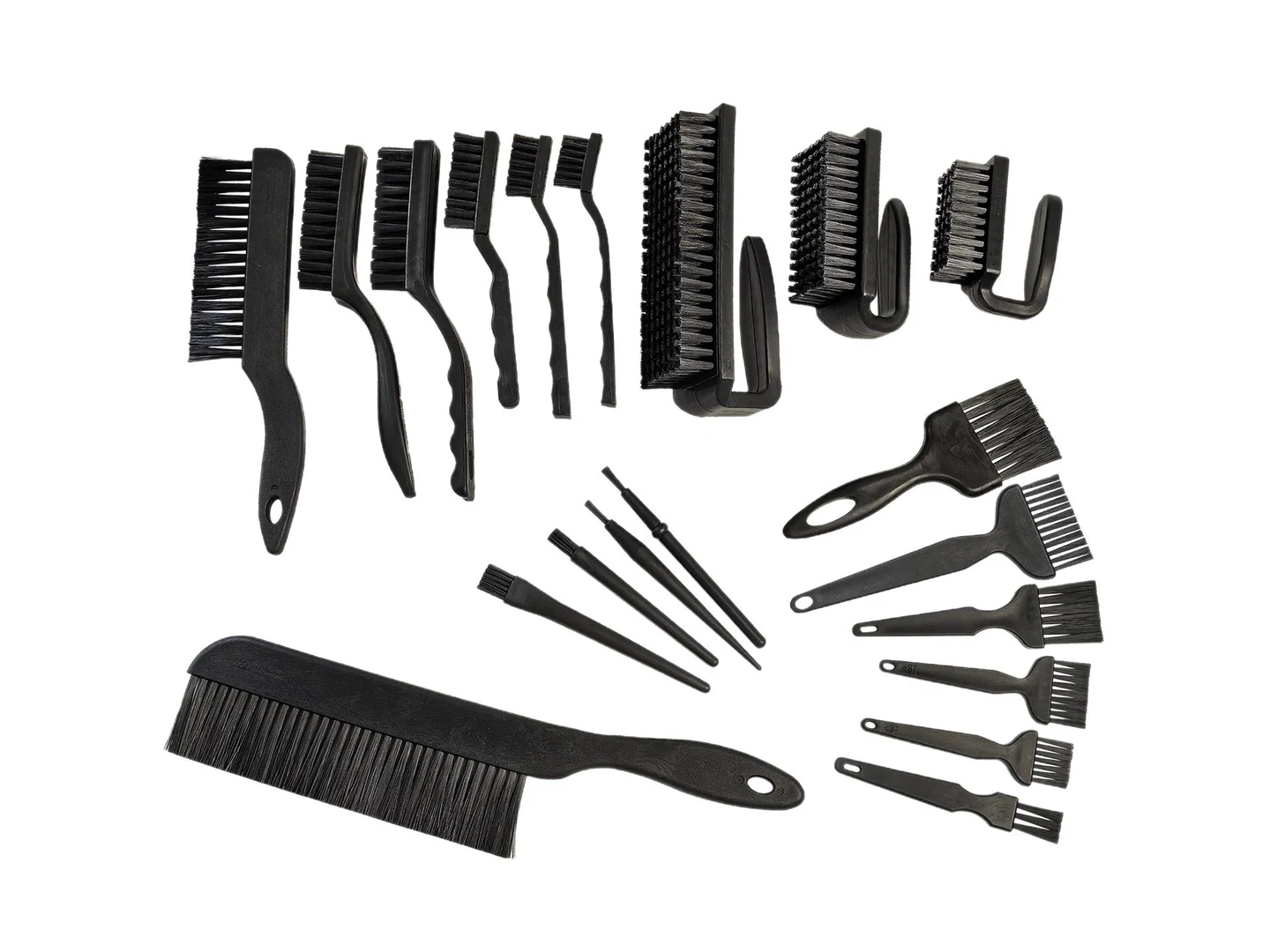
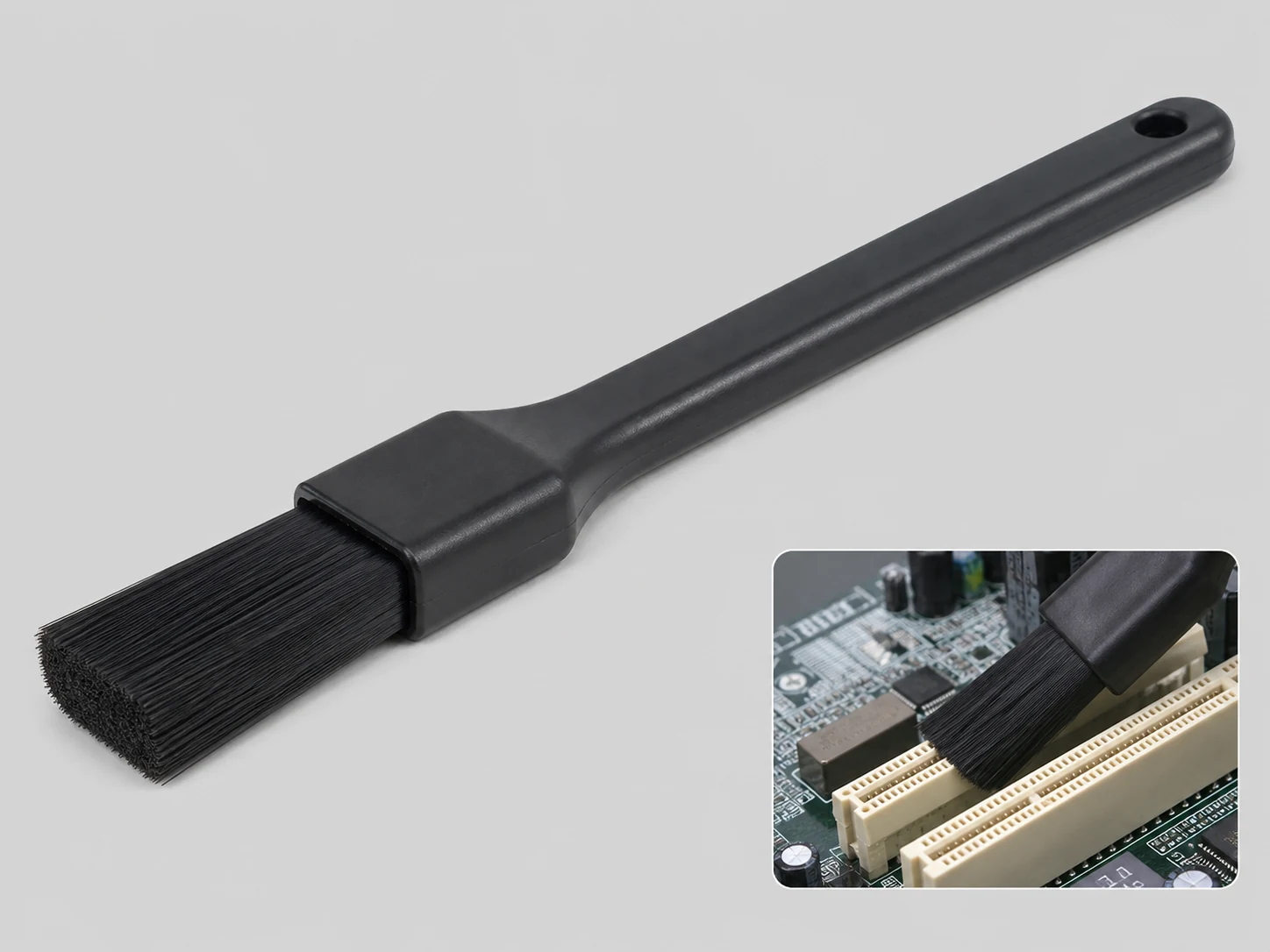
What Is an Anti-Static Printing Plastic Brush?
An anti-static printing plastic brush is a contact-cleaning device that uses conductive or static-dissipative bristles to safely discharge static electricity from a surface while physically sweeping away dust, paper fibers, or other dry debris. In printing environments, these brushes are often mounted in fixed positions where they contact the moving substrate—such as before the printing nip, after the sheeter, or along a paper path—to improve print quality and reduce downtime caused by static-related jams or contamination.
For static-control claims, this article uses EOS/ESD Association — ESD Fundamentals as the ESD reference.
For static-control claims, this article uses EOS/ESD Association — Principles of ESD Control as the ESD reference.
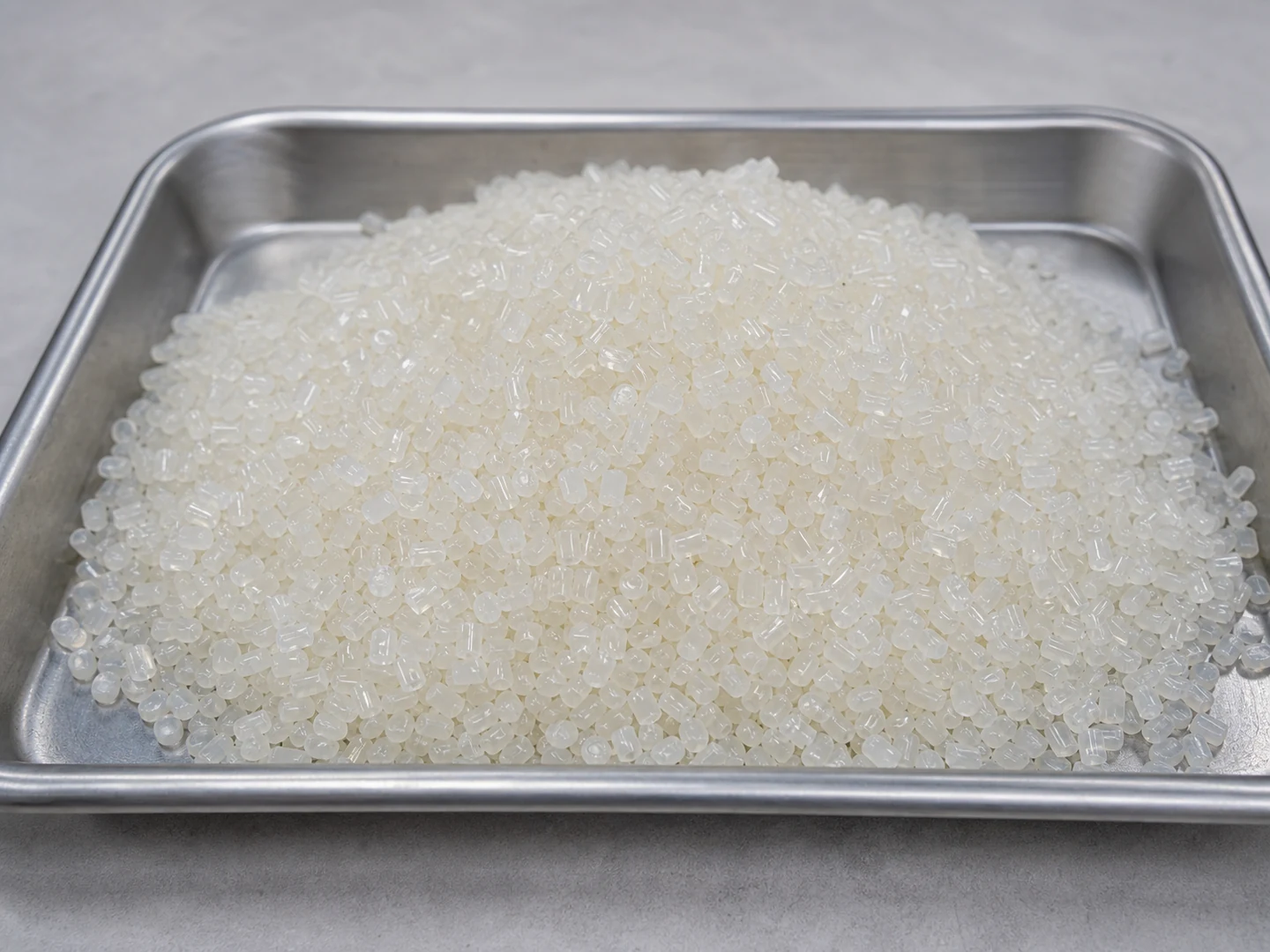
For material-selection language, this section is supported by British Plastics Federation — Thermoplastics.
For brush terminology and construction language, this section references American Brush Manufacturers Association — Brush Lingo.
Unlike conventional brushes, these brushes are designed with materials that prevent charge buildup on the bristles themselves. They either conduct charge to ground through a conductive core or use materials with a surface resistivity range that allows controlled dissipation. The plastic component refers to the brush body or the bristle base material, which must be non-conductive but mechanically stable.
Common Types of Anti-Static Brushes for Printing
Several brush configurations and materials are used in printing applications. The most common types include:
- Conductive fiber brushes: Made with carbon-filled nylon or stainless steel fibers, these offer very low resistivity and are ideal for high-static, high-speed webs.
- Static-dissipative brushes: Typically constructed with dissipative nylon (surface resistivity 106–109 ohms), they balance static control with gentle contact for coated papers and films.
- Natural fiber brushes with anti-static treatment: For extremely delicate surfaces where minimal abrasion is critical; often require frequent retreatment and are used in low-static environments.
- Strip brushes vs. rotary brushes: Strip brushes are mounted in a fixed position and are easily replaced, while rotary brushes are driven and used for more aggressive cleaning or higher line speeds.
Comparing Bristle Materials and Design Options
The table below compares common bristle materials used in anti-static printing plastic brushes. Selecting the right one depends on your surface sensitivity, operating conditions, and maintenance requirements.
| Bristle Material | Typical Resistivity | Best For | Surface Sensitivity | Operating Conditions | Maintenance Notes |
|---|---|---|---|---|---|
| Carbon-filled nylon | ≤104 Ω | High-speed webs, heavy static | Moderate – may mark very sensitive coatings | Dry, room temperature | Replaceable strips; clean with vacuum |
| Stainless steel fiber | ≤102 Ω | Extreme static, abrasive-resistant surfaces | Low – can scratch delicate surfaces | Dry, high temperature tolerant | Durable; more complex mounting |
| Static-dissipative nylon | 106–109 Ω | Coated papers, films, general printing | High – safe for most substrates | Dry or slightly damp | Easy to install; periodic air purge |
| Conductive acrylic | 104–106 Ω | Clear plastic films, optical-grade materials | Very high – non-scratching | Dry, avoid solvents | Lightweight; handle with care |
Key Factors for Choosing the Right Brush
To select the most effective anti-static brush, evaluate the following factors in your process:
- Static severity: Use a handheld electrostatic fieldmeter to measure the surface voltage. Higher voltages may require lower-resistivity materials.
- Surface sensitivity: Coated, uncoated, or laminated surfaces respond differently. A brushed or easily scratched substrate needs dissipative rather than conductive bristles.
- Line speed: Faster webs generate more static and may require rotary brushes or more resilient bristle materials to maintain effective contact.
- Contamination type: Identify whether you are removing fine dust, paper fibers, anti-setoff powder, or toner particles. Fine particles may need softer bristles to avoid embedding them.
- Environmental exposure: Moisture, heat, or chemical mists (like fountain solution) can degrade some plastics. Check the brush material’s chemical resistance and temperature rating.
- Mounting space: Strip brushes fit into tight gaps; rotary brushes require more clearance and a drive mechanism.
- Cleaning and maintenance access: Brushes that are difficult to reach will be cleaned less often, leading to performance loss.
What to Confirm Before Ordering
Before you issue a purchase order or RFQ, verify the following technical details with the supplier to ensure the brush will perform as expected:
- Dimensions: Overall length, brush face width, bristle length, and free height (the distance from the mounting surface to the bristle tips).
- Mounting method: Specify the required bracket, bolt pattern, or clamping mechanism. Provide drawings if a custom fit is needed.
- Bristle material and resistivity: Request the exact material grade and surface resistivity test report (Ω/square or point-to-point resistance).
- Grounding connection: Clarify how the brush will be electrically grounded—via a dedicated wire, through the mounting frame, or with a built-in grounding strip.
- Service life and spares: Ask about expected bristle life under your operating conditions and whether replacement strips are available.
- Sample or drawing approval: If this is a new application, request a sample for fit and performance testing before full production.
- Performance expectation: Define the target static reduction (e.g., from 5 kV to <500 V) and particle removal efficiency; confirm that the brush design can achieve it under your line speed and web tension.
Installation and Maintenance Best Practices
- Position the brush so the bristles contact the web with a light, consistent pressure—typically 0.5–1.5 mm of interference. Excessive pressure accelerates wear and can cause surface marking.
- Ensure the brush and its mount are reliably connected to earth ground. Measure resistance to ground periodically; it should be ≤104 Ω for conductive brushes.
- Clean bristles regularly with a vacuum or low-pressure dry compressed air. Do not use solvents unless the material is chemically compatible, as they can degrade the plastic or leave a residue.
- Inspect the brush weekly for bent, broken, or matted bristles, and for any buildup of debris that could insulate the fibers.
- For high-speed lines, consider integrating an ionizing bar or vacuum nozzle downstream to capture dislodged particles and enhance overall cleaning.
Common Mistakes to Avoid
- Choosing by cost rather than resistivity: A low-cost brush with the wrong electrical properties can either fail to dissipate static or damage your substrate.
- Using a conductive brush on sensitive films: Carbon-filled or stainless steel bristles can leave micro-scratches on coated papers, films, or photo-grade materials.
- Inadequate grounding: An otherwise perfect brush will not work if the ground path is interrupted. Always measure continuity after installation.
- Neglecting bristle cleaning: Dust-saturated bristles become insulators, rendering the brush ineffective and sometimes creating a new static source.
- Assuming one brush fits all positions: A single press may have widely varying static levels at the feeder, after the dryer, and at the delivery—requiring different brush types per location.
- Over-compressing the brush: Heavy contact wears the bristles rapidly and can wrinkle or scuff the substrate, especially at web splices or changes in thickness.
When a Brush Alone Is Not Enough
Anti-static brushes are effective for dry particle removal and moderate static dissipation, but they have limits. If your process involves heavy contamination, sticky residues, or extremely high static, the brush should be part of a combined approach:
- Ionizing bars or blowers: For non-contact neutralization of static on areas the brush cannot reach, or where contact is impractical.
- Vacuum systems: Capture airborne dust that the brush dislodges; essential for cleanroom or high-quality print environments.
- Air knives: Remove moisture or fine debris before the brush engages, improving cleaning efficiency.
- Scrapers or blade cleaners: For sticky or embedded deposits that a brush cannot remove.
- Ultrasonic cleaning: For precision cleaning of parts where brushes might cause microscratches.
- Combination with other static control methods: In high-speed web offset, a common sequence is: ionizing bar → anti-static brush → vacuum slot → air knife. This multi-stage approach addresses static at source while removing dislodged particles.
If you are working in a food-grade, pharmaceutical, or suitable for the site safety requirements environment, additional material certifications and safety constraints will apply; a standard anti-static brush may not meet those requirements.
Final Takeaway
Choosing the right anti-static printing plastic brush is a matter of matching the bristle’s electrical and mechanical properties to the specific static challenge, substrate, and line conditions. Start with a clear measurement of the static levels, define the acceptable surface quality, and then verify grounding and maintenance routines. When in doubt, request a sample test or consult with the brush manufacturer to validate performance before full integration. A well-chosen and properly maintained brush will improve print quality, reduce waste, and extend the life of downstream equipment.
Frequently Asked Questions
Can an anti-static brush eliminate all static in a printing press?
No. It reduces static only on surfaces where the bristles make contact. Other charged areas, such as the web edges or non-contacting machine parts, may require additional ionizers or static bars.
What’s the difference between conductive and static-dissipative brushes?
Conductive brushes have very low resistivity (usually below 104 ohms) and drain charge quickly to ground. Static-dissipative brushes have a moderate resistivity (106–109 ohms) and release charge more slowly, which is safer for sensitive surfaces that could be damaged by a rapid discharge.
How often should brush bristles be replaced?
Bristle life depends on line speed, contact pressure, and abrasive load. Under normal conditions, inspect frequent and plan on replacing the brush or strip based on wear condition, operating load, and the equipment maintenance plan when you see excessive wear, permanent bending, or loss of conductivity.
Can I use the same brush for different paper types?
It works if the surface sensitivity and static levels are similar. However, switching from uncoated to heavily coated paper or to film may require a different bristle material to avoid scratching or insufficient static control.
Do I need a grounded brush if my machine frame is already grounded?
The brush must be electrically connected to that frame ground. Often, a simple continuity check from the bristles to the machine’s earth point is enough, but ensure there is no paint, coating, or rust breaking the path.
Is a brush enough for dust removal in high-speed web offset?
For fine dust and high-speed operation (>300 m/min), a brush alone often cannot remove all particles. Combining the brush with a vacuum extraction system or an air knife downstream significantly improves particle removal.
Can anti-static brushes be used in wet environments?
Some static-dissipative nylon brushes tolerate moisture and mild chemical mist, but you must confirm chemical resistance. Stainless steel fiber brushes handle wet and high-temperature conditions better but may not be safe for all substrates.
How do I determine the correct bristle length for my installation?
Measure the gap between the brush mounting surface and the web, then add 20–30% for flex and wear allowance. The supplier can help fine-tune this based on bristle stiffness and line speed.