
Custom Cleaning Brush
Wheel Brush Printing
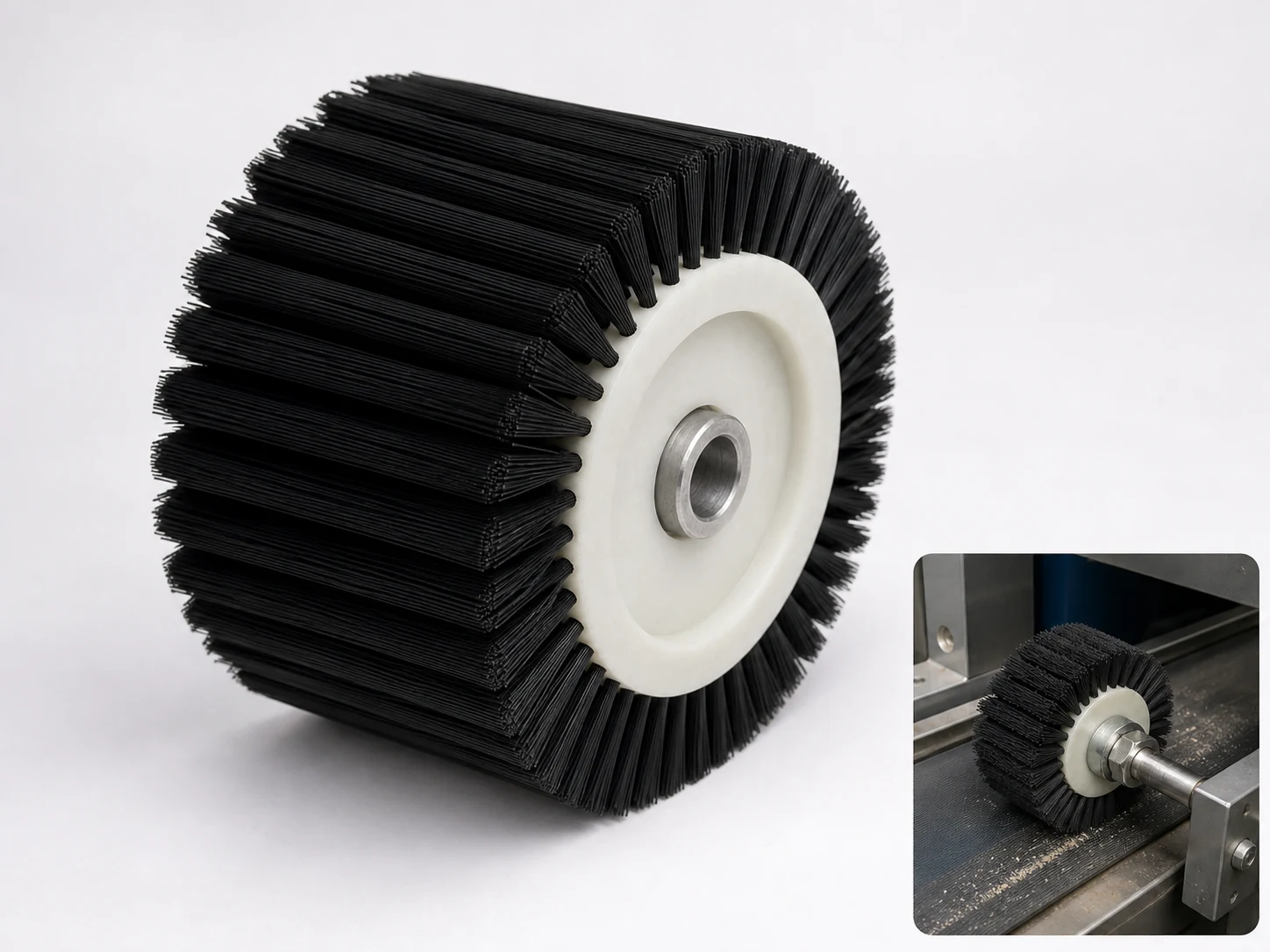
Wheel Brush Printing provides controlled brush contact for wheel printing cleaning and maintenance across wheel printing contact surfaces, adjacent edges, and mounting features. Working width, brush geometry, mounting, and fill are set around the machine path and the way dust, paper fibers, and adhesive must be released or carried away.
Product Features
Compact wheel cleans narrow zones in printing equipment — The brush reaches roller edges, cylinder shoulders, guide gaps, and local contact points.
Polypropylene bristles remove paper dust and loose coating residue — The nonmetallic fill provides flexible contact without steel-wire abrasion.
Thin face fits confined spaces — A narrow wheel can work between adjacent machine components where a full-width roller will not fit.
Hub or shank connection matches the maintenance tool — The interface can be produced for a dedicated shaft or approved handheld drive.
Filament stiffness is matched to the surface — Trim and density can be selected for rollers, guards, and robust machine parts.
Built to the printing unit — Wheel diameter, face width, PP grade, trim, hub or shank, and clearance can be customized.
Product Overview
Wheel Brush Printing is used where repeatable contact is needed across wheel printing contact surfaces, adjacent edges, and mounting features rather than isolated hand cleaning. The active brush face clears dust, paper fibers, and adhesive while the holder, shaft, plate, or hub stays outside the interference path and supports the required working width. The wheel printing working face must reach the complete residue path while the holder remains clear of the part.
Key dimensions start with Brush head diameter 10–200 mm and Brush head length 50–3000 mm. The product follows a roller-brush layout suited to continuous contact across the working width. The specified interface is shaft-mounted / fixed. Polypropylene PP are the principal material directions in the current specification. Please provide the machine, shaft or hub details, and operating speed. Speed is treated as a customer equipment input, not a default brush rating.
Technical Specifications
| Working width | 50–3000 mm |
|---|---|
| Brush diameter or trim height | 10–200 mm |
| Filament diameter | 0.03–0.50 mm |
| Holder or shaft | Aluminum channel, plate, bore, keyed shaft, or bracket |
| Surface resistivity | 10³–10⁹ Ω for conductive or antistatic fill |
| Contact setting | Use 1–5 mm engagement and align the brush with web direction, product pitch, or sealing-jaw travel. |
| ESD resistance | 10³–10⁹ ohms where required |
| Fill materials | Polypropylene PP |
| Cleaning zone | wheel printing cleaning and maintenance |
| Contact surface | wheel printing contact surfaces, adjacent edges, mounting features, and working zones |
| Residue class | dust, paper fibers, adhesive, ink mist |
| Access and motion | the wheel printing working face must reach the complete residue path while the holder remains clear of the part |
| Cleaning duty | wheel printing cleaning, maintenance on wheel printing contact surfaces, adjacent edges, mounting features, working zones |
| Variant configuration | Wheel Brush Printing: wheel construction with Polypropylene PP fill for wheel printing cleaning and maintenance on wheel printing contact surfaces, adjacent edges, mounting features, and working zones. |
Application Areas
Wheel Brush Printing is primarily mapped to Printer & Scanner Cleaning. For a different application, first confirm the surface, where the loosened debris will go, and the finish you need.
- Wheel Brush Printing is best suited to printing, packaging, label, scanner, sealing-jaw, web, carton, and machine cleaning or control.
- The strip, wheel, plate, carbon-fiber, sorting, or coating brush follows paper, film, labels, cartons, rollers, scanners, printer paths, sealing bars, and package guides while the fill displaces dust, paper fibers, adhesive, ink mist, static-attracted particles, and sealing residue.
- Use this configuration when the available access supports timed line contact on films, sheets, cartons, seals, jaws, rollers, or product lanes.
Selection Guidance
Structure fit
Match the roller and conveyor brush geometry to wheel printing contact surfaces, adjacent edges, and mounting features, the available access, and powered operation. Confirm Brush head diameter 10–200 mm and Brush head length 50–3000 mm against the complete working envelope before finalizing the brush.
Contact material
Choose from Polypropylene PP according to the behavior of dust, paper fibers, and adhesive, the surface sensitivity, and any wet, chemical, temperature, or hygiene requirements. Do not choose stiffness from the material name alone. Filament size, free trim, and density control the final contact.
When to use another solution
For Wheel Brush Printing, use another cleaning method when dust, paper fibers, and adhesive cannot be released by controlled filament contact, when wheel printing contact surfaces, adjacent edges, and mounting features cannot tolerate the selected contact material, or when the access path prevents safe engagement and residue removal.
Customization Options
| Brush Head Diameter (mm) | 10–200 [Industry Reference Range; Legacy Source] |
|---|---|
| Brush Head Length (mm) | 50–3000 |
| Handle Length (mm) | Not Applicable (No separate handle in this product configuration) |
| Handle Grip Diameter (mm) | Not Applicable (No explicit grip or handle-diameter dimension in the product specification) |
| Bristle Material | Polypropylene PP |
| Handle Material | 6061 Aluminum Alloy |
| Mounting / Interface | Shaft-Mounted / Fixed |
| Grip Style | Not Applicable (Machine-Mounted Brush) |
| Color | Custom PANTONE Color ([Industry Reference Range]) |
| Logo Process | Laser Engraving / Screen Printing / Pad Printing ([Industry Reference Range]) |
| Surface Treatment | Smooth / Textured / Overmolded / Coated (Depending on Substrate; [Industry Reference Range]) |
Frequently Asked Questions
How should Wheel Brush Printing be selected?
Start with printing, packaging, label, scanner, sealing-jaw, web, carton, and machine cleaning or control, paper, film, labels, cartons, rollers, scanners, printer paths, sealing bars, and package guides, and dust, paper fibers, adhesive, ink mist, static-attracted particles, and sealing residue. Then set Working width, Brush diameter or trim height, and Filament diameter, choose the fill from the material and residue table, and match the mounting interface and operating condition.
Which dimensions define Wheel Brush Printing?
The primary dimensions are Working width (50–3000 mm), Brush diameter or trim height (10–200 mm), and Filament diameter (0.03–0.50 mm). Also provide the minimum clearance, working envelope, trim or engagement, and the existing holder, shaft, stem, thread, or handle.
Which filament or contact material is used for Wheel Brush Printing?
The primary options are Polypropylene PP. The final choice follows surface sensitivity, residue adhesion, wet or dry use, temperature, chemicals, conductivity, and required cutting action.
When is Wheel Brush Printing not the best cleaning method?
Wheel Brush Printing is not the first choice for air, vacuum, ionization, scraper, non-contact sensor cleaning, or roller wiping when filament contact disturbs the web.
What information is required to quote Wheel Brush Printing?
Send the part or machine drawing, photos of paper, film, labels, cartons, rollers, scanners, printer paths, sealing bars, and package guides, Working width, Brush diameter or trim height, Filament diameter, and motion or use method, the residue description, wet or dry conditions, motion or use method, temperature, preferred Polypropylene PP, quantity, and the existing interface or sample.
RELATED BRUSH RESOURCES
Recommended Reading & Related Brush Resources
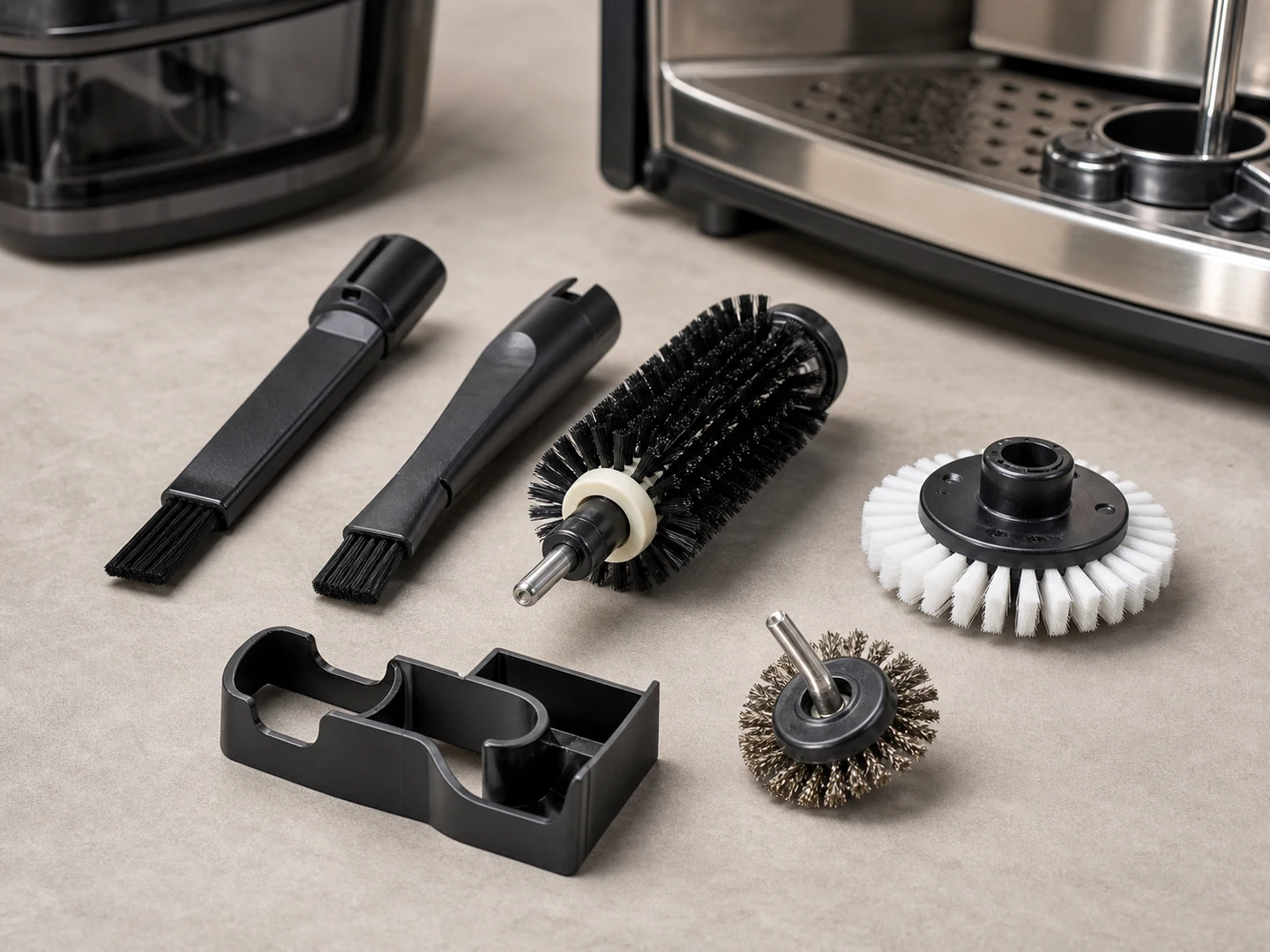
Custom Roller and Conveyor Brushes
Choose a roller or conveyor brush when a cylindrical brush must clean, wipe, guide,…
Explore this brush type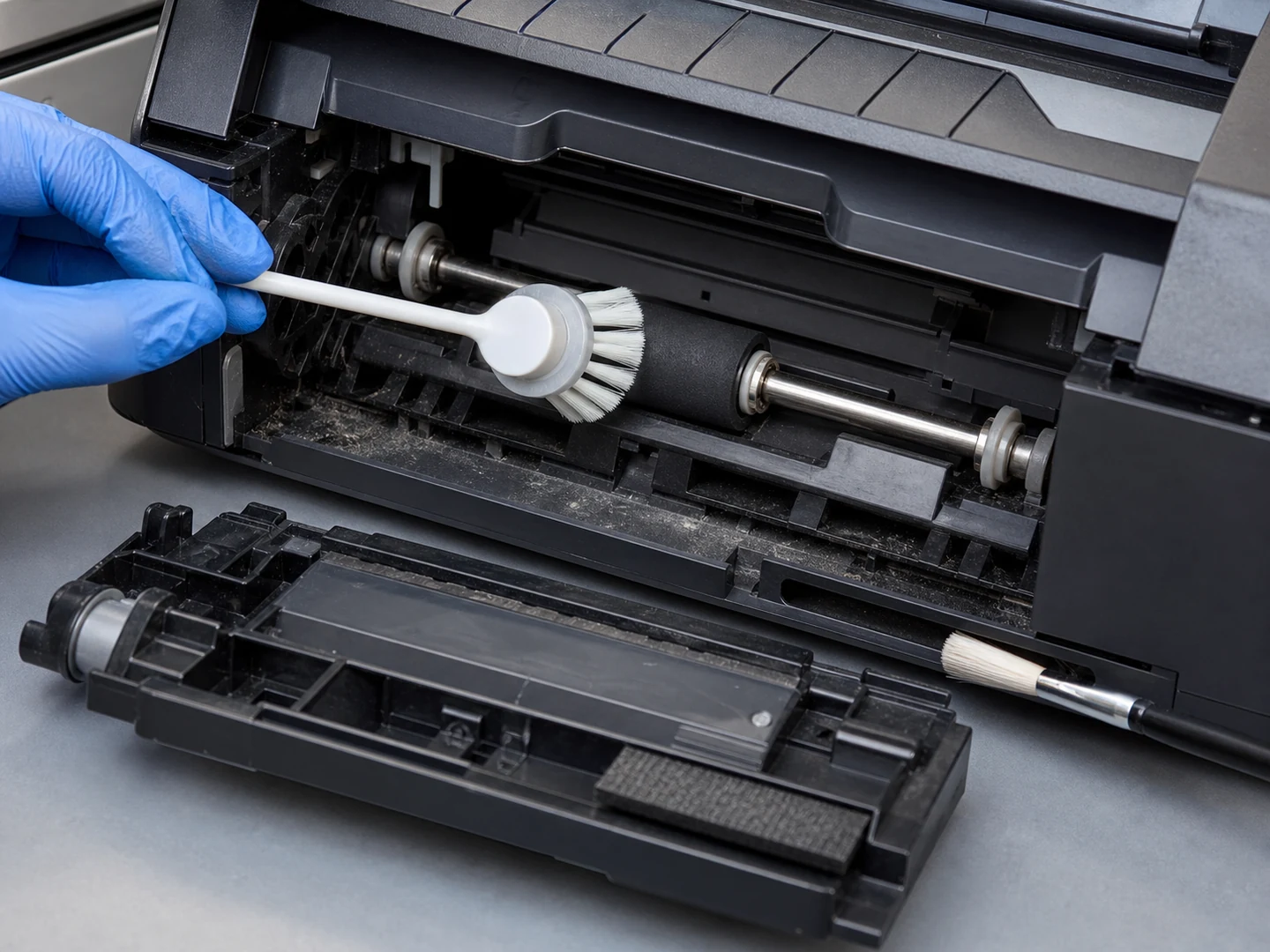
Printer & Scanner Cleaning
For Printer & Scanner Cleaning, the brush must reach the working area, disturb or…
Review application guidance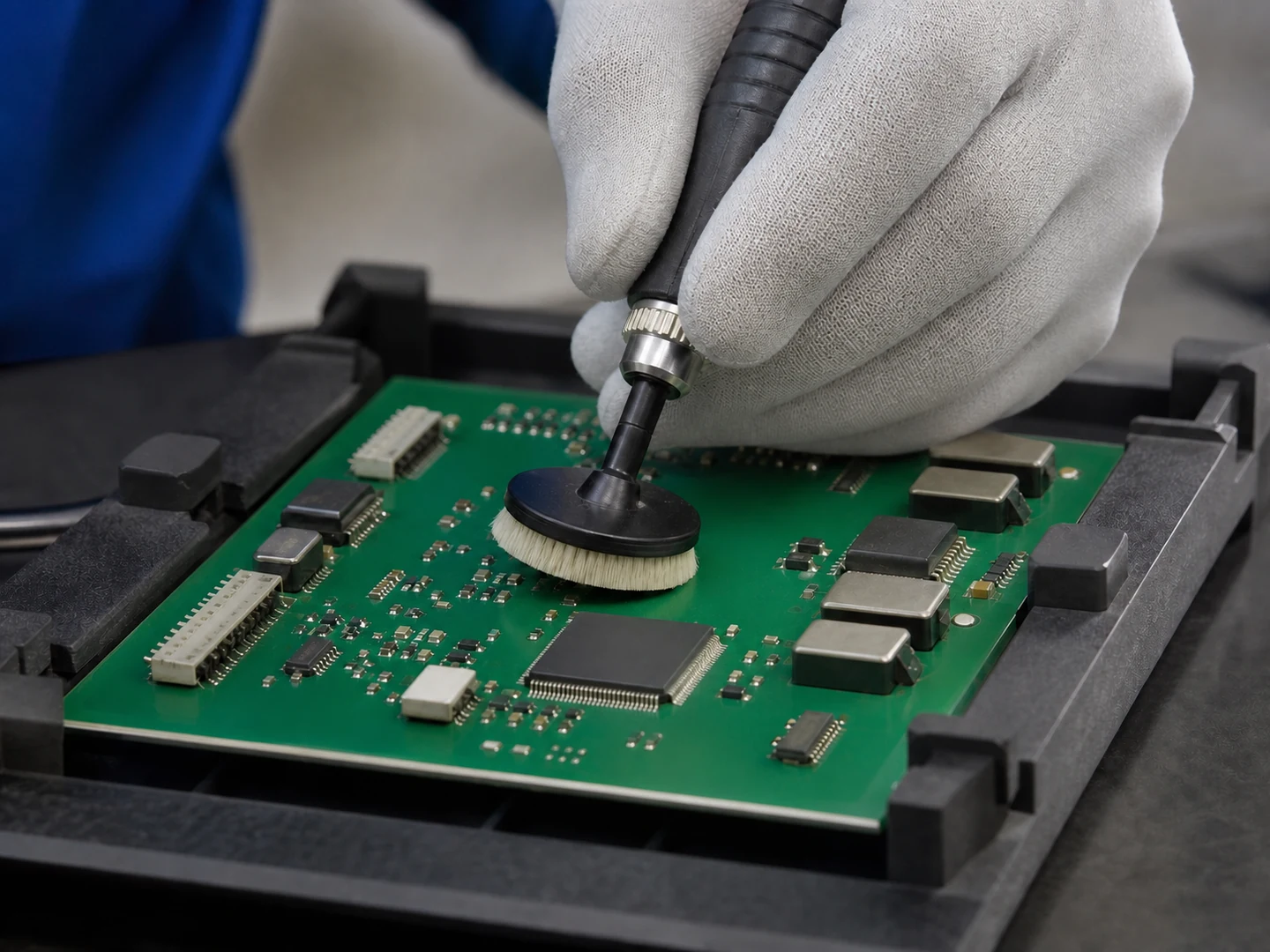
PCB Cleaning
For PCB Cleaning, the brush must reach the working area, disturb or collect flux/weld…
Review application guidance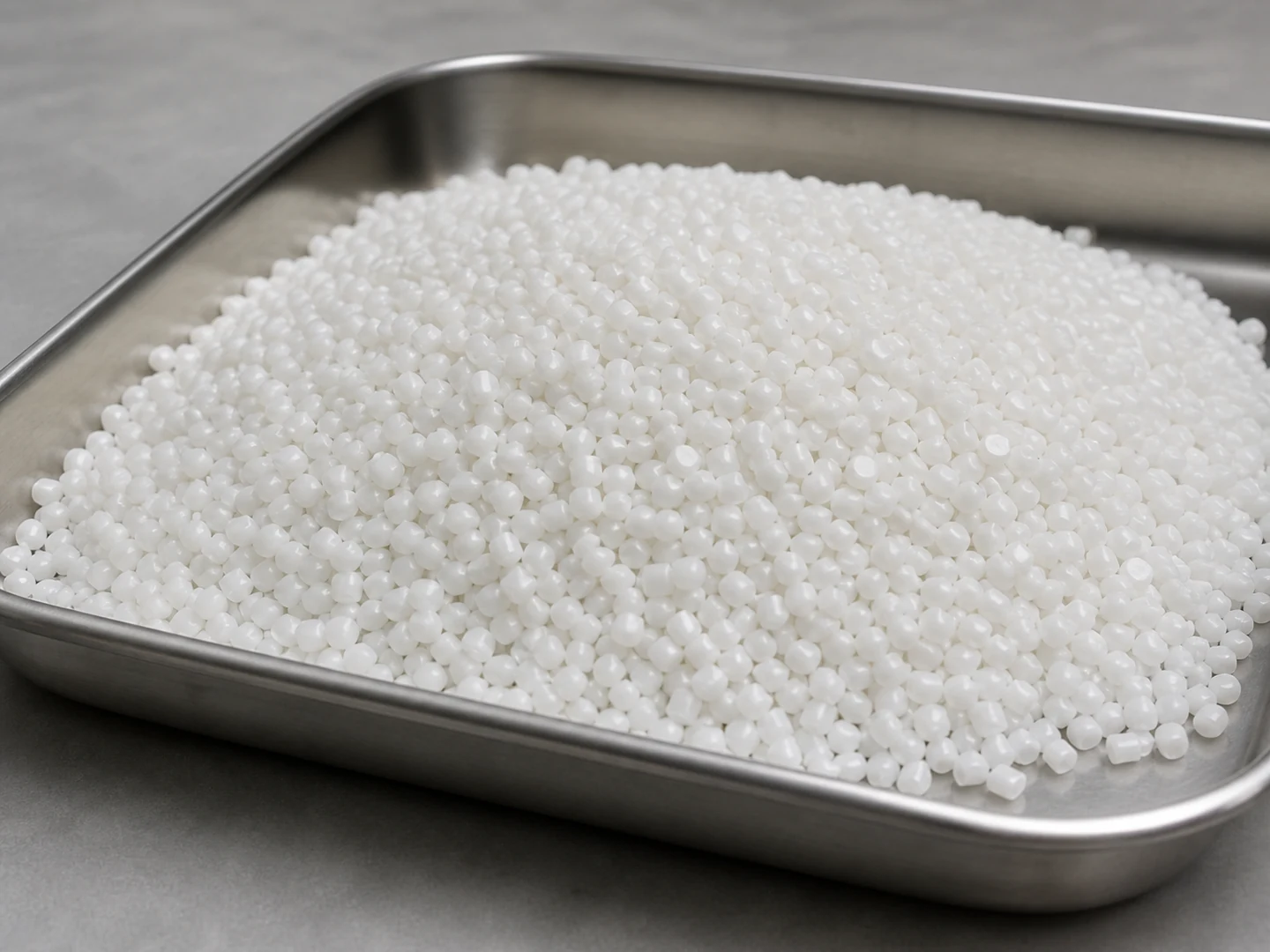
Polypropylene PP
Polypropylene PP is selected from its stiffness, recovery, wear, wet-service, chemical, and temperature behavior.
Compare material considerationsCustom Manufacturing RFQ
Upload the Brush Drawing, Product Photo or Sample Details
An accurate custom quote starts with the dimensions, working surface, residue, material choice, connection, quantity, and reference files.
Custom Brush RFQ
Send Your Brush Project
Upload a drawing, product photo, or sample photo and provide the core dimensions and cleaning conditions.