
Application
Printer & Scanner Cleaning
For Printer & Scanner Cleaning, the brush must reach the working area, disturb or collect toner/paper debris/dust, and release it without creating unacceptable surface damage or process interference. Choose the brush structure from the available access, contact direction, and cleaning process.
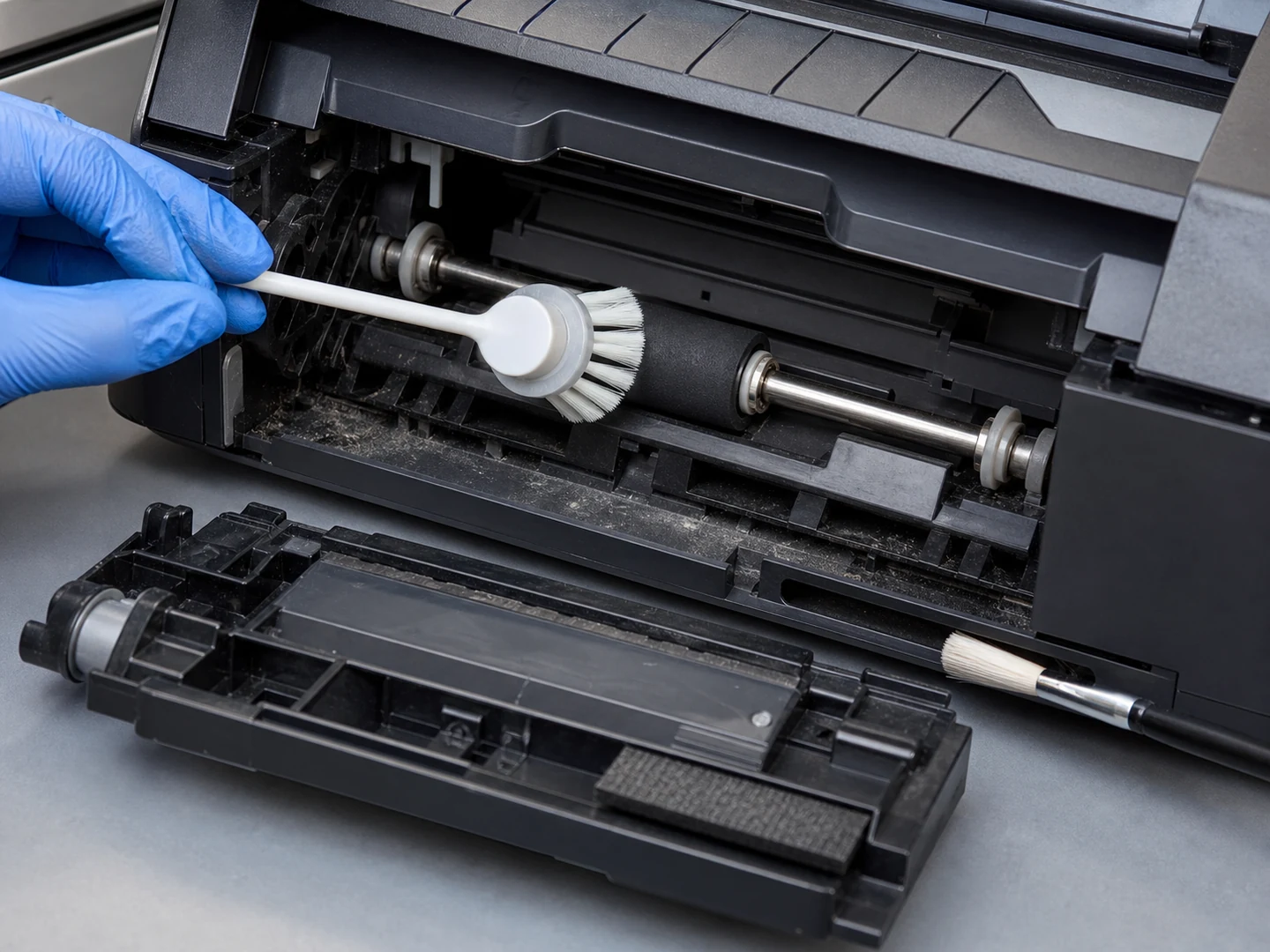
Application Overview
Printer & Scanner Cleaning connects the cleaning problem on connectors, slots, PCB, wafers, print paths, and precision components to brush geometry, material, operating conditions, and mounting.
The selection sequence for Printer & Scanner Cleaning starts with the access path and contact direction, then checks how the residue breaks free and leaves the work zone. The service environment is Dry Indoor Area. The cleaning method is Dry Brushing. Confirm temperature (80°C), chemical exposure (No Added Medium or Isopropyl Alcohol), and documentation or compliance (Equipment-Maintenance SOP; ESD Control) before finalizing the material and construction. The mapped product set includes powered and manual motion; equipment inputs apply only to the branches that actually use a machine.
Common Challenges
Primary project question
What brush geometry works for cleaning accessible printer, scanner and card-reader slots, rollers and housings?
Operating conditions
For Printer & Scanner Cleaning, confirm required contact level (Soft), maximum stated temperature (80°C), chemical exposure (No Added Medium or Isopropyl Alcohol), and documentation or compliance (Equipment-Maintenance SOP; ESD Control).
Failure prevention
For Printer & Scanner Cleaning, verify access, installed engagement, contact direction, and the path for releasing toner/paper debris/dust before increasing filament stiffness, density, or applied force. If the brush cannot contact the full deposit or meet the finish requirement, change the cleaning method.
Selection and Project Inputs
For Printer & Scanner Cleaning, confirm the working area, residue, access opening or clearance, contact motion, acceptable surface condition, and the path for removing loosened material. Use the table below to note the dimensions and operating limits for this project.
| Filament diameter | 0.10–0.50 mm; 0.03–0.20 mm |
|---|---|
| Working width | 5–500 mm; 50–3000 mm |
| ESD resistance | 10³–10⁹ ohms where required |
| Working width / head size | 3–500 mm |
| Contact load | 0.1–2 N/cm² |
Frequently Asked Questions
How is a brush selected for Printer & Scanner Cleaning?
Printer & Scanner Cleaning is specified from the actual connectors, slots, PCB, wafers, print paths, and precision components, the behavior of fine dust, oxide, fibers, toner, slurry, and static-charged particles, the available brush envelope, and low-load conductive, antistatic, PVA, or precision filament contact. Select geometry first, then filament, engagement, motion or use method, and the mounting interface.
Which operating data are needed for Printer & Scanner Cleaning?
Send the drawing or photos of connectors, slots, PCB, wafers, print paths, and precision components, the dimensions in the table, the description of fine dust, oxide, fibers, toner, slurry, and static-charged particles, motion and motion or use method, wet or dry conditions, temperature, chemicals, mounting space, quantity, and current failure symptoms.
Which brush materials are used for Printer & Scanner Cleaning?
Soft nylon/PBT, microfiber or documented antistatic/conductive filament; dry low-lint contact for optical areas.
When is a brush not the best method for Printer & Scanner Cleaning?
Use scraping, flushing, vacuum, air, chemical cleaning, ultrasonic cleaning, or another non-brush method when the deposit thickness, passage geometry, surface sensitivity, or required cleanliness is outside brush contact capability.
Continue Exploring
Recommended Reading & Related Brush Resources
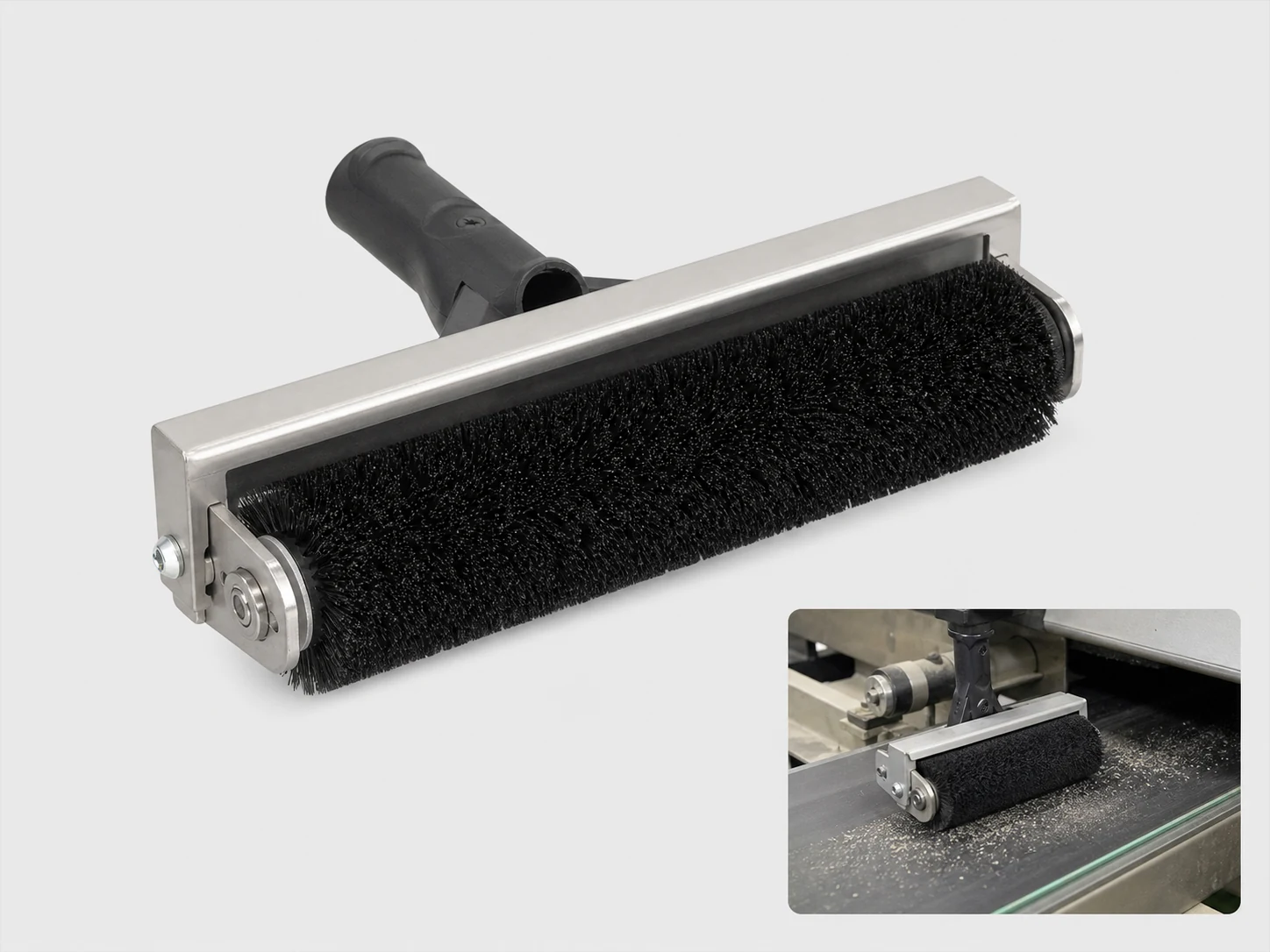
Dust Removal Printing Brush
Custom Dust Removal Printing Brush for dry dust, fiber, and fine-particle removal, with the…
Review product specifications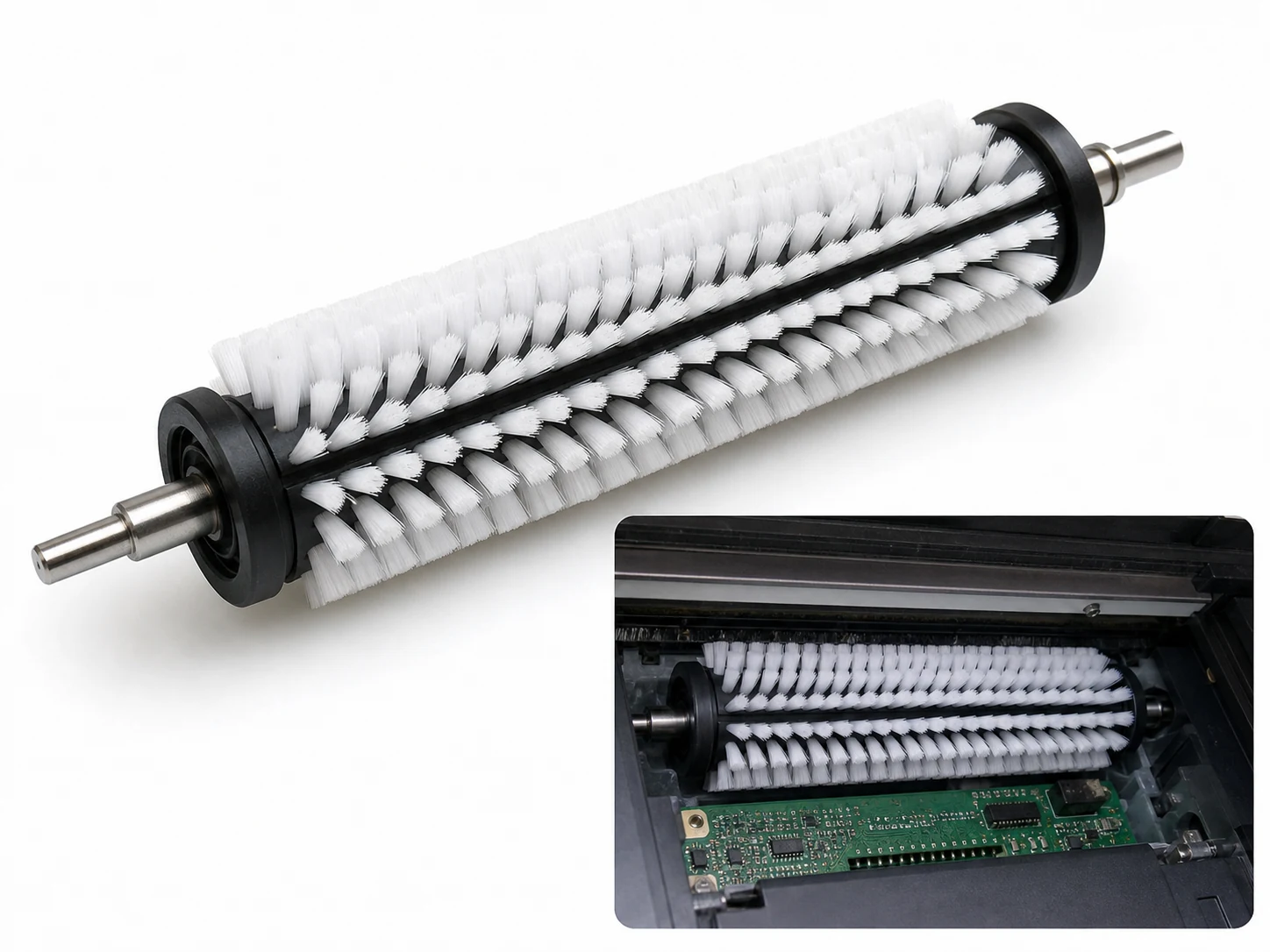
Printer Cleaning Brush
Custom printer cleaning brush for precision electronics, static-control cleaning, configured around contacts, slots, boards,…
Review product specifications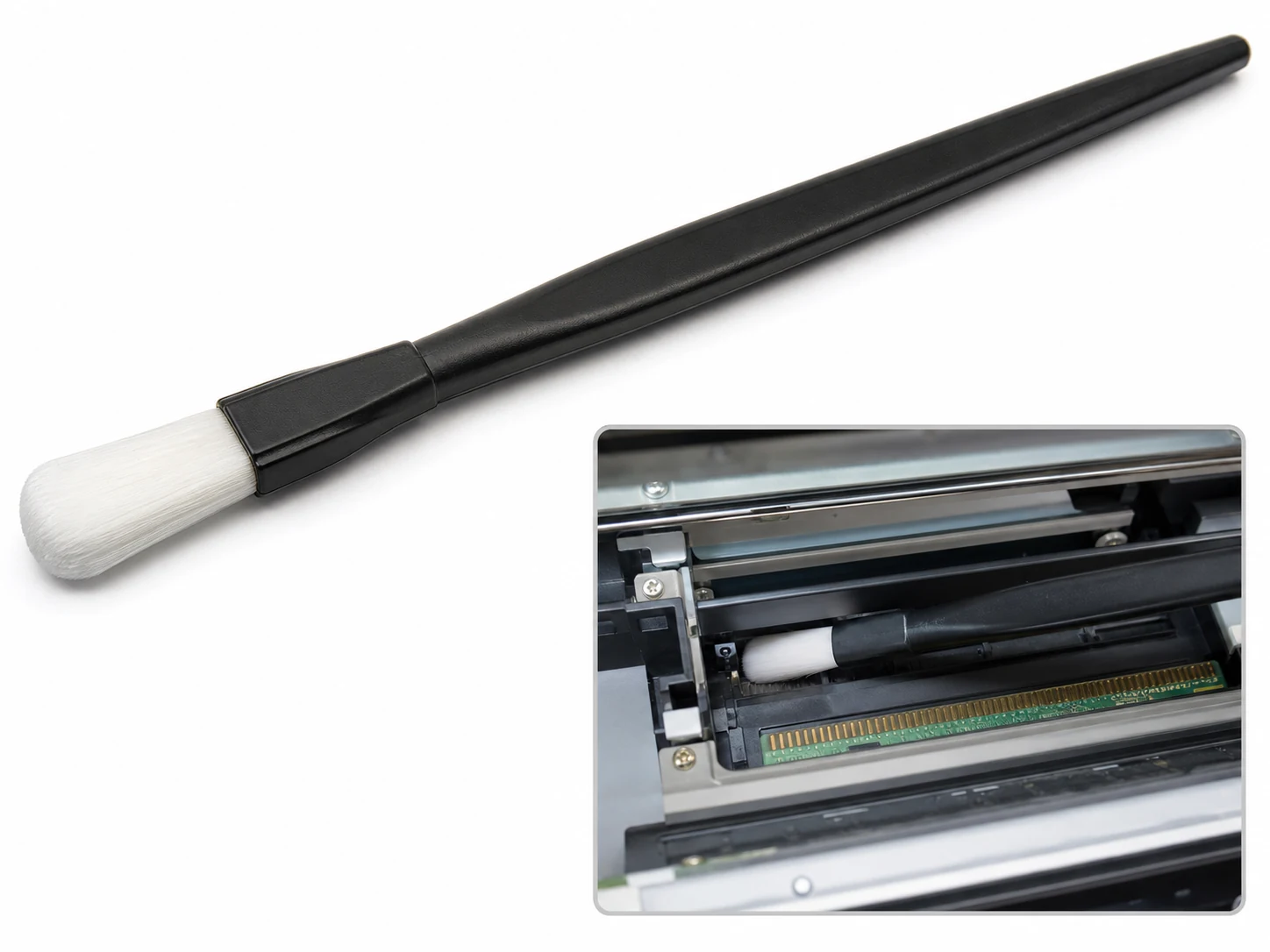
Scanner Cleaning Brush
Custom scanner cleaning brush for precision electronics, static-control cleaning, configured around contacts, slots, boards,…
Review product specifications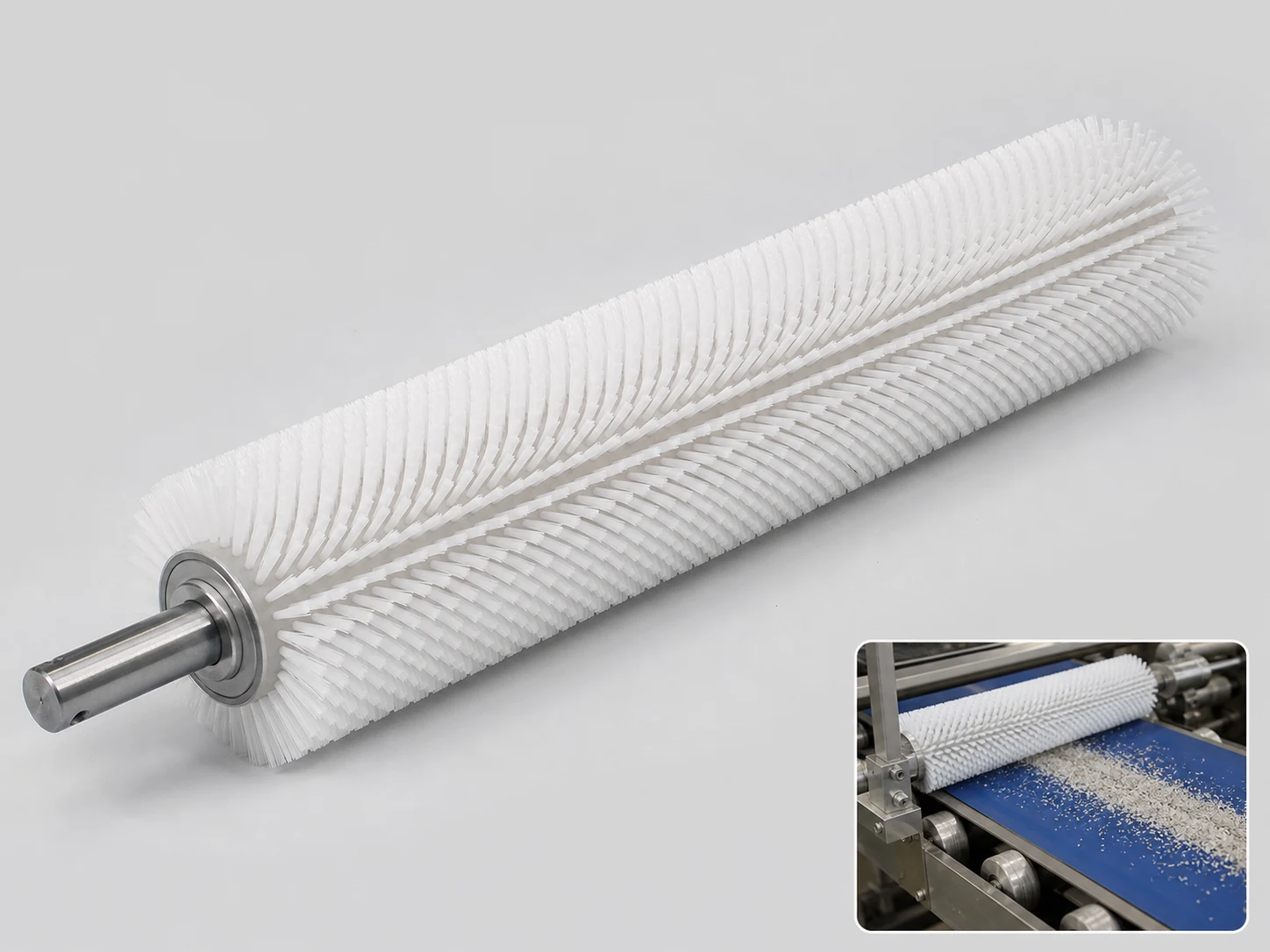
Printing Brush
Custom Printing Brush for printing cleaning and maintenance, with the working head, filament, handle,…
Review product specifications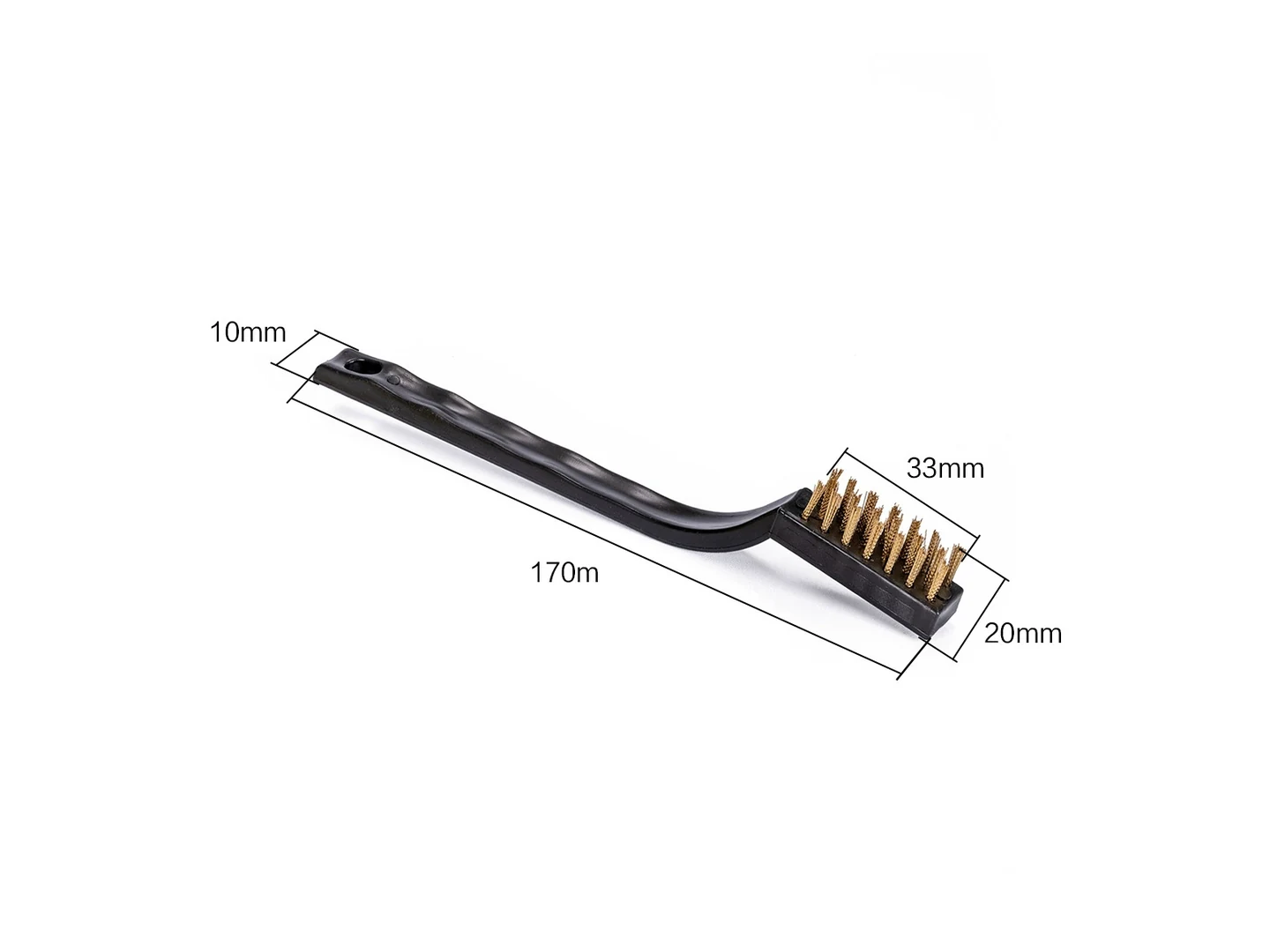
3D Printer Nozzle Brush
Custom 3d printer nozzle brush for bore, tube, port, configured around internal walls, threads,…
Review product specifications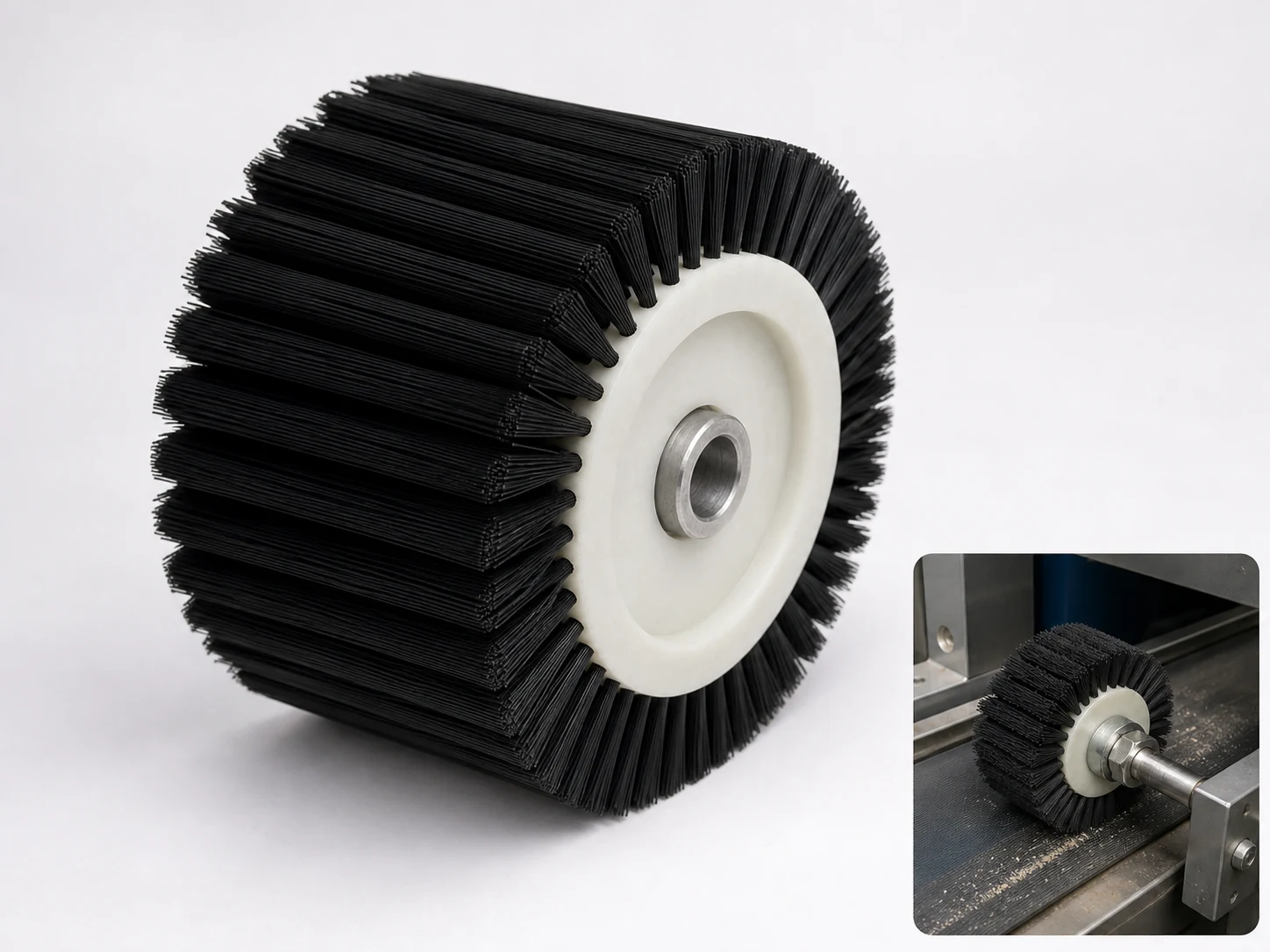
Wheel Brush Printing
Custom wheel brush printing for wheel printing cleaning, maintenance, configured around wheel printing contact…
Review product specifications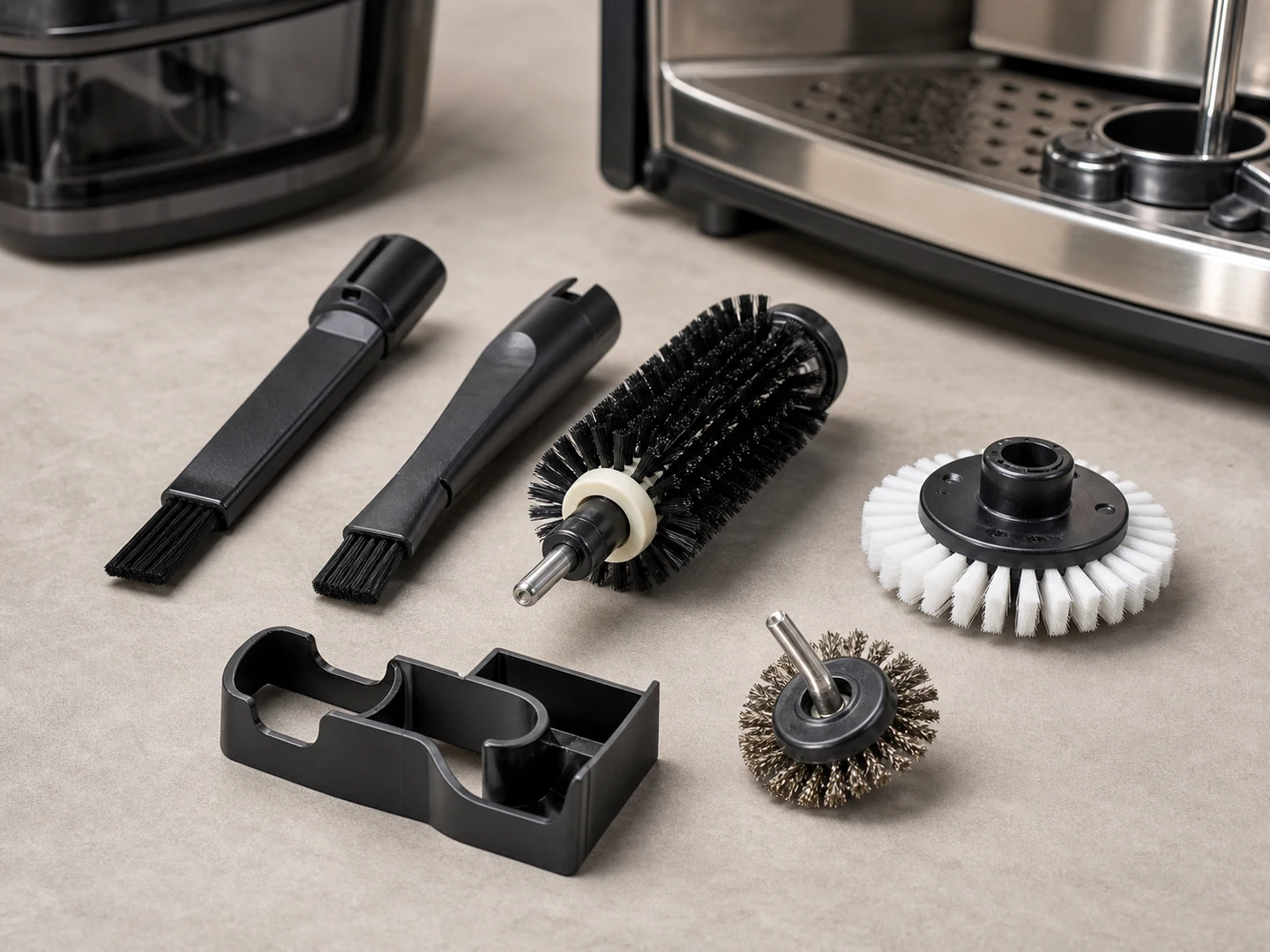
Custom Roller and Conveyor Brushes
Choose a roller or conveyor brush when a cylindrical brush must clean, wipe, guide,…
Explore this brush type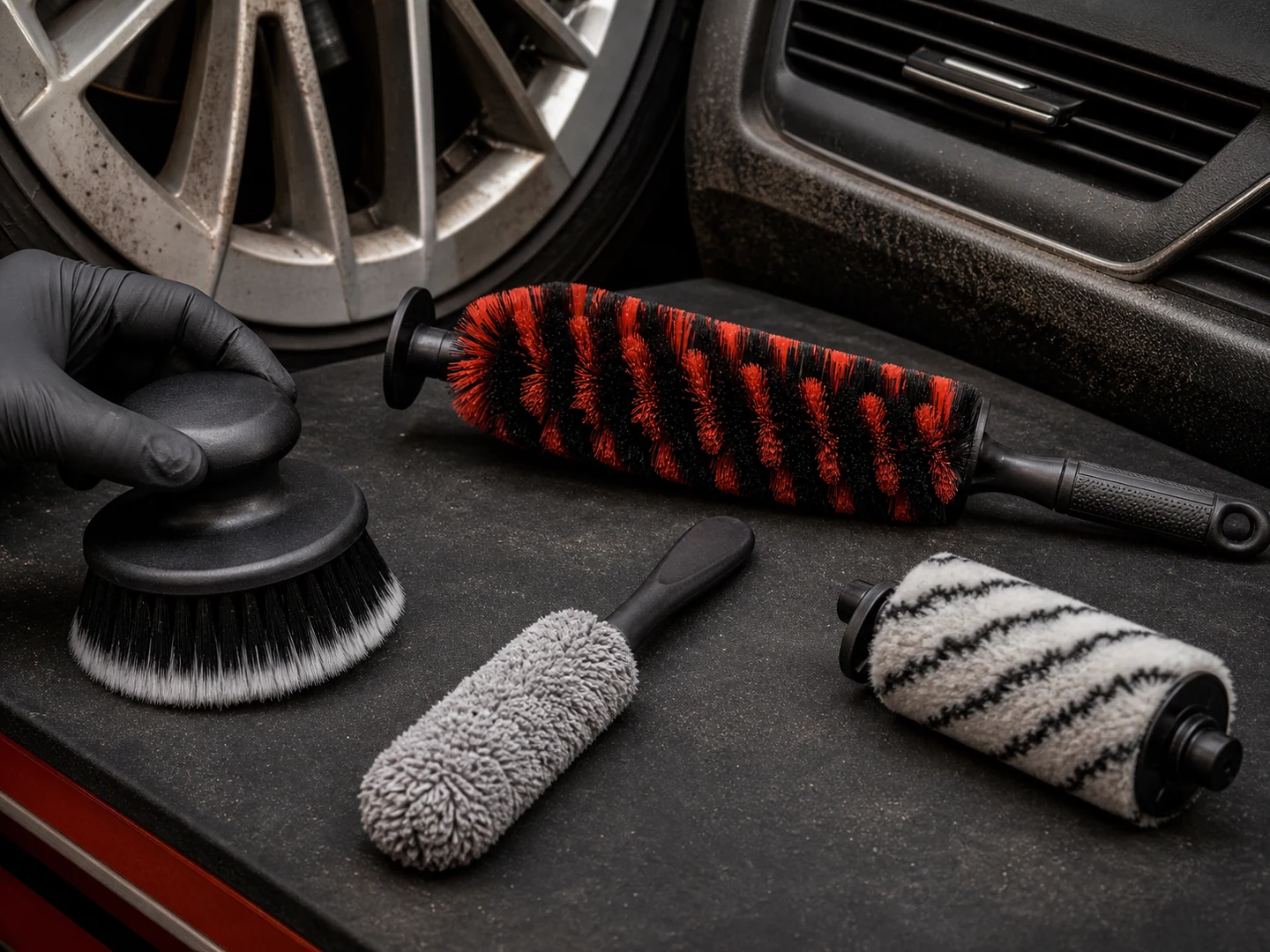
Custom Handheld Detail Brushes
Choose a handheld detail brush when the operator needs direct control in seams, recesses,…
Explore this brush type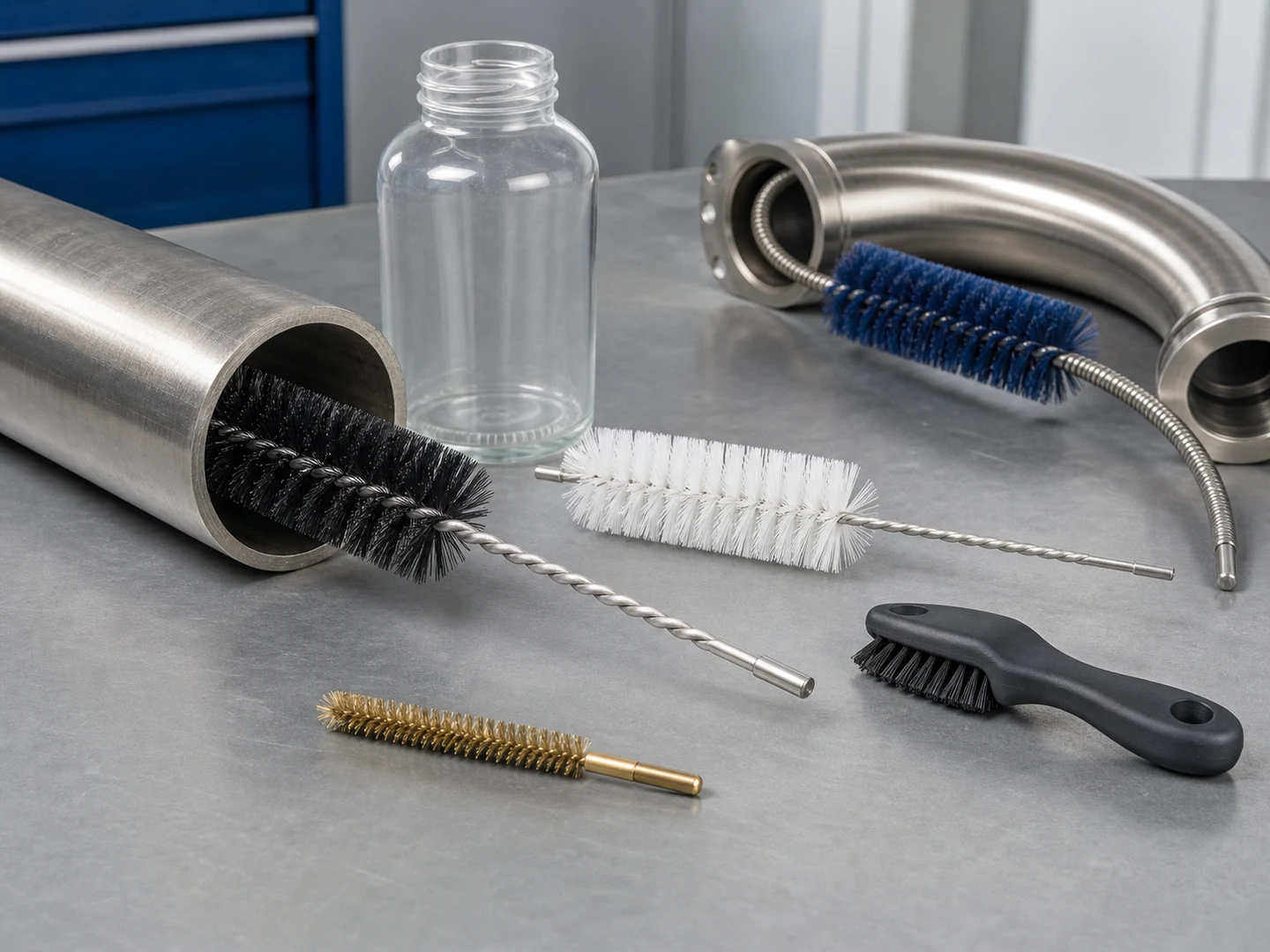
Custom Tube & Pipe Bore Brushes
Choose a tube, pipe, or bore brush when the working surface is inside a…
Explore this brush type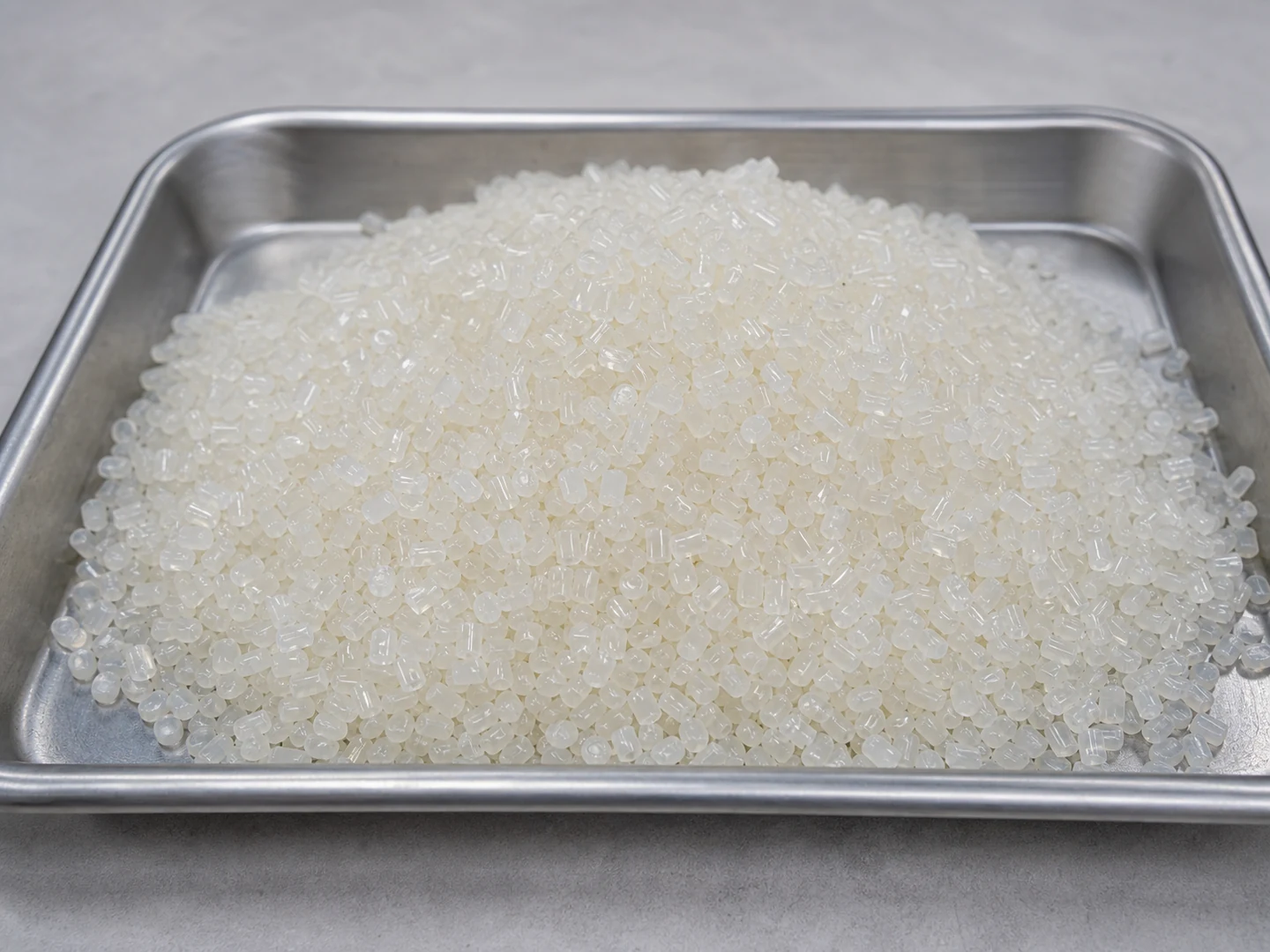
Nylon PA
Nylon PA is selected from its stiffness, recovery, wear, wet-service, chemical, and temperature behavior.
Compare material considerations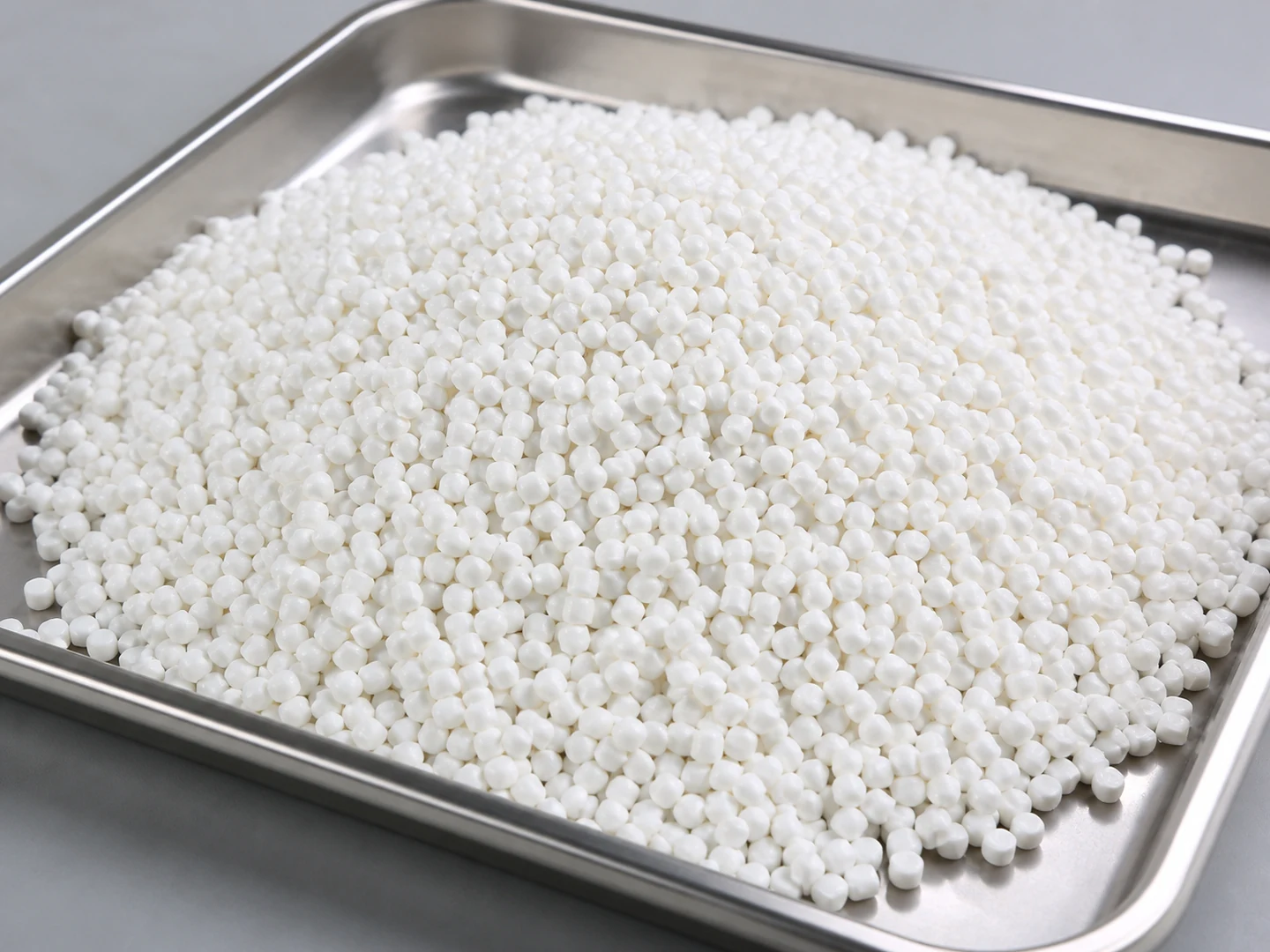
PBT
PBT is selected from its stiffness, recovery, wear, wet-service, chemical, and temperature behavior. Do…
Compare material considerations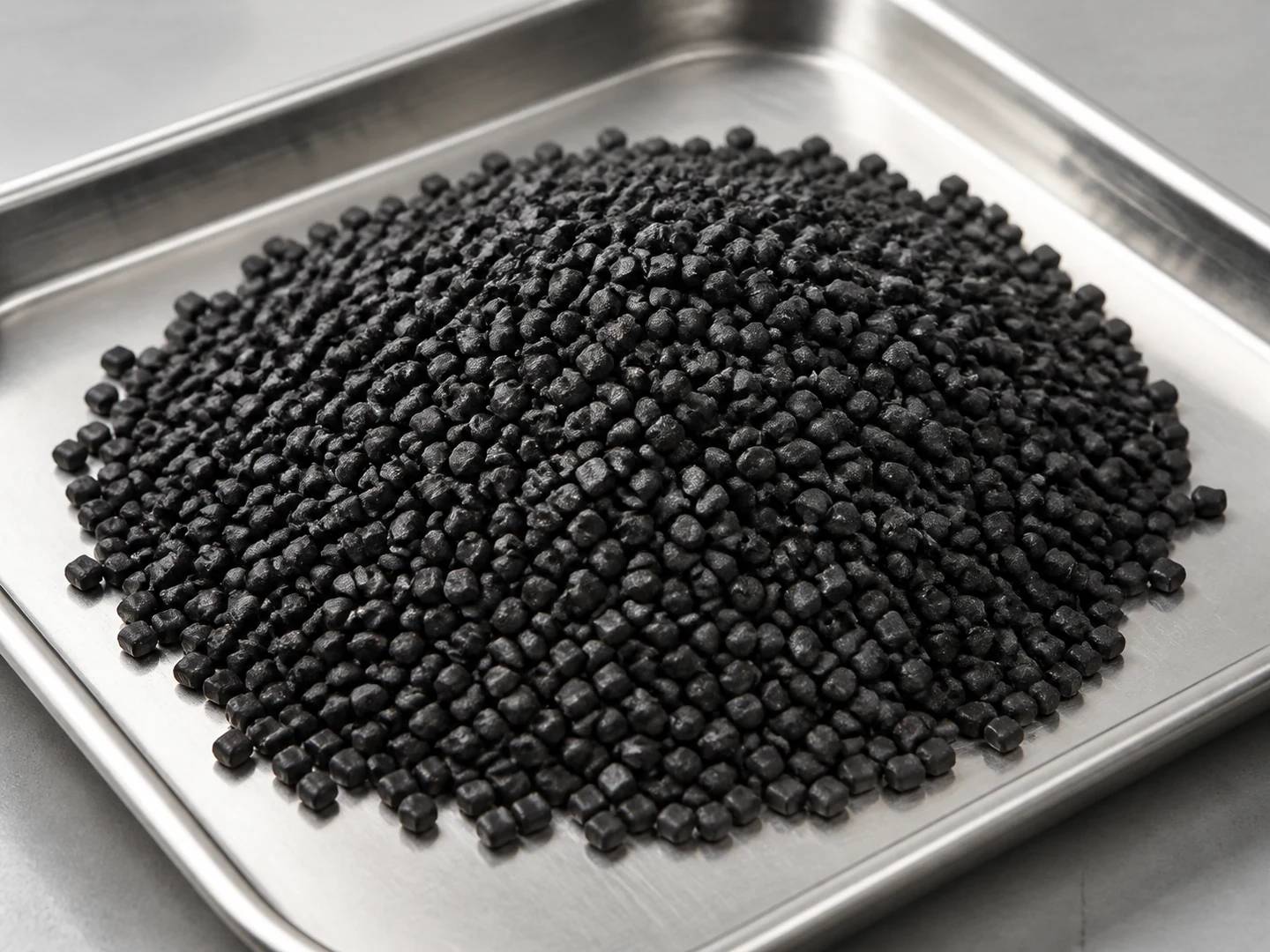
Conductive Nylon
Conductive Nylon is selected from its stiffness, recovery, wear, wet-service, chemical, and temperature behavior.
Compare material considerationsCustom Manufacturing RFQ
Discuss This Application
Share the working surface, residue, dimensions, material direction, interface, quantity and drawing or sample photo.
Custom Brush RFQ
Request a Custom Cleaning Brush Quote
Upload a drawing, product photo, or sample photo and provide the core dimensions and cleaning conditions.