
Custom Cleaning Brush
Printing Brush
Custom printing brush for press cleaning: strip, roller, wheel and hand forms in nylon PA, horsehair, pig bristle or conductive fiber. Widths to 3000 mm.
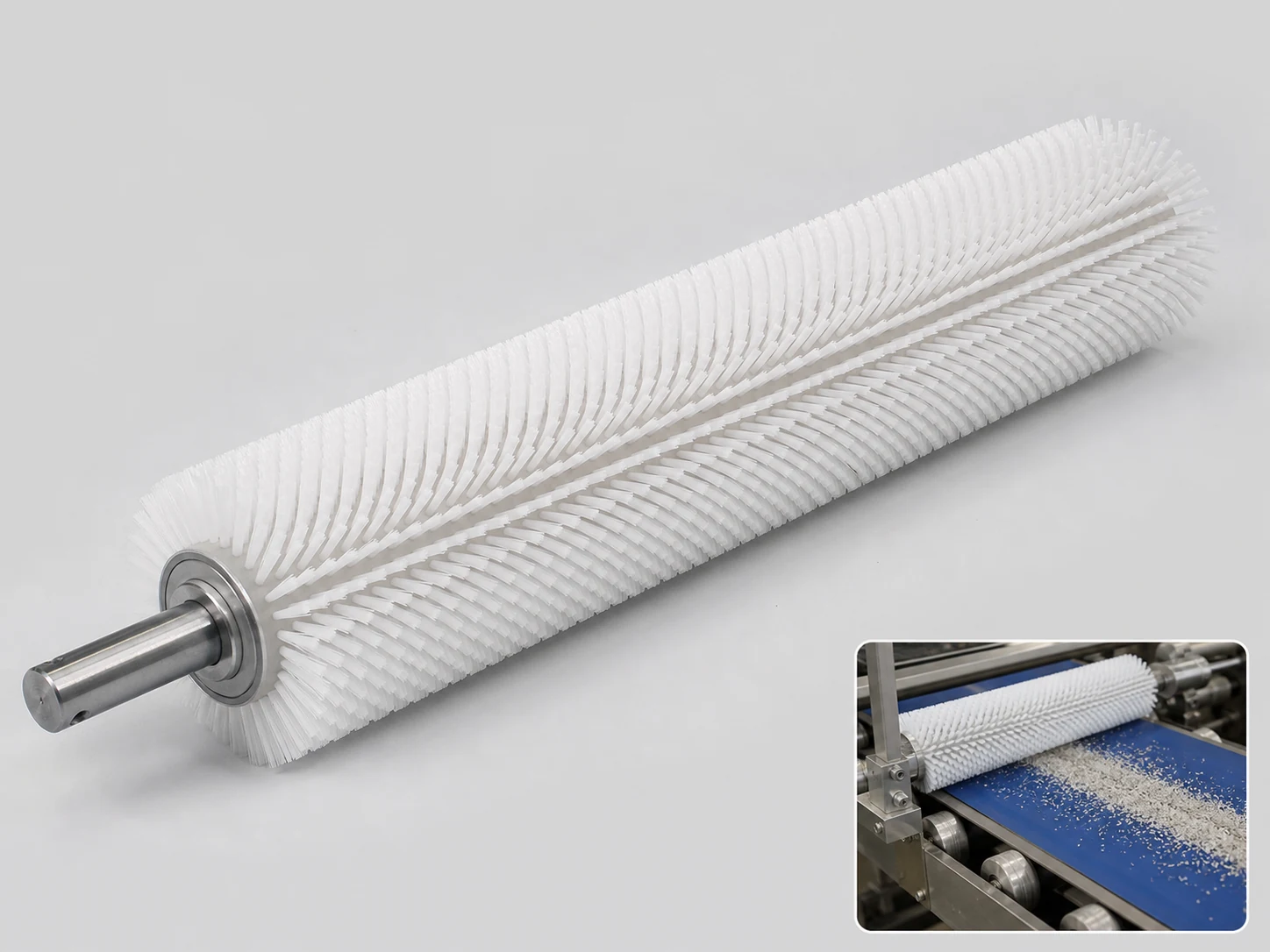
Large-format brush
100 pcs
Minimum order
Built one at a time on a core or channel: full-width rollers, sweeper brooms and long strip.
Production lead time, once the specification is confirmed
- Up to 100 pcsWithin 20 days
- 101–1,000 pcsWithin 30 days
- Over 1,000 pcsConfirmed with your quotation
Peak season can extend these times; the shipping date is confirmed in writing with your quotation. Sampling and shipping are quoted separately.
A configurable printing brush for press cleaning and maintenance, built as a strip, roller, wheel or hand brush to remove paper dust, paper fibers, ink mist, adhesive residue and static-attracted particles from feed rollers, guides, sensor surrounds and accessible print-path details. The fill, trim length and working width are matched to the machine zone so the brush cleans the contact area without loading the surface or leaving filament debris.
What can this brush do for you?
Reaches the zones that cause print faults
Feed roller ends, register guides, sensor slots and transfer surfaces collect dust and ink mist that can cause hickies, misregister and sensor errors. The brush form can be selected for the exact zone: a strip or lath for flat guide faces, a roller or wheel for rotating surfaces, and a compact hand brush for operator-cleaned details. Each form is sized to the workspace, so cleaning covers the full contact path instead of just the visible middle.
Filament stiffness matched to the residue
Nylon PA filament from 0.05 mm to 1.2 mm allows selection from soft, fine contact for sensor surrounds and coated guides to firmer contact for adhesive, ink mist and sealing residue. The right diameter lifts waxed paper dust and anti-set-off powder without scratching polished or anilox-adjacent surfaces; heavier fill works on residue that a lint-free wipe cannot move.
Conductive construction for static-attracted dust
When dust reappears on a cleaned surface within the same shift, the problem is usually static. A conductive fiber fill and grounded metal backing or core can convert the brush into a static-dissipating contact. The fill and grounding path are matched to the machine frame so the brush removes particles and helps stop them from being re-attracted immediately.
Widths and trim lengths that follow the press geometry
Working widths from 100 mm to 3000 mm can be manufactured to match sheet or web width, with trim lengths from 10 mm to 100 mm selected to stay within machine clearance. The brush cleans the full surface without forcing an operator or a mounting rail to work around a stock size.
Rebuilt as a durable maintenance consumable
Instead of a one-off general brush, the printing brush can be reordered as a repeatable replacement item with the same width, fill, trim and mounting dimensions. Filament rows and backing are specified so the replacement fits the same holder or handle, which keeps maintenance routines consistent on multi-press floors.
What is a Printing Brush?
A printing brush is a cleaning and maintenance brush configured for a specific zone of a sheet-fed or web press. It can be a fixed strip or roller mounted near the print path, a wheel brush used to clean rotating surfaces during service, or a hand brush used by the operator on accessible details. The brush contacts the surface where dust, paper fibers, ink mist, adhesive or static-attracted particles accumulate and lifts them before they transfer to plate, blanket, substrate or sensing equipment.
Most configurations use nylon PA monofilament because it holds its set, resists many pressroom solvents and wash-up solutions, and does not shed the way a natural-fiber brush can. Horsehair and pig bristle are optional for wiping or heavier scrubbing where a softer or stiffer natural response is useful, and conductive fiber is added when static dissipation is part of the cleaning duty.
The brush is not a substitute for wash-up chemistry, anti-static bars or press service procedures. It is a controlled-contact tool that removes loose, lightly bonded contamination from accessible surfaces. Cured ink, dried varnish and hardened adhesive usually need solvent treatment or another cleaning method first; the brush is then used to clear the softened residue from the zone.
Because the brush is used on or near moving press parts, mounting, trim clearance and grip need to be defined before ordering. A hand brush should only be used with the press stopped and locked out unless the machine builder has specified otherwise. Fixed strip and roller brushes can be mounted for controlled contact during production when the machine geometry permits it.
Technical Specifications
The values below are standard manufacturing ranges for the printing brush. Final dimensions, fill and mounting are confirmed against the machine zone before production.
| Parameter | Value / Options |
|---|---|
| Brush form | Strip/lath, roller, wheel or hand/detail, selected from the printing-machine zone |
| Working width | 100–3000 mm, custom cut to web/sheet width or holder length |
| Trim length | 10–100 mm, matched to machine clearance and required contact |
| Fill material | Nylon PA, horsehair, pig bristle or conductive fiber, selected by duty |
| Nylon filament diameter | 0.05–1.2 mm; fine for sensors and coated guides, coarse for adhesive and ink residue |
| Backing/core | Aluminum, stainless steel, steel or engineered plastic, selected for machine interface and grounding |
| Static control | Grounded conductive fiber construction available when static removal is required |
| Fill rows | Single, double or multiple rows; density set by residue load and surface sensitivity |
| Mounting/interface | Bolt slots, clamps, shaft bore, threaded handle or plain hand grip, matched to the cleaning position |
| Operating environment | Material grade selected for press solvents, wash-up solutions, oils and normal pressroom temperature |
| Brush type | Custom Wheel Brushes |
| How it is driven | Hand-guided |
| Cleaning target | feed table and register guide, roller end and bearing shoulder, and sensor surround cleaning |
| Surface or part | roller, guides, sensor surrounds, slots, sheets, feed rollers, housings, and webs |
| Residue or debris | fiber, dust, adhesive, ink mist, particles, paper fibers, static-attracted particles, and adhesive residue |
| Mounting / connection | Bolt slots, clamps, shaft bore, threaded handle or plain hand grip, matched to the cleaning position |
Where does this brush work best?
- Feed tables and register guides on sheet-fed offset presses, where paper dust, coating powder and stray fibers accumulate at the sheet edge.
- Roller ends and bearing shoulders, where ink mist and sealing residue build a tacky film that a fixed strip or wheel brush can wipe during scheduled service.
- Sensor surrounds, encoder slots and optical readers, cleaned with fine nylon detail brushes that reach the housing without leaving filament debris or scratching the lens.
- Delivery and transfer sections, where static-attracted particles can be removed with a grounded conductive brush and kept from reattaching to sheet guides.
- Converting and label lines, where adhesive residue, matrix waste and paper fibers collect on idler faces, guides and sensor areas.
- Manual press cleaning kits, where a small hand brush is used for stitching, gripper edges, ink ducts and other accessible details during wash-up.
How do I choose the right one?
Start by defining the cleaning position and the contact surface. A flat stationary guide is usually best served by a strip/lath brush that follows its length; a rotating roller or wheel contact is better with a roller or wheel brush so the fill follows the surface instead of fighting it; an operator-cleaned slot or sensor housing calls for a hand/detail brush.
Then match the filament to the surface and residue:
| Filament | Diameter range | Use for |
|---|---|---|
| Nylon PA, fine | 0.05–0.30 mm | Dust, paper fibers, static particles on sensor surrounds, coated guides, polished surfaces |
| Nylon PA, medium | 0.30–0.80 mm | Ink mist, light adhesive, paper dust on feed tables and roller ends |
| Nylon PA, coarse | 0.80–1.2 mm | Heavier sealing residue, dried ink film after solvent softening, rough cast guides |
| Horsehair | Natural diameter, selected by bundle | Soft wiping of sensitive coated or polished surfaces where a very light touch is preferred |
| Pig bristle | Natural diameter, selected by bundle | Stiffer scrubbing of robust metal guides and non-critical cast surfaces |
| Conductive fiber | Project-selected | Static-dissipating cleaning when dust reattracts after normal brushing |
Measure the full width or length the brush must contact, plus the available clearance around the mounting point. Working width should cover the web/sheet width or the full holder span; trim length should be long enough to reach the surface but short enough not to bind against adjacent machine parts. On a running press, fixed mounted brushes need to be set with the correct interference, not laid flat against the roller.
Specify the pressroom environment before final selection. Nylon PA works well with common wash-up solvents and light oils, but aggressive acids, strong oxidizers or high-heat zones may require a different polymer or a different cleaning method. If static is suspected, choose the grounded conductive construction and confirm that the mounting rail or holder has a verified path to machine ground.
Use a different tool when the contamination is cured ink, baked-on varnish, hardened adhesive or heavy mechanical buildup. Those jobs need solvent softening, chemical cleaning or a stiffer material than a printing maintenance brush should apply. Very delicate optical apertures may be better served by lint-free wipes or vacuum extraction, and manual brushing should never replace lockout/tagout when working around moving press elements.
Can I customize this brush?
Printing brush configurations are driven by the machine zone, not by a fixed catalog size. To define a custom brush, provide the machine model or a photo of the cleaning position, the width or diameter of the surface, available mounting clearance, the type of residue being removed, the surrounding material, any solvent or wash-up chemistry used, and whether the brush needs static dissipation.
We can adjust:
- Brush form — strip/lath, roller, wheel or hand/detail, including curved, angled or segmented profiles for difficult access.
- Working dimensions — width or diameter from 100 mm to 3000 mm, trim length from 10 mm to 100 mm, and overall depth to fit the mount.
- Fill — nylon PA 6 or PA 66, horsehair, pig bristle, conductive fiber or blended fill; filament diameter from 0.05 mm to 1.2 mm.
- Backing and core — aluminum, stainless steel, steel or engineered plastic, with drilled slots, clamps, shaft bores or threaded interfaces.
- Handle — straight, angled, loop, ergonomic or extended-reach hand brush handles in project-suitable materials.
- Identification — custom color, color coding by press unit, laser marking, pad printing or embossed logo.
- Packaging — bulk, individually bagged, pre-assembled kits or press-specific replacement sets.
If the project requires material declarations, inspection documentation or third-party testing, those requirements can be supported as part of the customization scope.
When is a printing brush worn out rather than just dirty?
Can a hand printing brush be used on a running press?
No. Hand brushing near moving rollers, cylinders or sheet transfer components can pull the brush into the nip or cause serious injury. Use a fixed strip or roller brush only where the machine builder has allowed in-run contact and the brush is mechanically secured. For everything else, stop the press, de-energize and lock out the drive before manual cleaning.
How do I check that the brush will not shed fibers into the print path?
Before installing a new brush, run a firm pinch-and-pull test along the fill rows: grip a small bundle and pull straight out. No filaments should release from the backing. Then wipe the brush face once over a clean white sheet; only minimal dust from manufacturing should appear. Nylon PA monofilament is the safest choice for print-critical areas because it does not break into short fibers the way some natural fills can.
How can I tell whether static is causing the dust to come back?
Clean the surface with the current brush, then watch the same area for 30 to 60 minutes. If fine dust reappears in a band or edge pattern without the press running, static attraction is likely. A quick check is to hold the cleaned part near loose paper fibers; if they jump to the surface, switch to a conductive fiber fill with a grounded metal backing and verify the mounting rail has a low-resistance path to machine earth.
How do I avoid damaging an optical sensor when brushing the housing?
Use a fine nylon filament between 0.05 mm and 0.20 mm, keep the stroke parallel to the sensor face, and press only hard enough for the tips to make contact. Do not use wire, coarse nylon or a side-loaded stroke. After cleaning, inspect with a magnifier and recheck the sensor output before returning the press to production.
Will this brush remove cured ink or dried varnish by itself?
No. A printing brush lifts loose and lightly bonded residue; cured ink, dried varnish and hardened adhesive generally need the correct wash-up solvent or chemical treatment to soften the deposit first. The brush is then used to remove the softened material without pushing it into seams or sensor gaps.
When should I replace a printing brush instead of cleaning it?
Replace the brush when filament tips are bent past recovery, fill rows are missing or uneven, the backing shows corrosion or cracks, or the brush no longer contacts the full surface at the specified trim length. For conductive brushes, also replace the unit when the grounding path can no longer be verified or the fiber shows excessive wear that changes contact pressure.
Guides that go deeper on this
Anti-Static Carbon Fiber Printing Brush: When Does It Make Sense?
Read this guideGuideAnti-Static Printing Brush: Which Fibre Dissipates the Charge?
Read this guideGuideCustom Anti-Static Printing Brush: What to Specify
Read this guideGuideHorsehair Wheel Brushes: Where Printing Lines Use Them
Read this guideRELATED BRUSH RESOURCES
Recommended Reading & Related Brush Resources
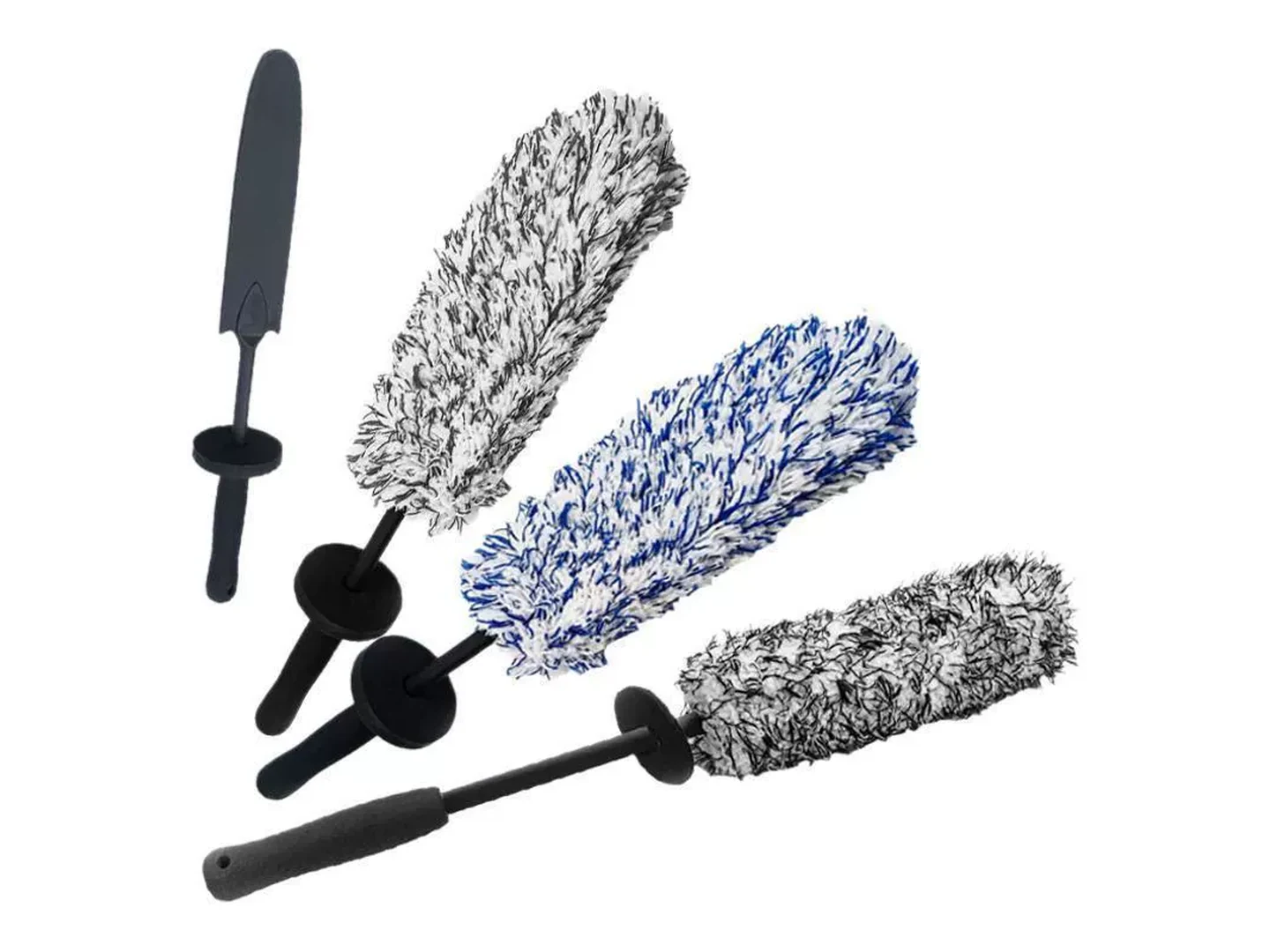
Custom Wheel Brushes
Choose a wheel brush when a rotating narrow face or edge must clean profiles,…
See how this type is built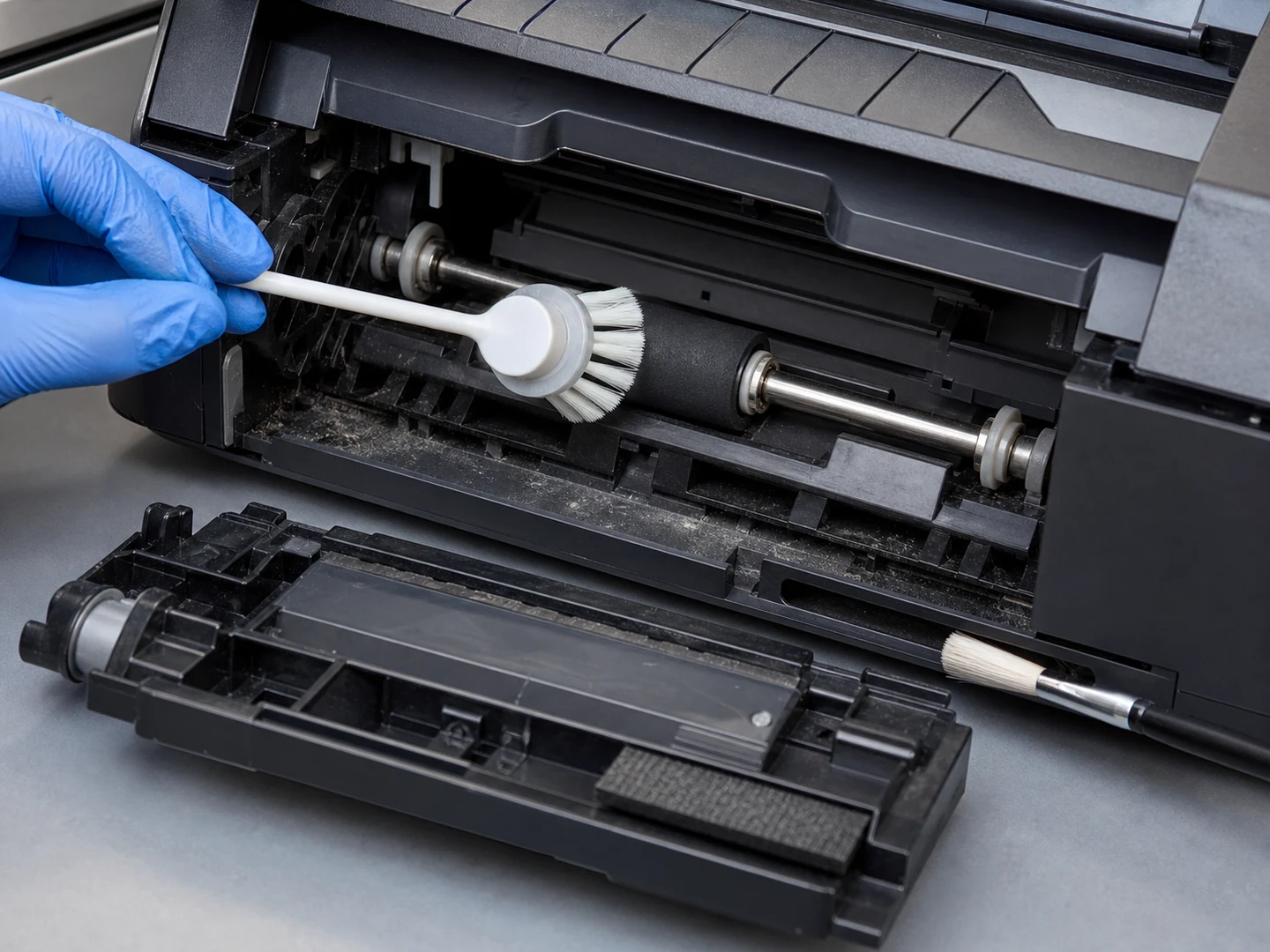
Printer & Scanner Cleaning
For Printer & Scanner Cleaning, the brush must reach the working area, disturb or…
See the cleaning job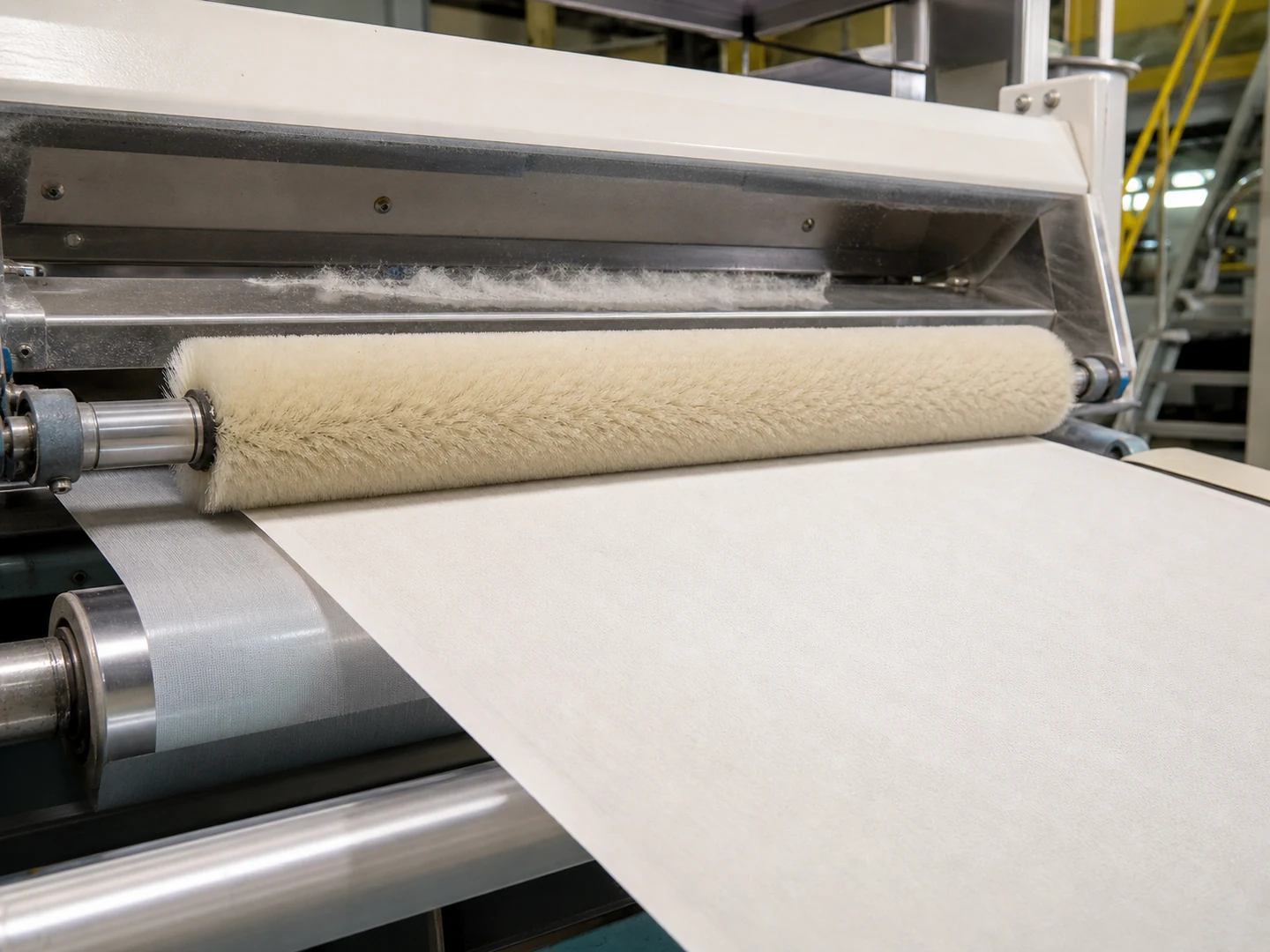
Textile Dyeing, Printing & Finishing Brush Use
Textile Dyeing, Printing & Finishing Brush Use is a process-use page rather than a…
See the cleaning job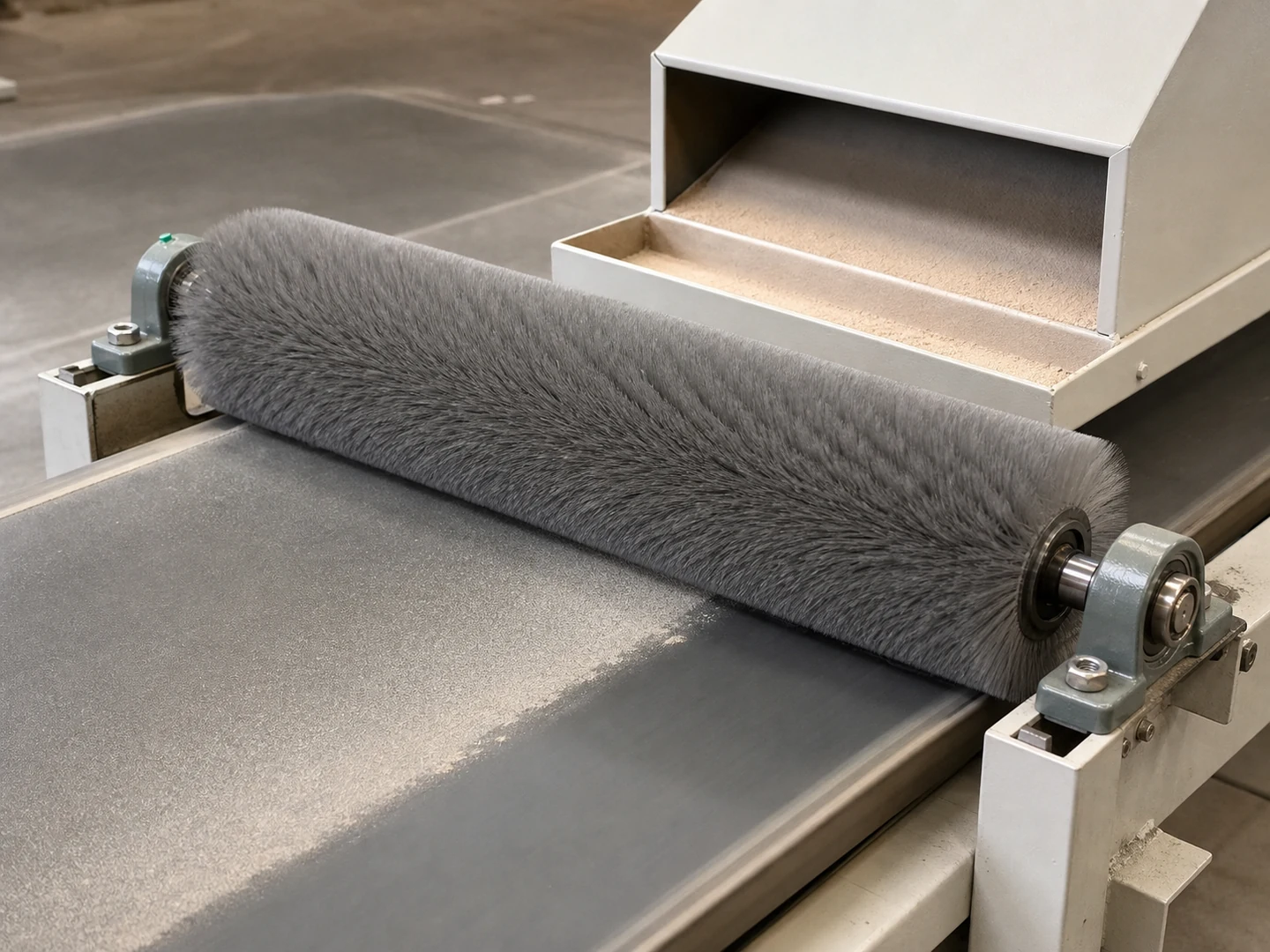
Dust Removal
For Dust Removal, the brush must reach the working area, disturb or collect loose…
See the cleaning jobCustom Manufacturing RFQ
Describe Your Application
Send the key measurements, cleaning requirement, residue, material direction, mounting method, quantity, and drawing or photo.
Drawing or photo optional — it speeds things up, it does not gate the enquiry.
Custom Brush RFQ
Send Your Brush Project
Upload a drawing, product photo, or sample photo and provide the core dimensions and cleaning conditions.
“We need a brush to remove wet residue from a stainless steel conveyor, about 800mm wide. The current brush wears quickly. We can send photos.”
“We sell drinkware and need a cleaning brush to include with the product. Quantity around 5,000 pieces.”