
Application
Printer & Scanner Cleaning
For Printer & Scanner Cleaning, the brush must reach the working area, disturb or collect toner/paper debris/dust, and release it without creating unacceptable surface damage or process interference. Choose the brush structure from the available access, contact direction, and cleaning process.
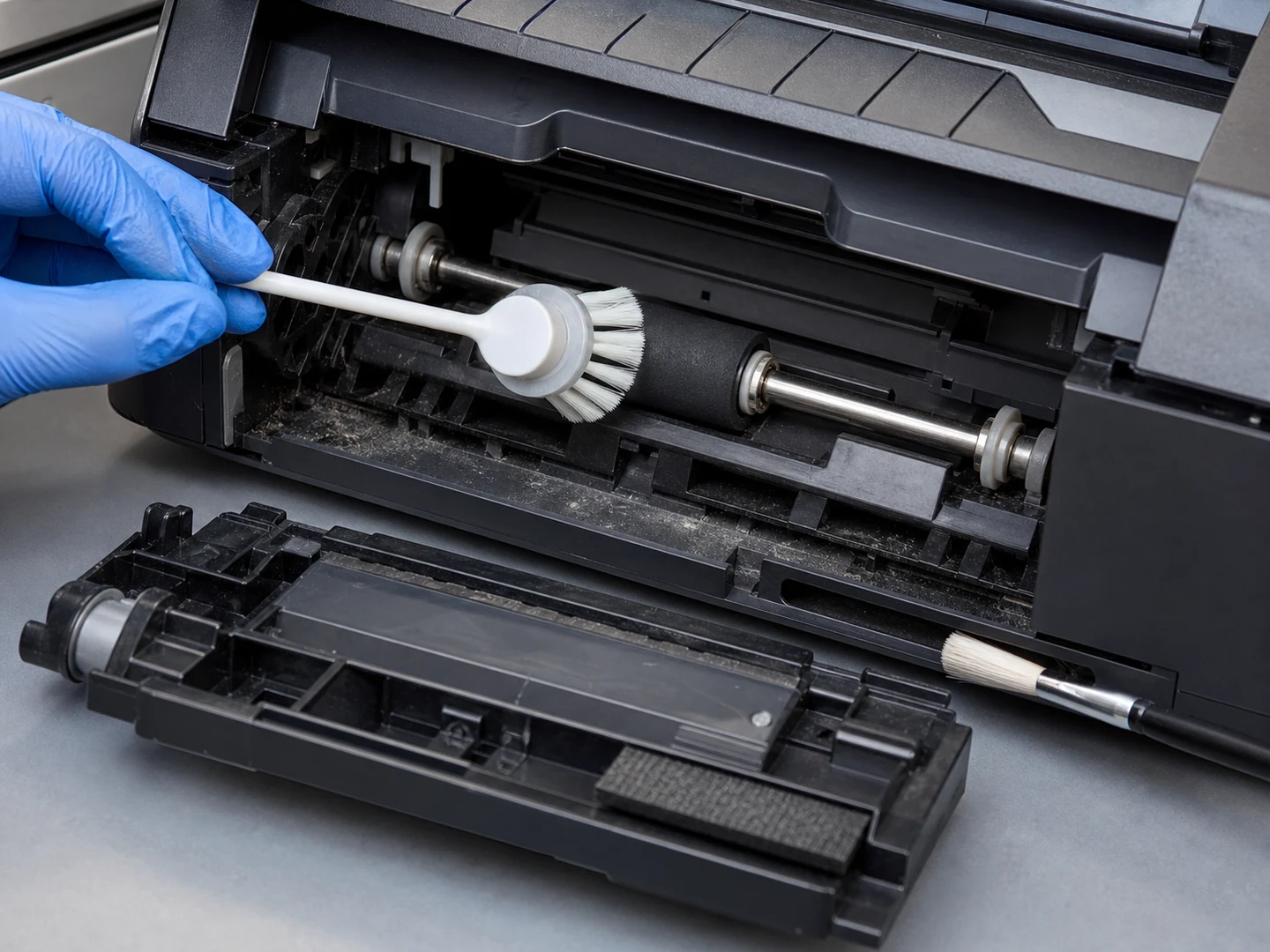
At a glance
- Cleaning target
- Toner/Paper Debris/Dust
- Working environment
- Dry Indoor Area
- Cleaning method
- Dry Brushing
- Requirements to check
- Equipment-Maintenance SOP; ESD Control
Printer service is mostly about not adding contamination: toner and paper dust are removed with tools that will not shed fibres onto the very sensors, platens and rollers being cleaned.
What makes Printer & Scanner Cleaning different from other electronics and precision cleaning?
The main difficulty is removing fine dust, oxide, fibers, toner, slurry, and static-charged particles from connectors, slots, PCB, wafers, print paths, and precision components without damaging the surface, loading the brush, or carrying contamination back into the process.
The work happens in dry indoor area against toner, paper debris and dust.
The part people get wrong: the residue tells you the filament, but the access opening tells you the construction. Get them in that order and the shortlist is short.
What are the most common cleaning targets in Printer & Scanner Cleaning?
5 targets, each with its own opening, residue and contact requirement.
| Part or area | Residue type | Cleaning requirement |
|---|---|---|
| Printhead and Nozzle | Toner, Paper Debris, Dust | The head must be narrower than the opening and stiff enough to lift residue without splaying at the mouth. |
| Paper-Path and Feed-Roller | The brush must span the working width and hold even contact along the whole face while the surface moves under it. | |
| Toner and Dust Removal | Dust, powder and compacted fines | The head must reach the working face and apply even contact without marking the surface. |
| Scanner Glass and Sensor | Paper dust, fibers, fingerprints, static-held particles | The face must stay flat against the surface so the whole working width contacts, with filament soft enough not to mark it. |
| Label-Printer Platen | Toner, Paper Debris, Dust | The head must reach the working face and apply even contact without marking the surface. |
What the equipment leaves you to work inside:
| Parameter | Typical range |
|---|---|
| Filament diameter | 0.10–0.50 mm; 0.03–0.20 mm |
| Working width | 5–500 mm; 50–3000 mm |
| ESD resistance | 10³–10⁹ ohms where required |
| Working width / head size | 3–500 mm |
| Contact load | 0.1–2 N/cm² |
Which brush types work for each cleaning target?
Thin slot brush, small roller cleaner, swab-like detail brush or model-specific service tool.
| Cleaning target | Recommended brush type | Why it fits |
|---|---|---|
| Printhead and Nozzle | Handheld Detail Brushes | A printhead face is a precision plate carrying micro-nozzles, so a fine head lifts dried ink off that face and never enters a nozzle. |
| Paper-Path and Feed-Roller | Roller and Conveyor Brushes | Feed rollers lose grip once they glaze with paper dust, so a brush in contact with the roller keeps its surface clean as it turns. |
| Toner and Dust Removal | Handheld Detail Brushes | Toner is fine and readily airborne, so a hand-guided head moves it toward the vacuum instead of lifting it into the machine’s own airflow. |
| Scanner Glass and Sensor | The scan glass is a flat strip where one particle prints as a line on every page, so a flat head clears its full width in a single stroke. | |
| Label-Printer Platen | The platen roller picks up adhesive from the liner, so a hand-guided head takes that tack off before it starts pulling labels off-track. |
How the brush is usually carried on the machine:
- Driven brush — use when fine dust, oxide, fibers, toner, slurry, and static-charged particles needs repeatable scrubbing or controlled relative movement
- Passive or free-running brush — use for loose contamination and lower process complexity on connectors, slots, PCB, wafers, print paths, and precision components
- Localized hand, strip, or tube brush — use where only an edge, gap, port, or maintenance point needs contact
In practical brush terms: match the construction to the access before anything else. A geometry that cannot reach the target will not be rescued by a better filament.
What filament materials work best for Printer & Scanner Cleaning?
Soft nylon/PBT, microfiber or documented antistatic/conductive filament; dry low-lint contact for optical areas.
| If the condition is… | Filament to start with | Why |
|---|---|---|
| Sensitive or coated surface | Nylon PA | balanced flex life and abrasion resistance |
| Wet, washdown, or detergent service | Conductive Nylon | grounded conductive contact |
| Bonded residue or aggressive cleaning | PBT | stable wet stiffness and low moisture uptake |
What the duty rules out before you start comparing grades:
| Constraint | Value for this application |
|---|---|
| Filament hardness | Soft |
| Maximum service temperature | 80°C |
| Chemical exposure | No Added Medium or Isopropyl Alcohol |
| Cleaning method | Dry Brushing |
How do I choose the right brush for my printer & scanner equipment?
Pick by section — printhead area, paper path, toner or scanner — because each has its own access dimension and its own contamination rule.
Work through it in this order:
- Identify the target part and measure the access opening or clearance
- Describe the residue: what it is, how thick it sits, and how strongly it holds
- Choose the construction that can physically reach that target
- Set the filament from surface risk, working temperature and cleaning chemistry
- Fix filament diameter, free trim length and density for the contact pressure you need
- Run one cycle and check the result before committing to a production quantity
Before you commit to a quantity, say which section the brush serves — printhead, paper path, toner or scanner — and send its access dimensions.
When is a printer & scanner brush the wrong tool?
Run the printer’s own head-cleaning cycle for the nozzles, because brushing a nozzle plate damages it. Toner spill needs a vacuum built for toner — ordinary suction and any brush both put fine particles back into the air.
What common mistakes should I avoid in Printer & Scanner Cleaning?
- Asking for a printer brush without saying whether it goes near the printhead, the paper path or the toner section
- Changing brush material while leaving excessive engagement, poor alignment, or no discharge path unchanged
- Copying a worn brush without recording motion, direction, mounting, and the original working diameter
If the brush is already in service and the result is wrong, work from the symptom:
| Symptom | What to change |
|---|---|
| Residue remains | Increase relative motion or discharge, then change filament diameter or density; do not add pressure before checking loading by fine dust, oxide, fibers, toner, slurry, and static-charged particles. |
| Surface marks or scratches | Reduce engagement, use finer or softer fill, and remove trapped abrasive particles from contact with connectors, slots, PCB, wafers, print paths, and precision components. |
| Rapid wear or uneven cleaning | Check alignment, runout, support, motion, temperature, chemical attack, and whether the brush covers the complete working path. |
| Brush loads or redeposits residue | Open the fill pattern or add wash, vacuum, air, scraping, or a collection path so removed fine dust, oxide, fibers, toner, slurry, and static-charged particles leaves the contact zone. |
Questions this page is asked
Which conditions should be met before cleaning inside print or scan equipment?
Follow the model procedure to stop work, disconnect power where instructed, cool hot sections and remove or protect paper, cartridges and other consumables before reaching an accessible path. Do not rotate driven parts, expose light-sensitive components or enter a service-only area unless the manual provides that maintenance step.
What should be checked before cleaned print or scan equipment returns to service?
Confirm that no fibres, toner clumps, paper fragments or liquid remain, that rollers and pads are dry, and that covers, cartridges and cleaning counters are restored as the manual requires. Run the equipment's approved cleaning or test sheet and a representative scan or feed check, then stop for streaking, misfeed, unusual noise or loose debris.
Continue Exploring
Recommended Reading & Related Brush Resources
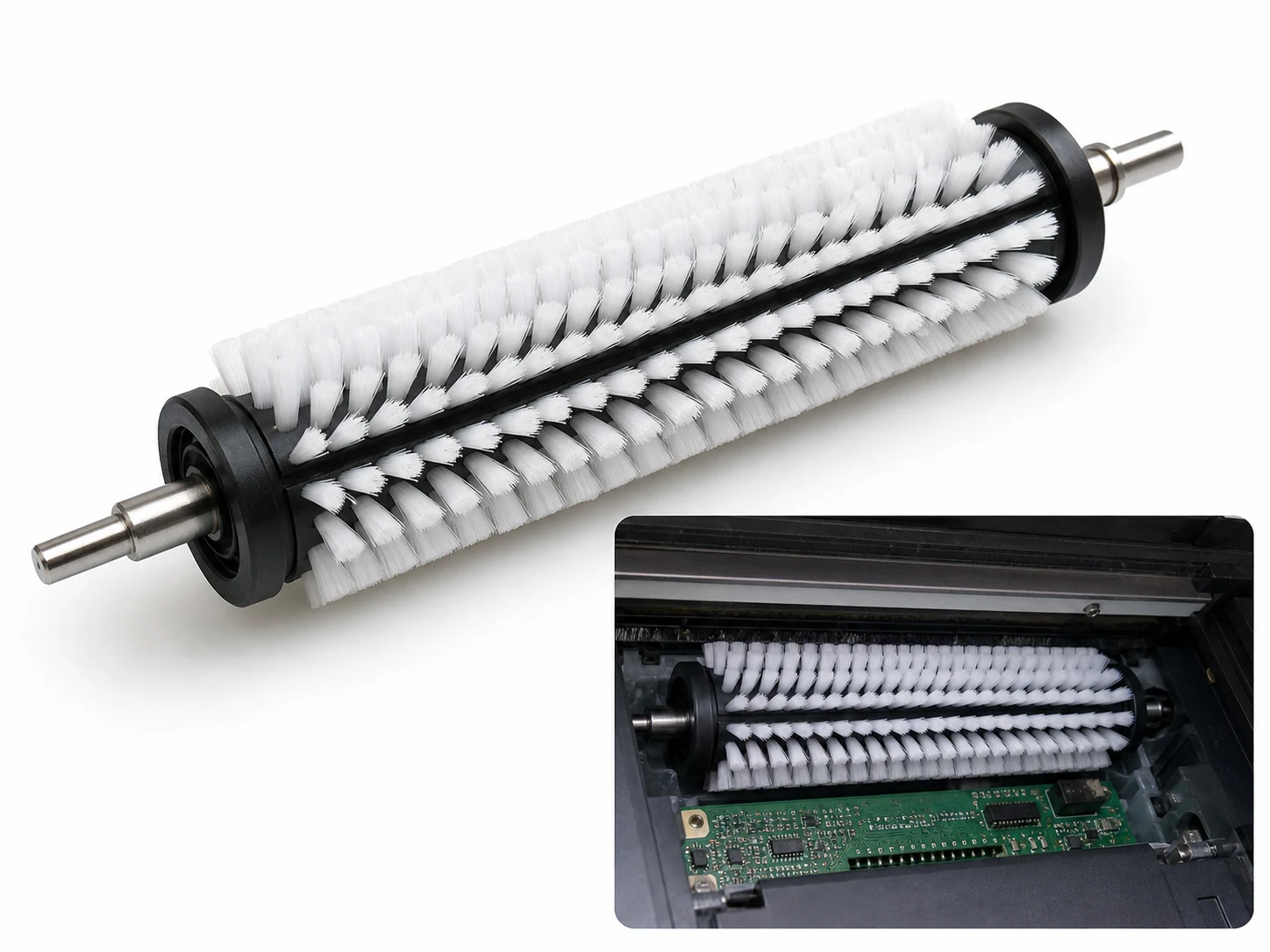
Printer Cleaning Brush
Custom Nylon PA printer cleaning brush for platens, vacuum holes, ink grooves, and paper-path…
See the specification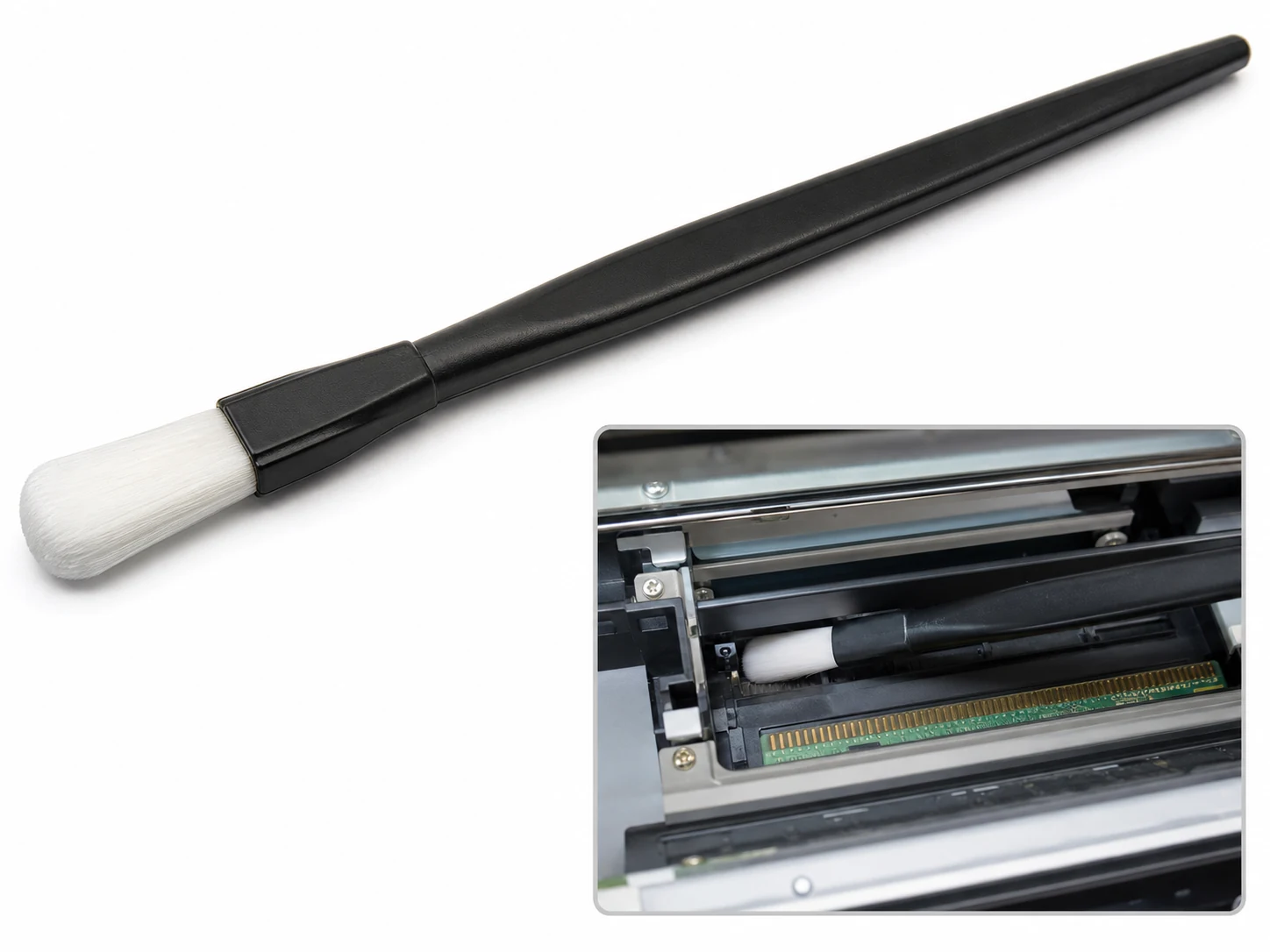
Scanner Optics Cleaning Brush
Static-dissipative scanner cleaning brush for optical surfaces, image sensors, ADF rollers, and printer optics.…
See the specification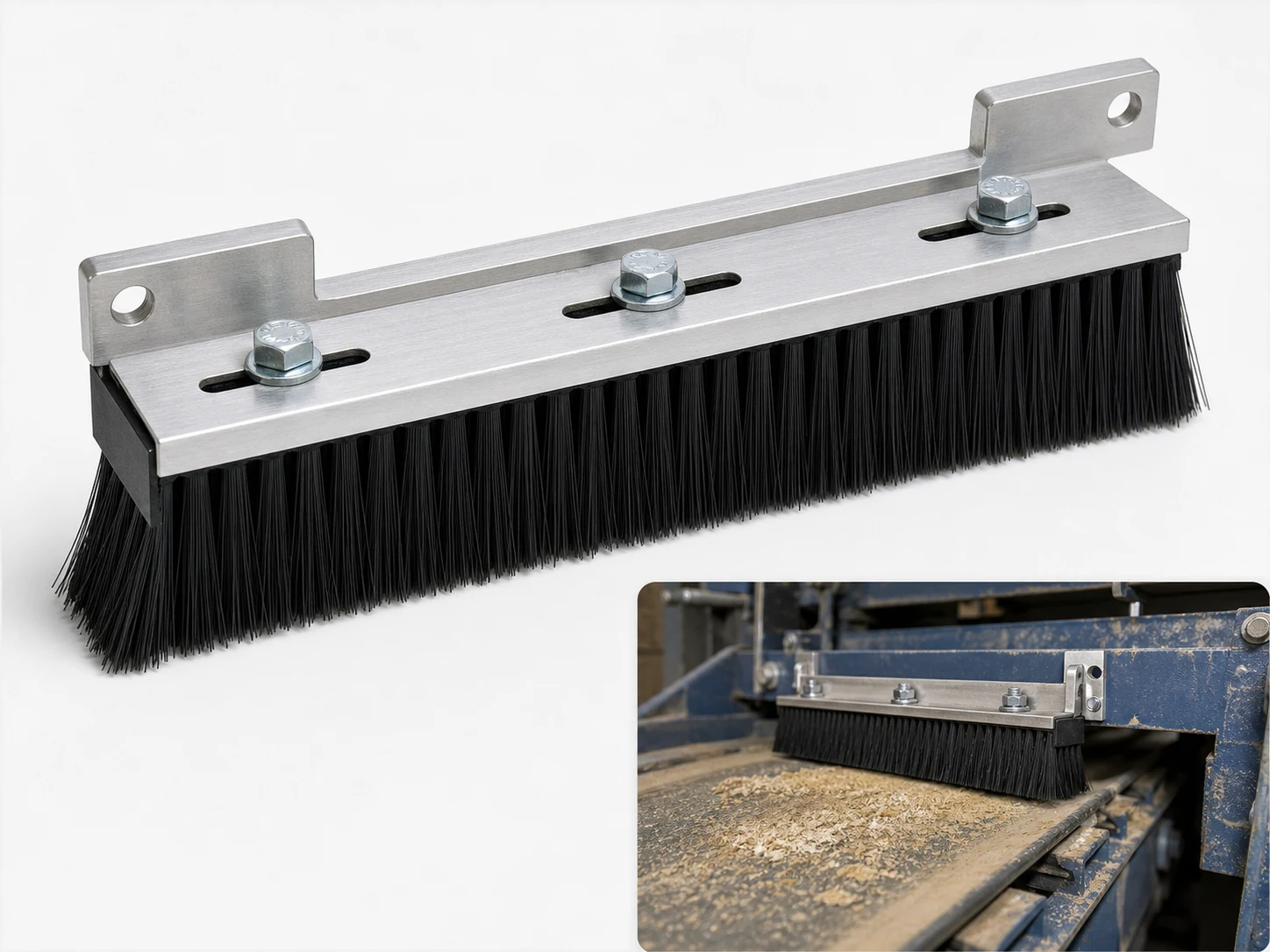
Feeder Brush
Custom feeder brush strips in PP or nylon for sheet feeders, packaging lines and…
See the specification
Custom Handheld Detail Brushes
Choose a handheld detail brush when you need direct control in seams, recesses, fittings,…
See how this type is built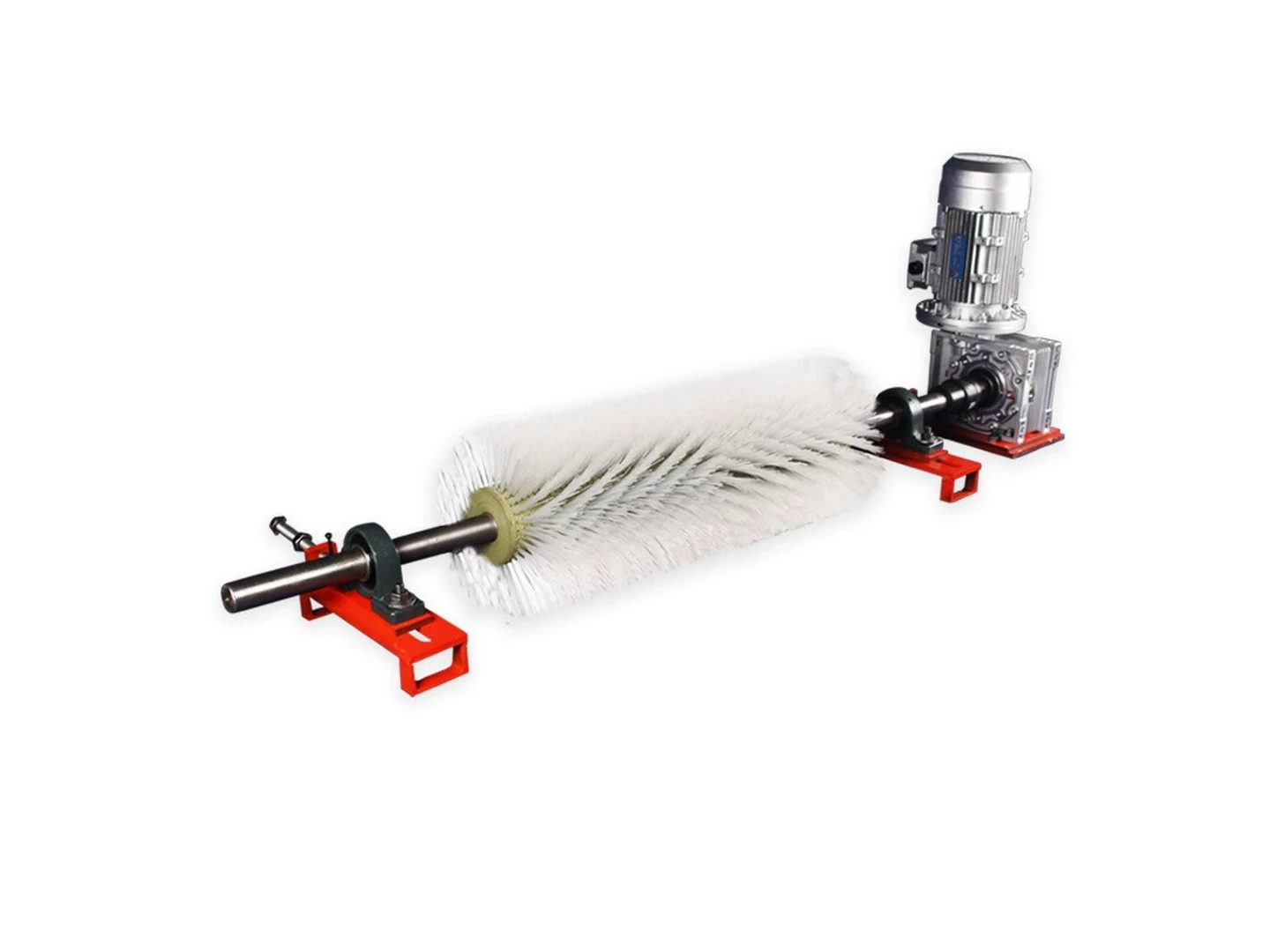
Custom Roller and Conveyor Brushes
Choose a roller or conveyor brush when a cylindrical brush must clean, wipe, guide,…
See how this type is built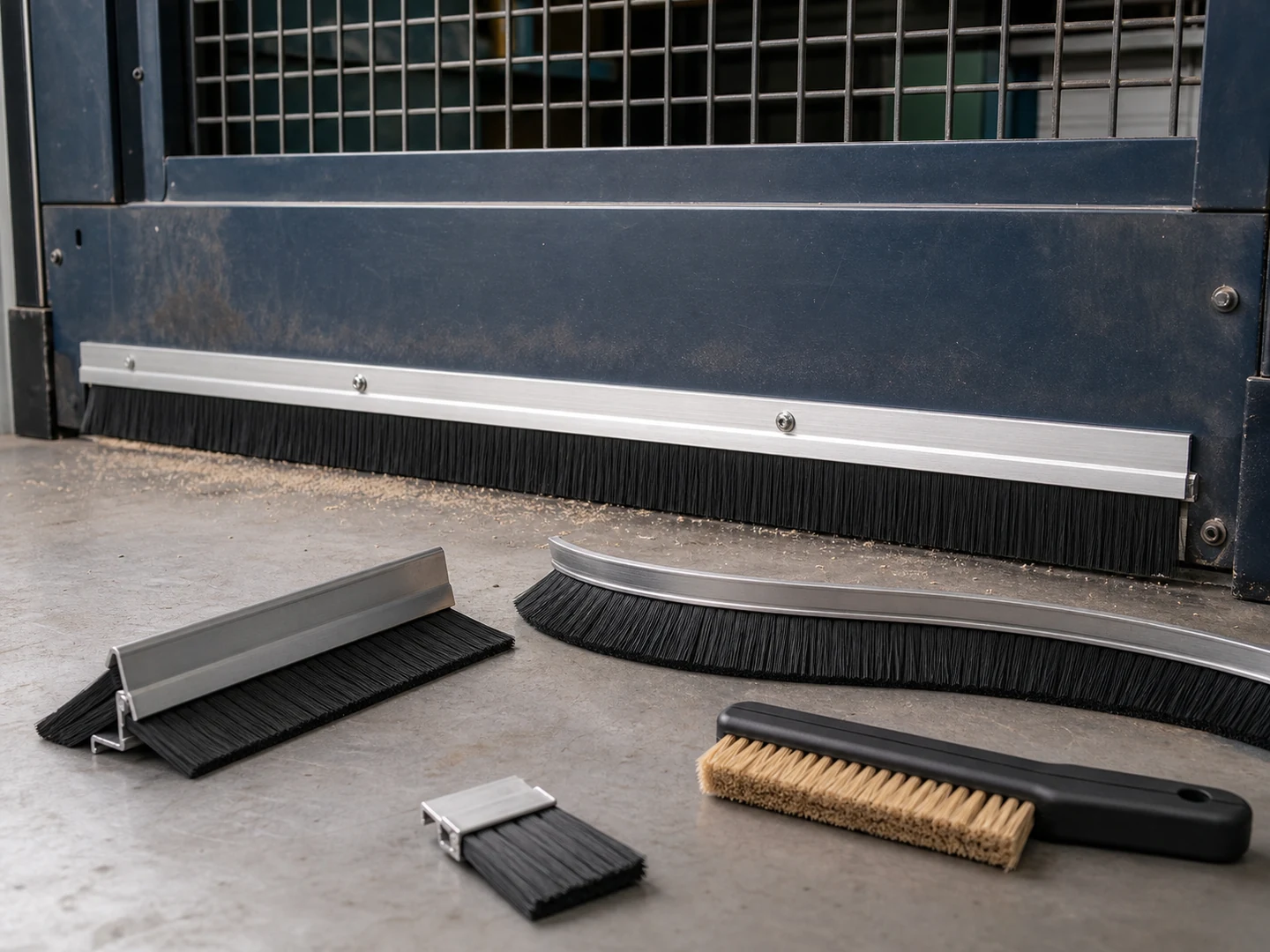
Custom Strip Seal Brushes
Choose a strip seal brush when a continuous line of filament must seal, wipe,…
See how this type is built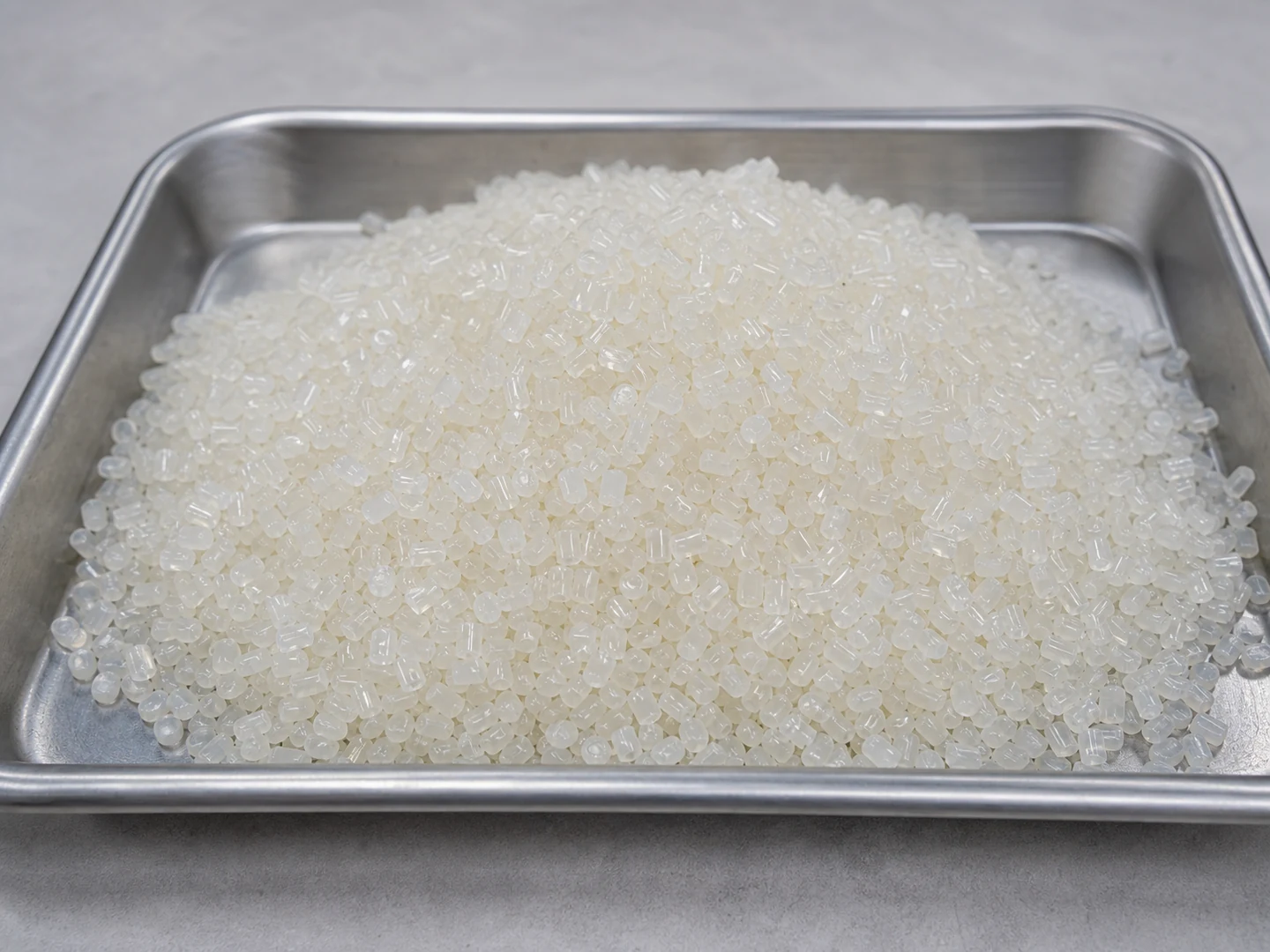
Nylon PA
Choose Nylon PA based on its stiffness, recovery, wear, wet-service, chemical, and temperature behavior.
Compare this material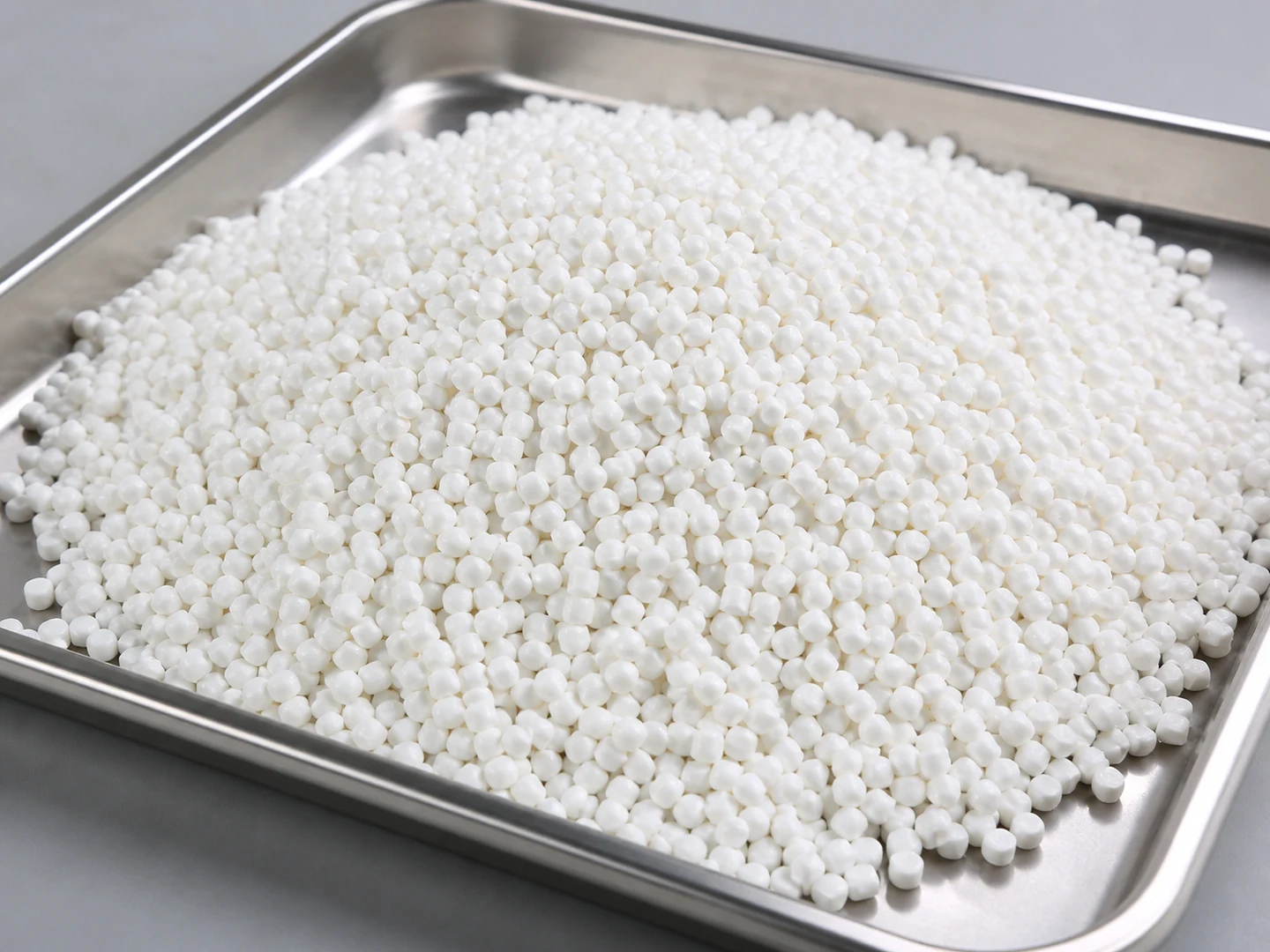
PBT
Choose PBT based on its stiffness, recovery, wear, wet-service, chemical, and temperature behavior. Do…
Compare this materialCustom Manufacturing RFQ
Discuss This Application
Share the working surface, residue, dimensions, material direction, interface, quantity and drawing or sample photo.
Custom Brush RFQ
Request a Custom Cleaning Brush Quote
Upload a drawing, product photo, or sample photo and provide the core dimensions and cleaning conditions.
“We need a brush to remove wet residue from a stainless steel conveyor, about 800mm wide. The current brush wears quickly. We can send photos.”
“We sell drinkware and need a cleaning brush to include with the product. Quantity around 5,000 pieces.”