
Custom Cleaning Brush
Keyboard Cleaning Brush
Custom keyboard cleaning brushes with non-scratch nylon, microfiber, or antistatic PBT filaments.
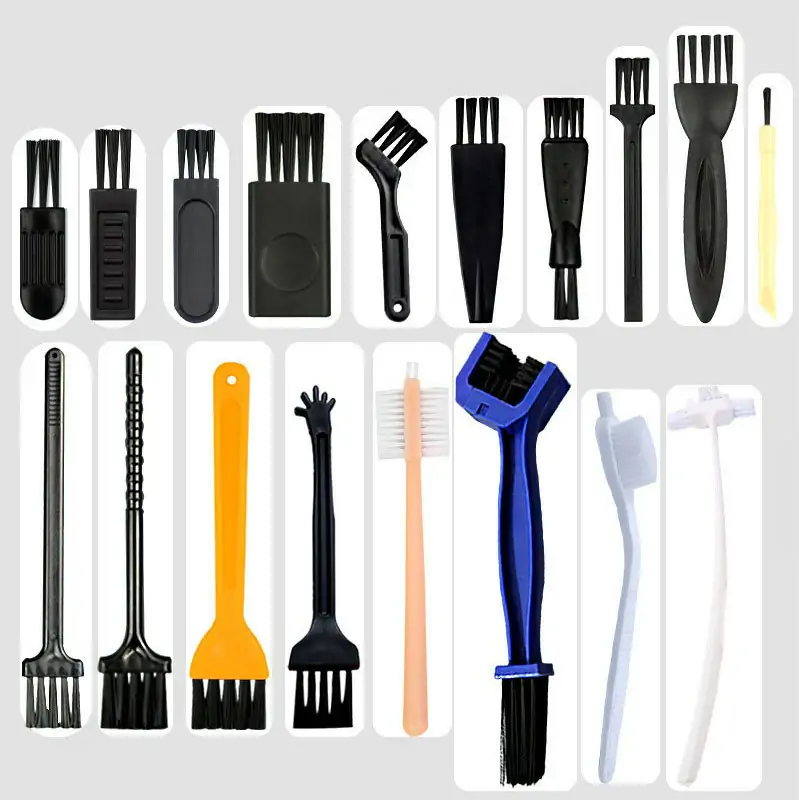
Small brush
500 pcs
Minimum order
Held in one hand: tube, bottle, detail and swab brushes — including long-handled ones with a small head.
Production lead time, once the specification is confirmed
- Up to 500 pcsWithin 7 days
- 501–50,000 pcsWithin 14 days
- Over 50,000 pcsWithin 21 days
Peak season can extend these times; the shipping date is confirmed in writing with your quotation. Sampling and shipping are quoted separately.
A compact, non-scratch cleaning brush designed for removing dust, crumbs, and debris from between and under keyboard keys, laptop keyboards, and other tight electronic device crevices without damaging sensitive surfaces.
What can this brush do for you?
Reach the gaps where dirt actually collects
The short working head and controlled filament density let the brush slip between keycaps, around switches, and under the bottom row of keys without forcing you to remove them. A narrow head profile reaches the narrow channels between adjacent keys, while the head width can be matched to your keyboard layout so each stroke sweeps across multiple keys instead of just pushing debris sideways.
Clean without scratching keycaps or device finishes
Nylon PA filaments with rounded tips dislodge loose particles while protecting laser-etched legends, coated keycaps, glossy laptop surfaces, and painted or soft-touch finishes. The brush contacts the surface with filament ends only, so there are no hard edges or metal parts against the device.
Prevent static charge in electronics and cleanroom areas
An antistatic PBT filament option reduces charge generation during brushing, making the tool suitable for ESD-sensitive workstations, electronics repair benches, and assembly areas where ordinary plastic brushes are not acceptable. The antistatic property helps avoid attracting dust back onto the surface after you finish brushing.
Pick up fine dust, not just push it around
Microfiber contact options capture fine particles and light film that stiffer filaments would simply move. This is especially useful on laptop keyboards and low-travel devices where a hard sweep can grind particles into the mechanism rather than lift them out.
Comfortable for repeated use across many devices
The ABS handle and balanced grip diameter stay comfortable during long IT support sessions, office cleaning rounds, or production-line touch-ups. You can hold it like a pen for precision work or wrap your hand around it for faster area coverage.
What is a Keyboard Cleaning Brush?
A Keyboard Cleaning Brush is a hand-guided cleaning tool with a compact filament head sized for the narrow spaces in computer keyboards, laptop keyboards, point-of-sale terminals, and similar input devices. It works by sweeping short, flexible filaments through the gaps between keys and under exposed edges to lift out dust, crumbs, hair, and light debris that collect during normal use.
Unlike a general-purpose paintbrush or a bottle brush, this tool is built for precision contact in a crowded mechanical environment. The head is short enough to maneuver around raised keys without constantly snagging. The handle is sized for close work above a keyboard rather than deep reach into a container. Many configurations use nylon PA filament for day-to-day desk cleaning, with microfiber and antistatic PBT options for more sensitive or specialized environments.
The brush is normally used dry. A few strokes across the keyboard loosen particles, a second pass lifts them out of the gaps, and the user finishes with a vacuum, air duster, or wipe as needed. It does not remove keycaps, and it is not designed for sticky spills, corrosion, or heavy grime that requires liquid cleaning or disassembly.
Technical Specifications
The table below lists the working parameters we use for most keyboard cleaning brush projects. Every dimension and material can be adjusted to the customer’s device, environment, and cleaning procedure.
| Parameter | Value / Options |
|---|---|
| Head width | 20–100 mm, selected to match key pitch and gap layout |
| Working head length | 15–40 mm, kept short for control between raised keys |
| Handle / overall reach | 143–171 mm, sized for comfortable hand position above the keyboard |
| Grip / body diameter | 10–30 mm, depending on pen-style or palm-grip preference |
| Primary contact materials | Nylon PA, microfiber, antistatic PBT filament |
| Handle material | ABS, optionally with soft-touch overmold or custom color |
| Filament tip treatment | Rounded or flagged tips for scratch prevention and dust pickup |
| Antistatic option | Available with antistatic PBT filament for ESD-sensitive areas |
| Operating environment | Dry indoor use; office, repair bench, production line, cleanroom |
| Brush type | Custom Handheld Detail Brushes |
| How it is driven | Hand-guided |
| Cleaning target | office and it workstation keyboard, laptop keyboard and surrounding palm-rest area, and point-of-sale terminal cleaning |
| Surface or part | keys, gaps, keycaps, terminals, equipment surfaces, laboratory equipment, panels, and edges |
| Residue or debris | dust, crumbs, particulate contamination, particles, corrosion, hair, and fine dust |
| Mounting / connection | Fixed / Retractable |
If the brush will be used with a cleaning solution or in a humid environment, we recommend specifying that during the project discussion so the filament and handle materials can be selected accordingly.
Where does this brush work best?
- Office and IT workstation keyboards, including membrane and mechanical switches, where dust and crumbs accumulate between and under keys.
- Laptop keyboards and surrounding palm-rest areas that require gentle contact to avoid scratching coated or matte finishes.
- Point-of-sale terminals, ATM keypads, and self-service kiosks where grime builds up in gaps and the brush must be easy to use during routine maintenance.
- Industrial control panels and membrane keypads in production or laboratory equipment where ESD-safe brushing is required.
- Consumer electronics with similar crevices, including remote controls, game controllers, camera bodies, and audio equipment surfaces.
- Electronics assembly and repair workstations where a small, antistatic brush helps remove particulate contamination before inspection, soldering, or packaging.
How do I choose the right one?
Match the head width to your key layout
Measure the visible gap between adjacent keycaps and the total width of a typical key row. A 20–40 mm head suits compact laptop keyboards and narrow recessed areas, while a 50–100 mm head covers full-size desktop keyboards faster. The filament tips must enter the gap without bending completely flat; if they fold over on contact, the brush is too soft or the gap is too tight.
Select the filament material for the surface and residue
Nylon PA is the general-purpose choice for loose dust, crumbs, and hair on standard keycaps. Microfiber is better for glossy, coated, or laser-etched surfaces and for capturing fine dust without scratching. Antistatic PBT is the right option when the brush will be used around ESD-sensitive components or in cleanroom environments. Avoid wire, brass, or stiff abrasive filaments entirely for keyboards—they will damage keycaps and switches.
Choose the handle for the operator and the job
IT technicians doing precision work often prefer a slim, pen-style grip around 10–15 mm in diameter. Cleaning crews moving across many devices may prefer a larger 20–30 mm grip with a longer handle for faster strokes. Overall reach of 143–171 mm keeps the hand close to the work surface for control.
Consider the cleaning environment
If the brush will be used near energized equipment or in an ESD-protected area, specify antistatic filament and avoid any metal components. For office-only use, standard nylon and ABS are sufficient. If the brush may contact cleaning agents or disinfectants, tell us which products so we can confirm material compatibility.
When a different tool is more suitable
This brush removes loose, dry debris from accessible surfaces. It will not remove sticky spills, hardened grime, corrosion, or residue that requires a solvent. For deep cleaning under keycaps, remove the keycaps and clean them separately, or use a vacuum with a crevice tool. For sticky contamination, use a microfiber cloth with an electronics-safe cleaning solution, or a dedicated swab for tight areas. If the contamination is conductive or corrosive, stop and inspect the device before brushing.
Can I customize this brush?
Keyboard cleaning brushes are usually customized because keyboard layouts, gap sizes, and ESD requirements vary widely. To configure the brush for your project, provide the following: keyboard type and key pitch, required sweep width, any surface finish concerns, cleaning environment (office, repair, cleanroom, ESD), preferred filament material, handle ergonomics, and target retail or industrial packaging.
We can adjust these elements to your specification:
- Head geometry — width, working length, filament density, filament diameter, tip shape, and mixed-material configurations (e.g., nylon rows with a microfiber center strip).
- Contact material — nylon PA, microfiber, antistatic PBT, or a combination for different zones of the keyboard.
- Handle design — length, grip diameter, contoured or ergonomic shape, ABS overmolding, soft-touch coating, hanging hole, or clip attachment.
- Color and branding — custom handle color, pad printing, laser marking, molded logo, or color-coded identification for different work areas.
- Packaging — bulk packing, individual polybag, retail blister card, kit with other cleaning tools, or project-specific labeling.
If your project requires ESD testing, material documentation, RoHS compliance support, or third-party inspection, we can assist with those requirements as part of the customization process.
Which filament survives the cleaning chemicals a keyboard cleaning brush meets?
Should I turn off the device before brushing the keyboard?
Yes. Power off laptops and disconnect external keyboards before brushing. Brushing can press keys and cause unintended inputs, and it is safer to verify the device is off if you will be using any vacuum or air tool afterward.
How do I know if the filament is too stiff for my keycaps?
Test on an inconspicuous area first. If the filaments leave visible marks, catch on key edges, or produce an audible scraping sound against a matte finish, the filament is too stiff or the tips are not rounded. For coated or laser-etched keycaps, choose microfiber or extra-soft nylon with flagged tips.
Can I wash this brush after use?
Nylon and microfiber filament brushes can be rinsed with mild soap and warm water, then air-dried with the filaments facing down. For antistatic PBT brushes, avoid aggressive washing; dry wiping or a short rinse is usually safer, as repeated washing may affect the antistatic performance. If repeated washing is part of your procedure, we can recommend a filament grade that withstands it.
Does this brush eliminate the need for compressed air or a vacuum?
No. The brush loosens and lifts debris out of the gaps, but fine dust and particles may remain loose on the surface or inside the keyboard body. Use a low-pressure air duster or vacuum with a soft nozzle after brushing to remove what the brush has dislodged. Brushing alone will not remove debris that has fallen below the keycaps.
How can I verify the brush is cleaning effectively during routine use?
After several strokes, inspect the areas between keys under good lighting. If debris has moved to the surface but is not lifting out, increase the number of passes or use a slightly denser filament configuration. If the brush bends over and fails to enter the gaps at all, the head width or filament diameter may need to be reduced. A quick way to check residue removal is to wipe the brushed area with a clean white cloth—visible gray dust means another pass is needed.
Is an antistatic brush a substitute for an ESD-safe workstation?
No. An antistatic filament brush reduces charge generation on the brush itself, but it does not ground the operator, the device, or the work surface. ESD-sensitive work still requires proper grounding, wrist straps, dissipative mats, and other ESD control measures. The antistatic brush is one component of that system, not a replacement for it.
Guides that go deeper on this
We have not written a guide specific to this one yet. The material that covers selection, filament, dimensions, maintenance and sourcing is collected in the technical resources library.
RELATED BRUSH RESOURCES
Recommended Reading & Related Brush Resources
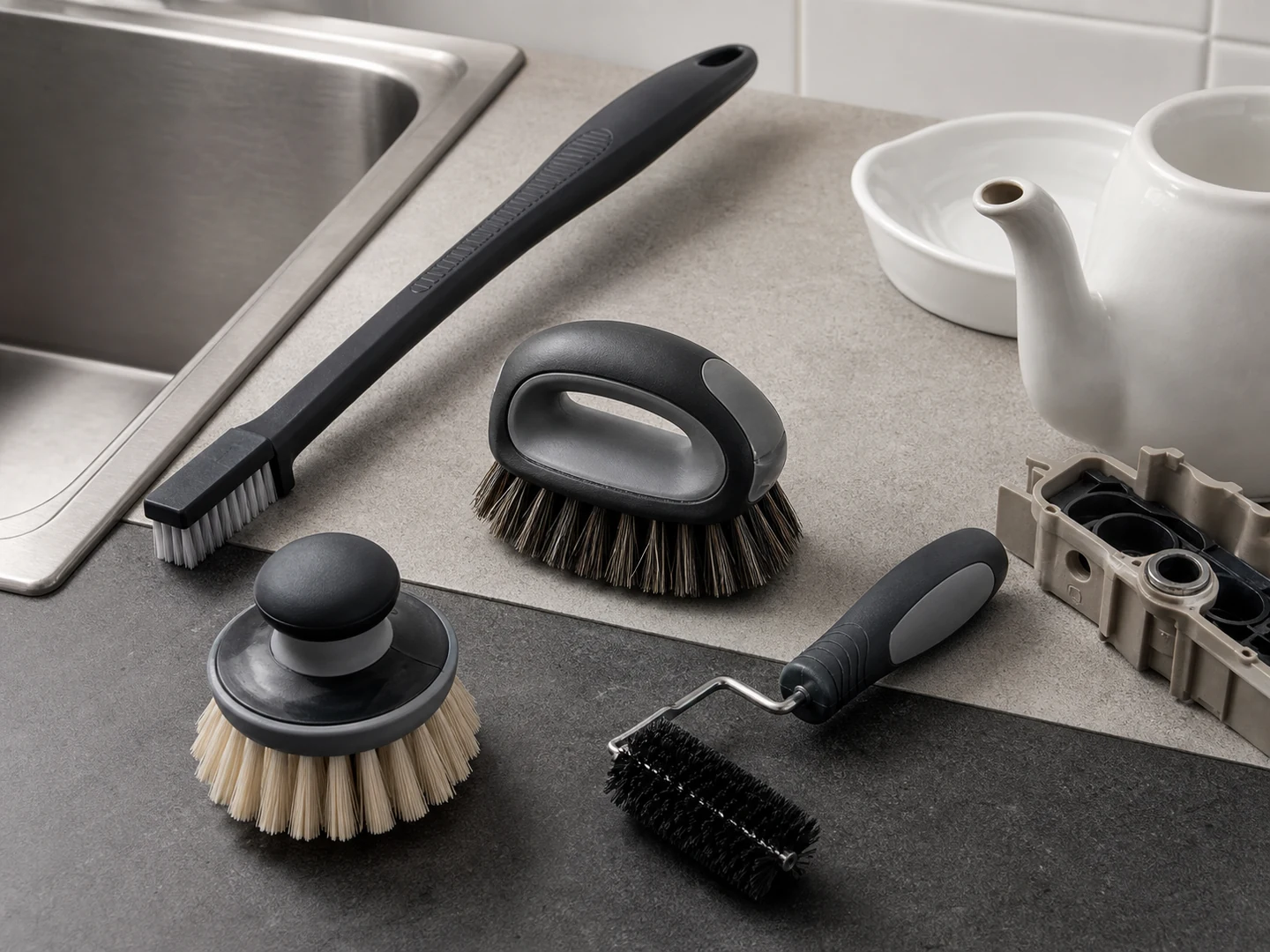
Custom Handheld Detail Brushes
Choose a handheld detail brush when you need direct control in seams, recesses, fittings,…
See how this type is built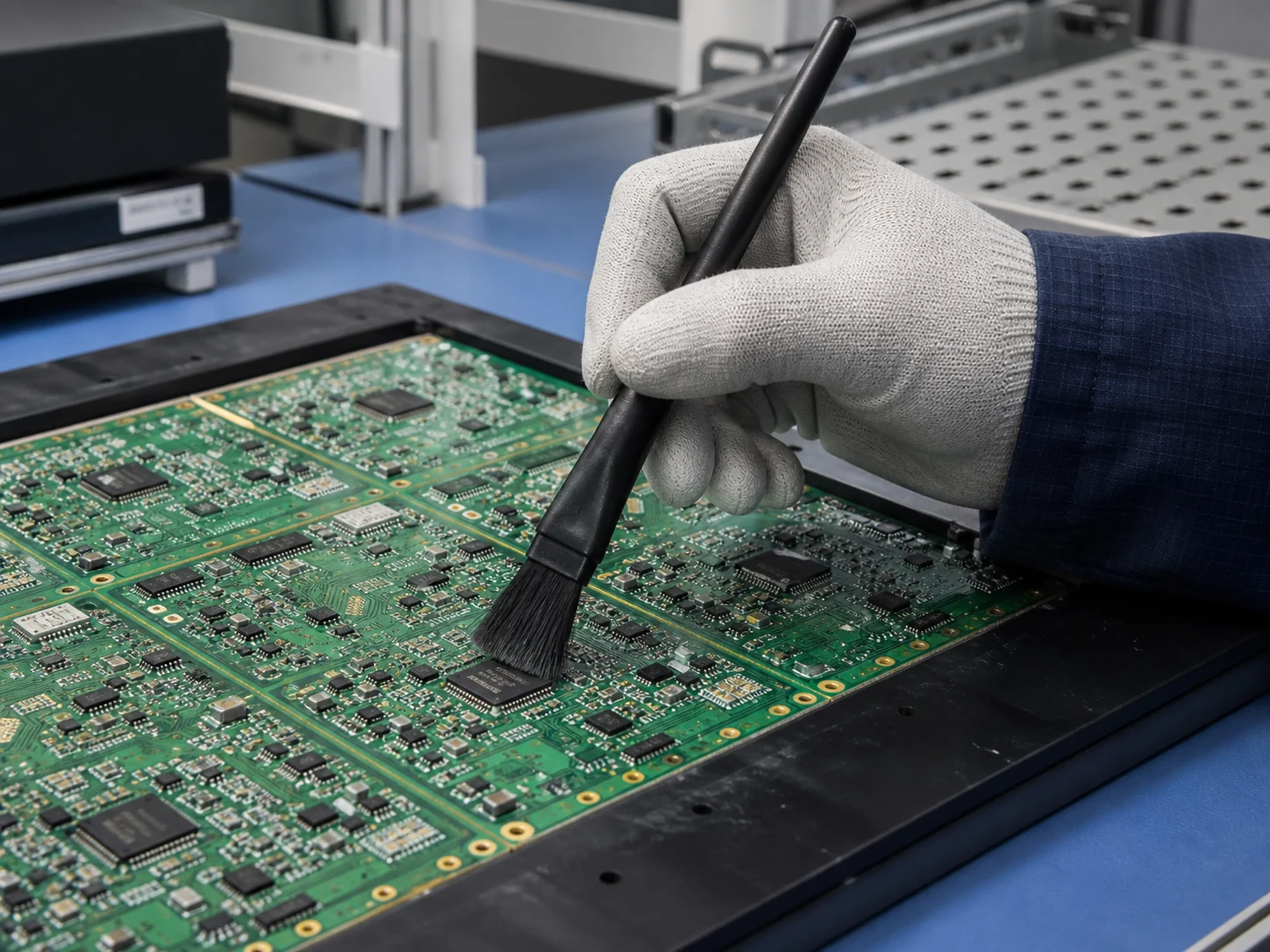
Electronics Assembly ESD Dust Removal
For Electronics Assembly ESD Dust Removal, the brush must reach the working area, disturb…
See the cleaning job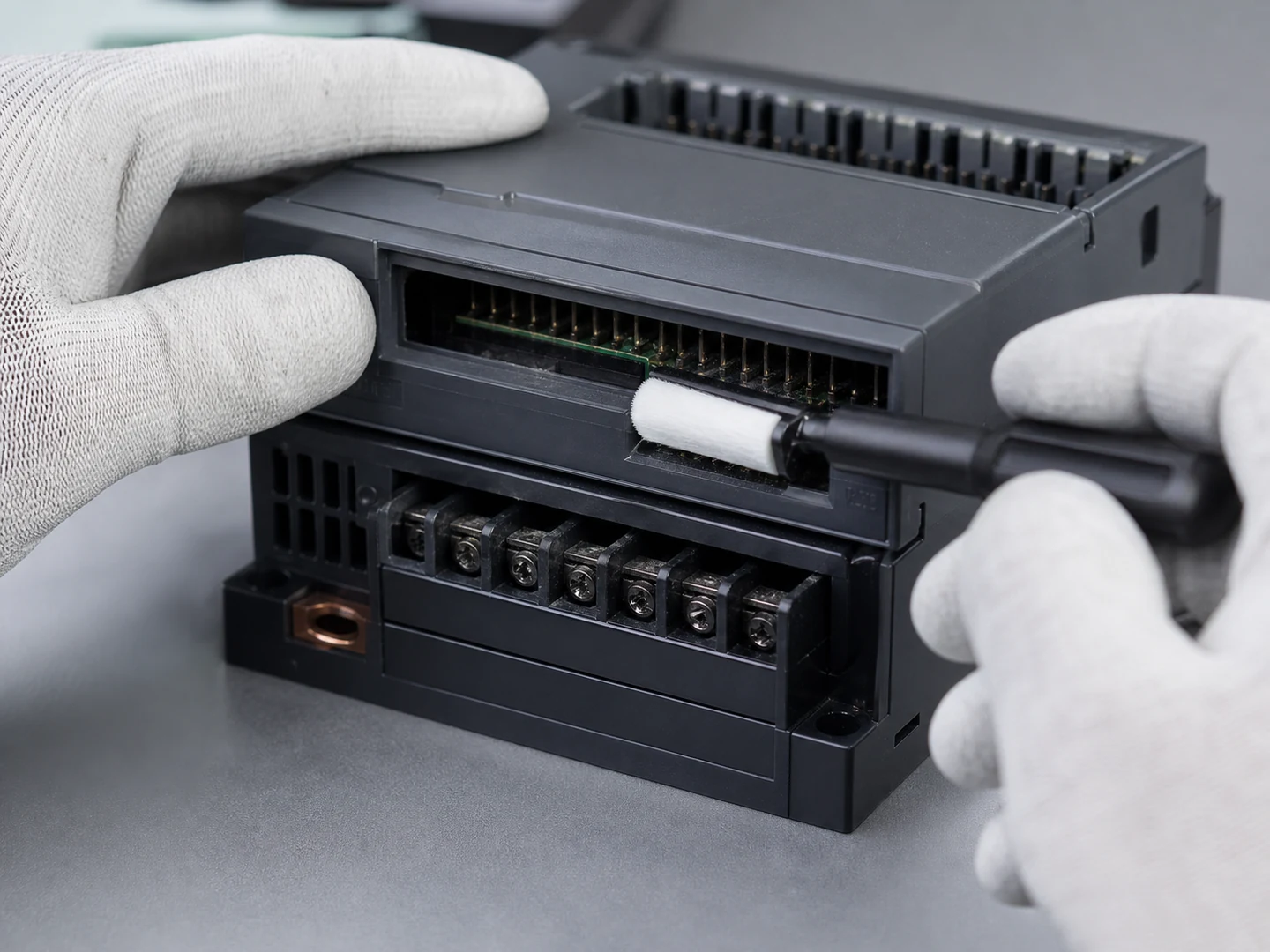
Connector & Slot Cleaning
For Connector & Slot Cleaning, the brush must reach the working area, disturb or…
See the cleaning job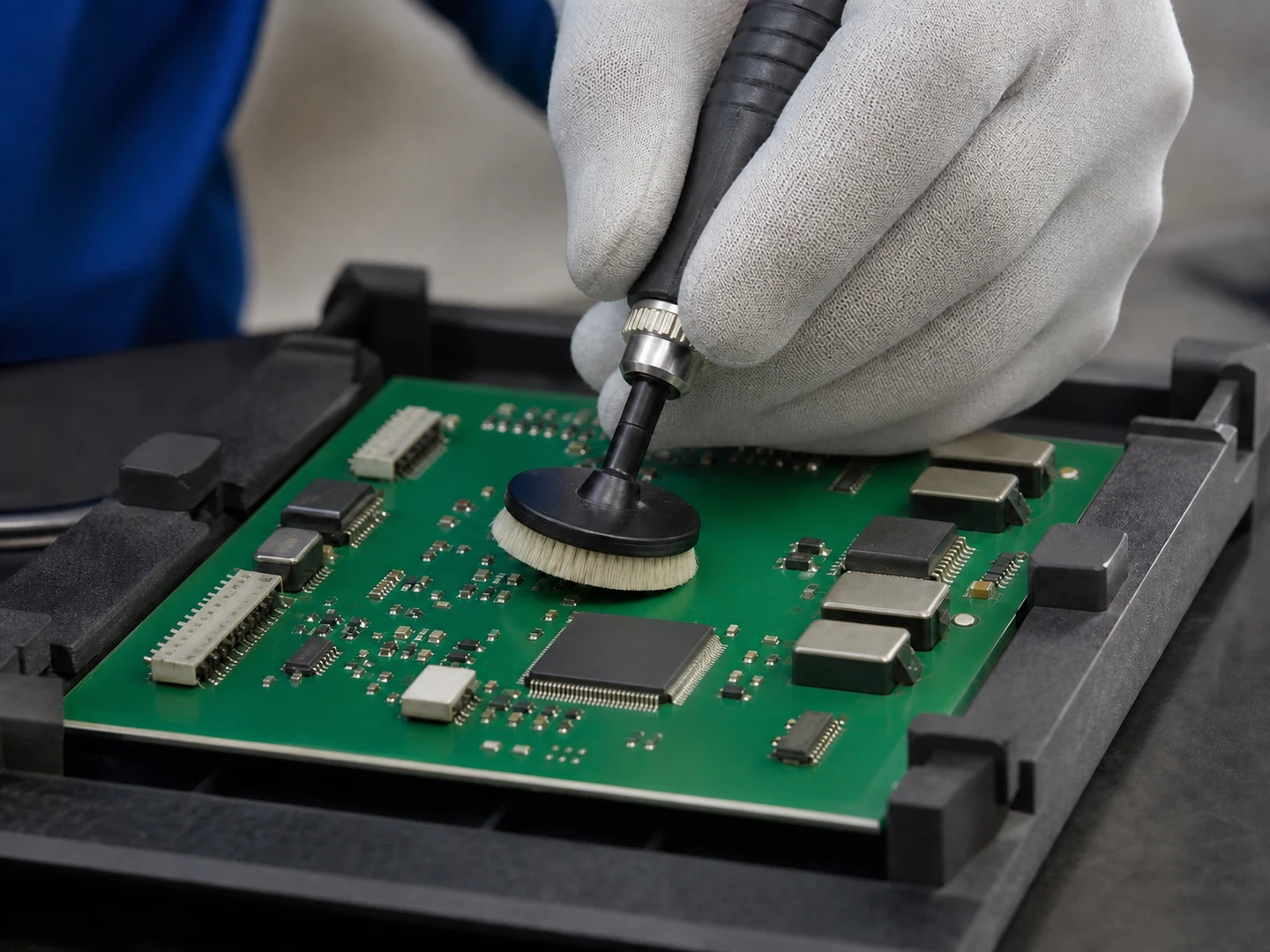
PCB Cleaning
For PCB Cleaning, the brush must reach the working area, disturb or collect flux/weld…
See the cleaning jobCustom Manufacturing RFQ
Describe Your Application
Send the key measurements, cleaning requirement, residue, material direction, mounting method, quantity, and drawing or photo.
Drawing or photo optional — it speeds things up, it does not gate the enquiry.
Custom Brush RFQ
Send Your Brush Project
Upload a drawing, product photo, or sample photo and provide the core dimensions and cleaning conditions.
“We need a brush to remove wet residue from a stainless steel conveyor, about 800mm wide. The current brush wears quickly. We can send photos.”
“We sell drinkware and need a cleaning brush to include with the product. Quantity around 5,000 pieces.”