
Application
Electronics Assembly ESD Dust Removal
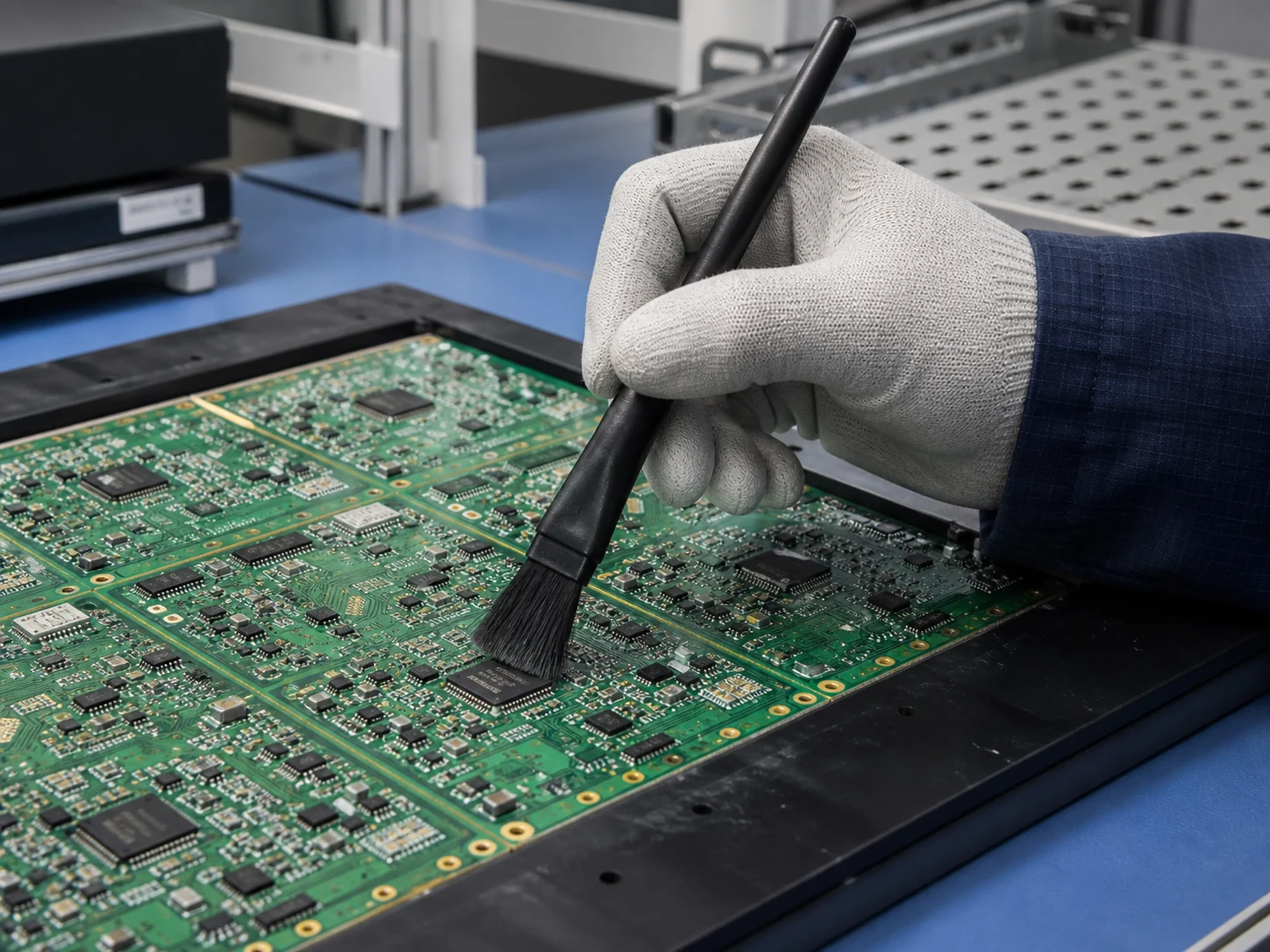
For Electronics Assembly ESD Dust Removal, the brush must reach the working area, disturb or collect dust/fibers/electrostatically attracted particles, and release it without creating unacceptable surface damage or process interference. The brush structure must match the access path, contact movement, and cleaning process.
At a glance
- Cleaning target
- Dust/Fibers/Electrostatically Attracted Particles
- Working environment
- Dry Indoor Area / Cleanroom
- Cleaning method
- Dry Brushing / Wet Brushing
- Requirements to check
- IEC 61340-5-1:2024; ESD Grounding and Surface-Resistance Control
On an SMT line the brush has to move particles without moving charge, so surface resistance and grounding path are settled before geometry is discussed.
What makes Electronics Assembly ESD Dust Removal different from other electronics and precision cleaning?
The task is to remove Dust/Fibers/Electrostatically Attracted Particles while controlling surface damage, residue carryover, brush shedding and chemical or temperature degradation.
The work happens in dry indoor area and cleanroom against dust, fibers and electrostatically attracted particles.
The part people get wrong: this is not one job. The same equipment carries several targets, each with a different opening and a different residue, and one brush rarely covers them all.
What are the most common cleaning targets in Electronics Assembly ESD Dust Removal?
There are 5 distinct targets here, and the brush that suits one will usually not reach another.
| Part or area | Residue type | Cleaning requirement |
|---|---|---|
| PCB Assembly Dust Removal | Dust, powder and compacted fines | The head must reach the working face and apply even contact without marking the surface. |
| SMT Line and Feeder | Dust, Fibers, Electrostatically Attracted Particles | |
| Connector and Socket | ||
| Optical Sensor | ||
| ESD Workbench and Fixture | Flux residue and static-attracted particulate |
The dimensional envelope those targets impose on the brush:
| Parameter | Typical range |
|---|---|
| Contaminant | Dust/Fibers/Electrostatically Attracted Particles |
| Required hardness | Soft |
| Maximum temperature | 80°C |
| Chemical exposure | No Added Medium or Isopropyl Alcohol |
| Cleaning method | Dry Brushing/Wet Brushing |
| Environment | Dry Indoor Area/Cleanroom |
Which brush types work for each cleaning target?
Select hand, tube, strip, roller, disc or machine-mounted geometry from access and motion.
| Cleaning target | Recommended brush type | Why it fits |
|---|---|---|
| PCB Assembly Dust Removal | Handheld Detail Brushes | A populated board is a field of tall fragile components, so a hand-guided head takes dust from between them without loading a solder joint. |
| SMT Line and Feeder | A feeder is a narrow tape channel where debris jams the index, so a slim head is worked down the channel and the debris drawn back out of the mouth. | |
| Connector and Socket | Sockets hold dust down in the contact wells, so a hand-guided head clears each well instead of pressing the debris onto the spring contacts. | |
| Optical Sensor | A sensor window scatters light once it is scratched, so a soft hand-guided head is used with only enough pressure to release the particle. | |
| ESD Workbench and Fixture | The bench itself is part of the charge path, so the brush is hand-guided and dissipative: it collects flux and particulate without becoming the charge source. |
All hand-held, and all bonded to the same ground as the bench — the brush is part of the ESD system rather than a tool brought to it.
In practical brush terms: reach first, then residue. A brush that fits but is too soft can be stiffened; a brush that does not fit is simply the wrong tool.
What filament materials work best for Electronics Assembly ESD Dust Removal?
Carbon fibre or conductive nylon where the brush has to give the charge a path to ground; horsehair and microfibre where the risk is scratching rather than static.
| If the condition is… | Filament to start with | Why |
|---|---|---|
| Charge that has to be conducted away | Carbon Fiber | a measurable path to ground, not merely a low charging rate |
| Assembly surfaces at risk of scratching | Horsehair | lifts particles without cutting solder mask or conformal coating |
| Fine particles that must not re-deposit | Microfiber | holds the particle rather than sweeping it along the board |
The constraints this application puts on the filament:
| Constraint | Value for this application |
|---|---|
| Filament hardness | Soft |
| Maximum service temperature | 80°C |
| Chemical exposure | No Added Medium or Isopropyl Alcohol |
| Cleaning method | Dry Brushing, Wet Brushing |
How do I choose the right brush for my electronics assembly esd dust removal equipment?
Start with soft fill, an 80°C ceiling and either no medium or isopropyl alcohol, then fix the resistance value and the grounding path before any geometry.
The order that avoids rework:
- Identify the target part and measure the access opening or clearance
- Describe the residue: what it is, how thick it sits, and how strongly it holds
- Choose the construction that can physically reach that target
- Set the filament from surface risk, working temperature and cleaning chemistry
- Fix filament diameter, free trim length and density for the contact pressure you need
- Run one cycle and check the result before committing to a production quantity
Before you commit to a quantity, send the required surface resistance, the grounding arrangement, and the component pitch nearby.
When is an electronics assembly ESD dust removal brush the wrong tool?
Ionised air removes particles and neutralises charge in the same pass, which no brush does on its own. Around fine-pitch and unencapsulated assemblies, contact risks bending leads and driving debris under components.
What common mistakes should I avoid in Electronics Assembly ESD Dust Removal?
- Ordering an antistatic brush without a resistance value and a defined grounding path
- Changing the filament while leaving excessive engagement, poor alignment or no discharge path unchanged
- Copying a worn brush without first recording its motion, direction, mounting and original working diameter
When a brush is running but not cleaning, start here rather than adding pressure:
| Symptom | What to change |
|---|---|
| Residue remains | Increase discharge or relative motion before adding pressure |
| Surface marks | Reduce engagement and use finer/softer fill |
| Rapid wear | Check alignment, temperature and chemical attack |
| Redeposition | Add wash, vacuum or collection path |
Questions this page is asked
Where should loosened dust go during ESD-safe brushing of an assembly?
Use a validated low-energy capture or collection method that removes released particles from the protected product and does not defeat grounding or damage components. Keep unapproved compressed air, ordinary vacuum tools and free sweeping out of the station because they can redistribute debris or introduce electrostatic risk.
Which changes require an ESD brush to be retested before reuse?
Retest after washing, chemical exposure, handle or grounding repairs, filament wear, visible contamination or a change in the workstation connection. Remove the tool from protected work when its physical condition or measured path no longer meets the documented facility limit.
Guides that go deeper on this
ESD Brush: Material and Size for Static-Sensitive Parts
Read this guideGuideESD Brush: Specs for Static-Sensitive Parts
Read this guideGuideESD-Control Brush Selection for Electronics and PCB Cleaning
Read this guideGuideHow to Choose ESD Brush for PCB Dust Removal
Read this guideGuideHow to Choose the Right ESD Brush for Precision Carriers
Read this guideGuideMLCC Carrier Brush: Material, Size and Common Mistakes
Read this guideGuidePCB Cleaning Brushes: ESD Control and Low-Residue Materials
Read this guideContinue Exploring
Recommended Reading & Related Brush Resources
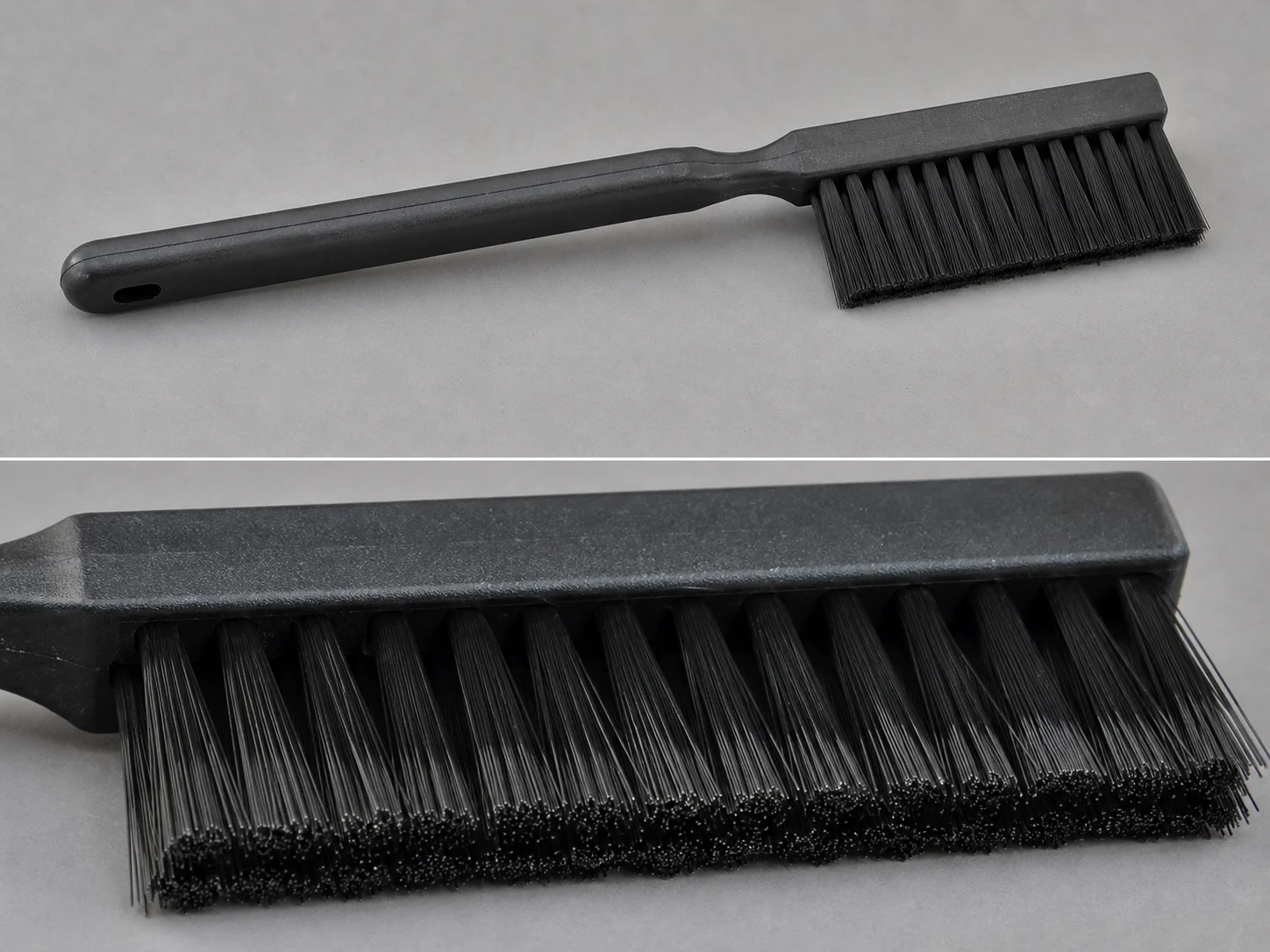
Antistatic Nylon Electronics Brush
Antistatic nylon electronics brush with a rectangular trim for ESD-safe removal of dust, lint…
See the specification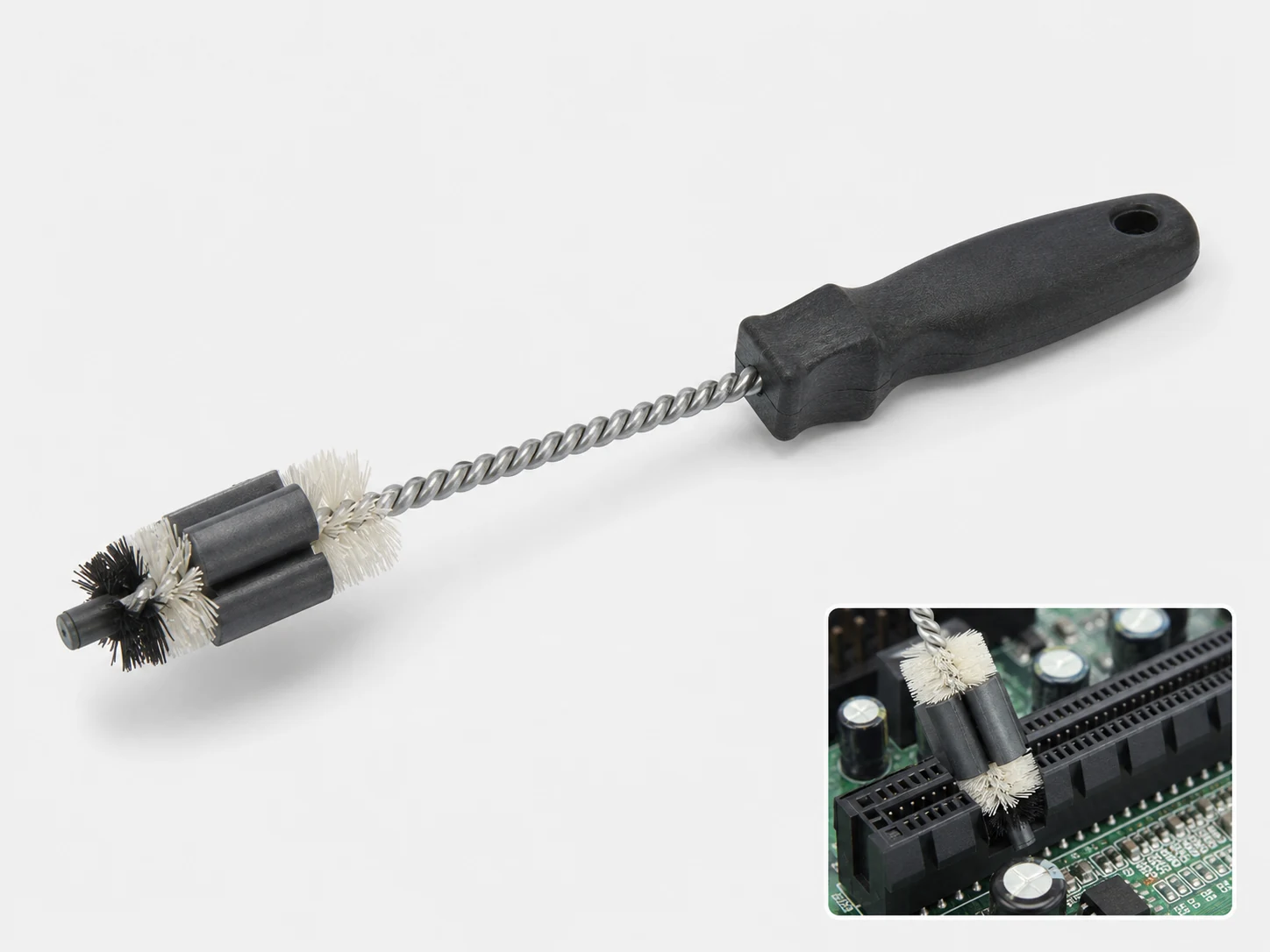
Ferrite Core Cleaning Brush
Nylon PA ferrite core cleaning brush for removing dust, abrasive residue, and loose particles…
See the specification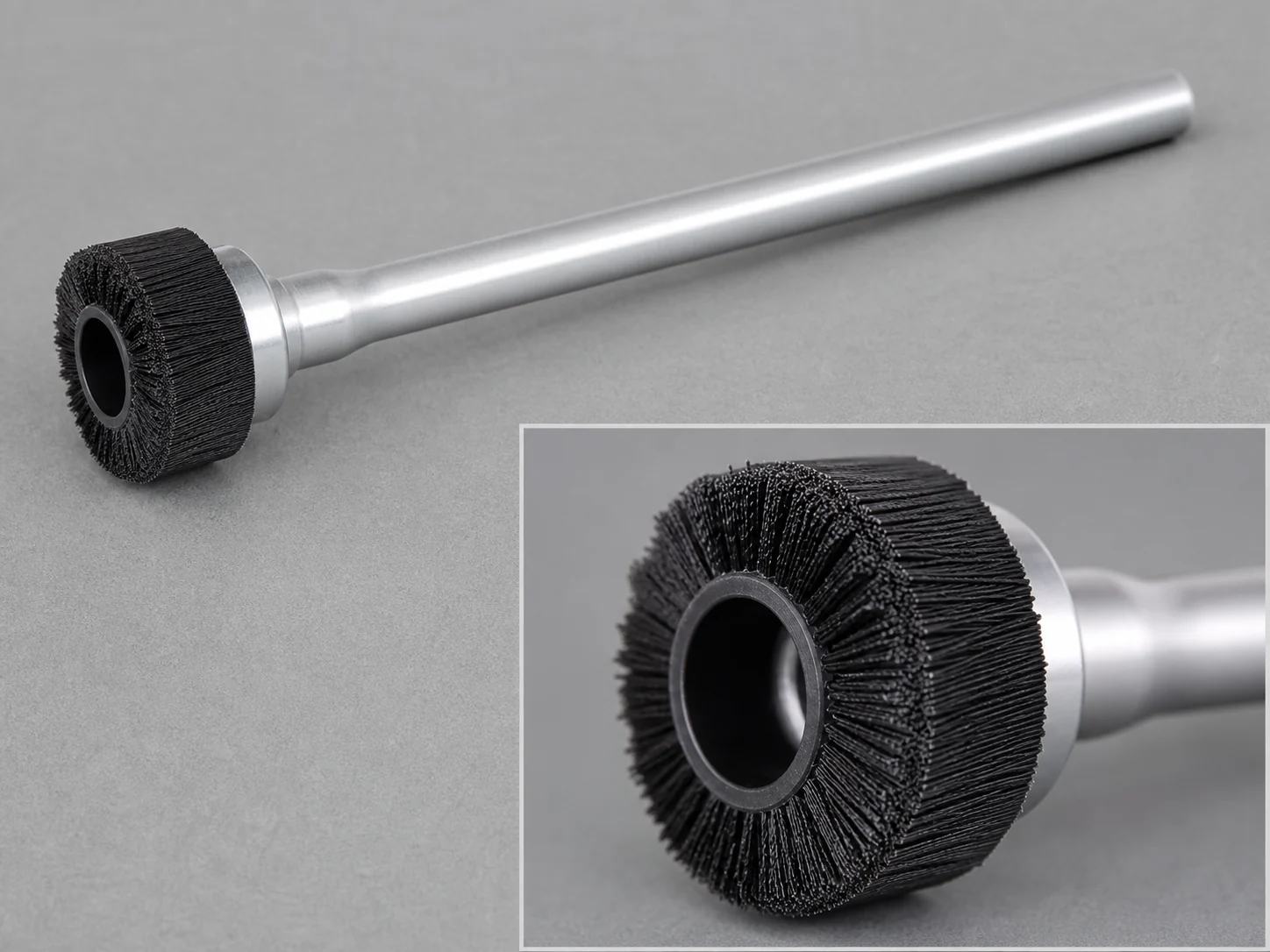
50mm Carbon Fiber Static Wheel Brush
50mm carbon fiber static wheel brush for ESD dust removal. 50 mm OD x…
See the specification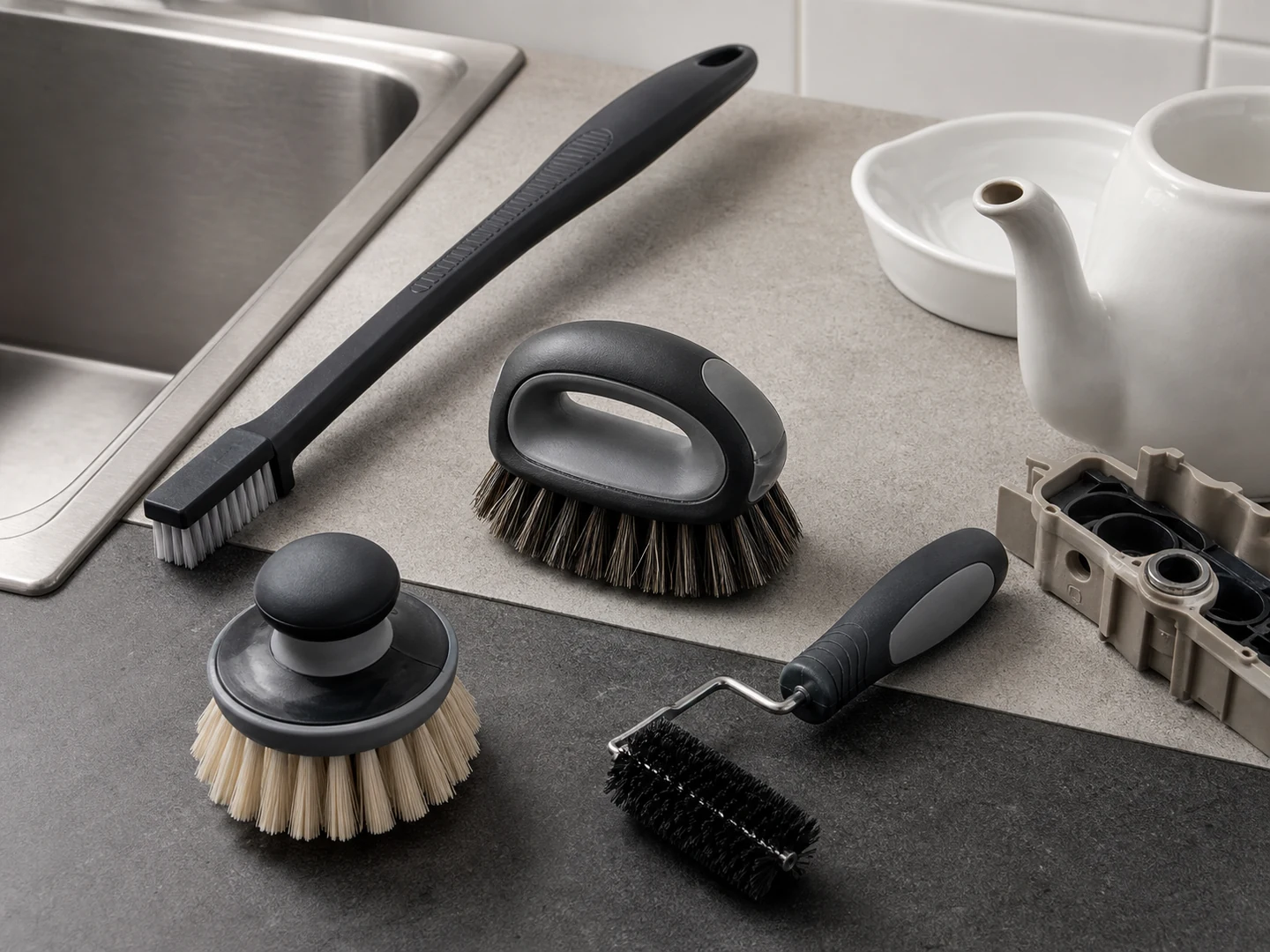
Custom Handheld Detail Brushes
Choose a handheld detail brush when you need direct control in seams, recesses, fittings,…
See how this type is built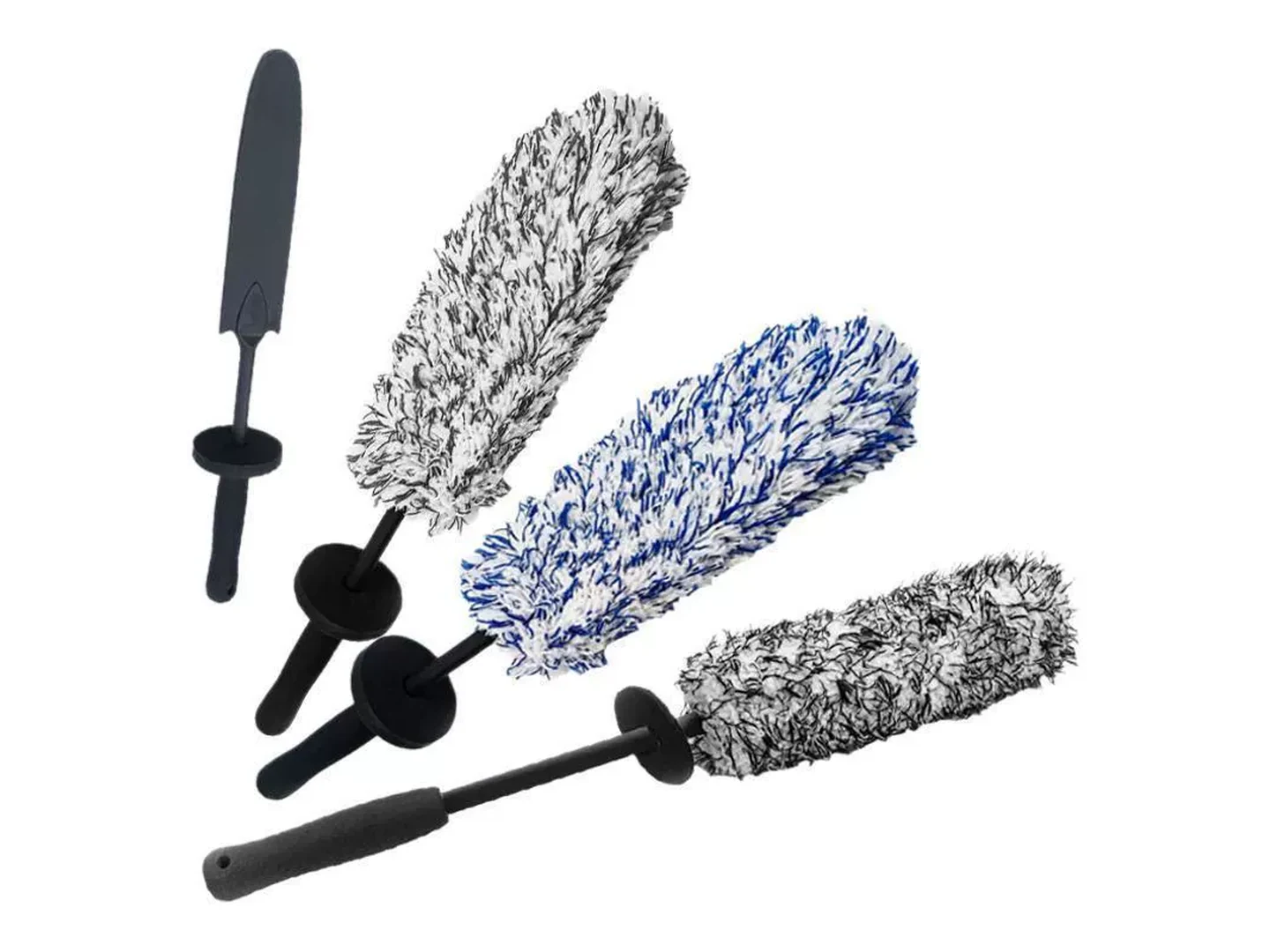
Custom Wheel Brushes
Choose a wheel brush when a rotating narrow face or edge must clean profiles,…
See how this type is built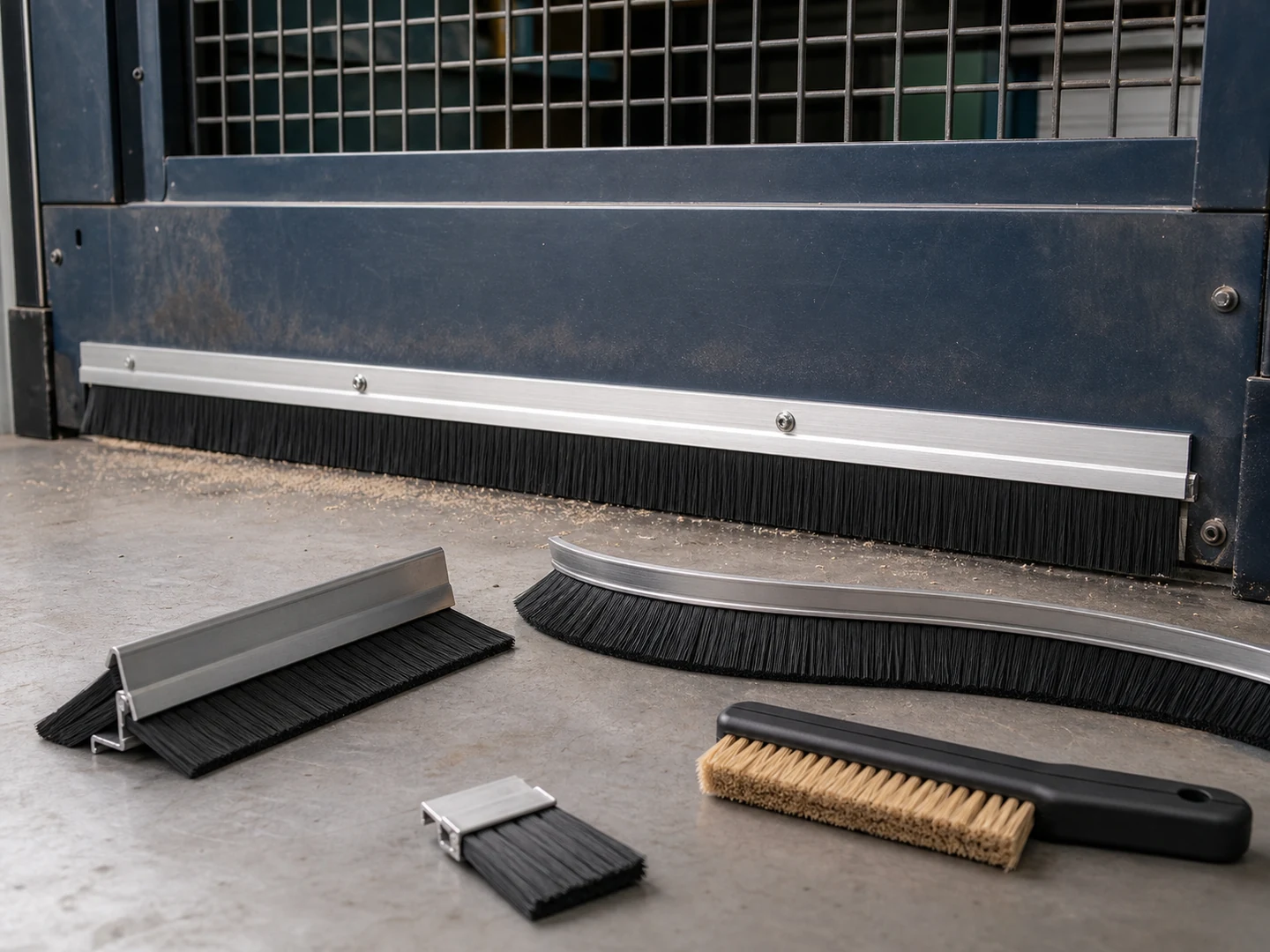
Custom Strip Seal Brushes
Choose a strip seal brush when a continuous line of filament must seal, wipe,…
See how this type is built
Conductive Nylon
Choose Conductive Nylon based on its stiffness, recovery, wear, wet-service, chemical, and temperature behavior.
Compare this material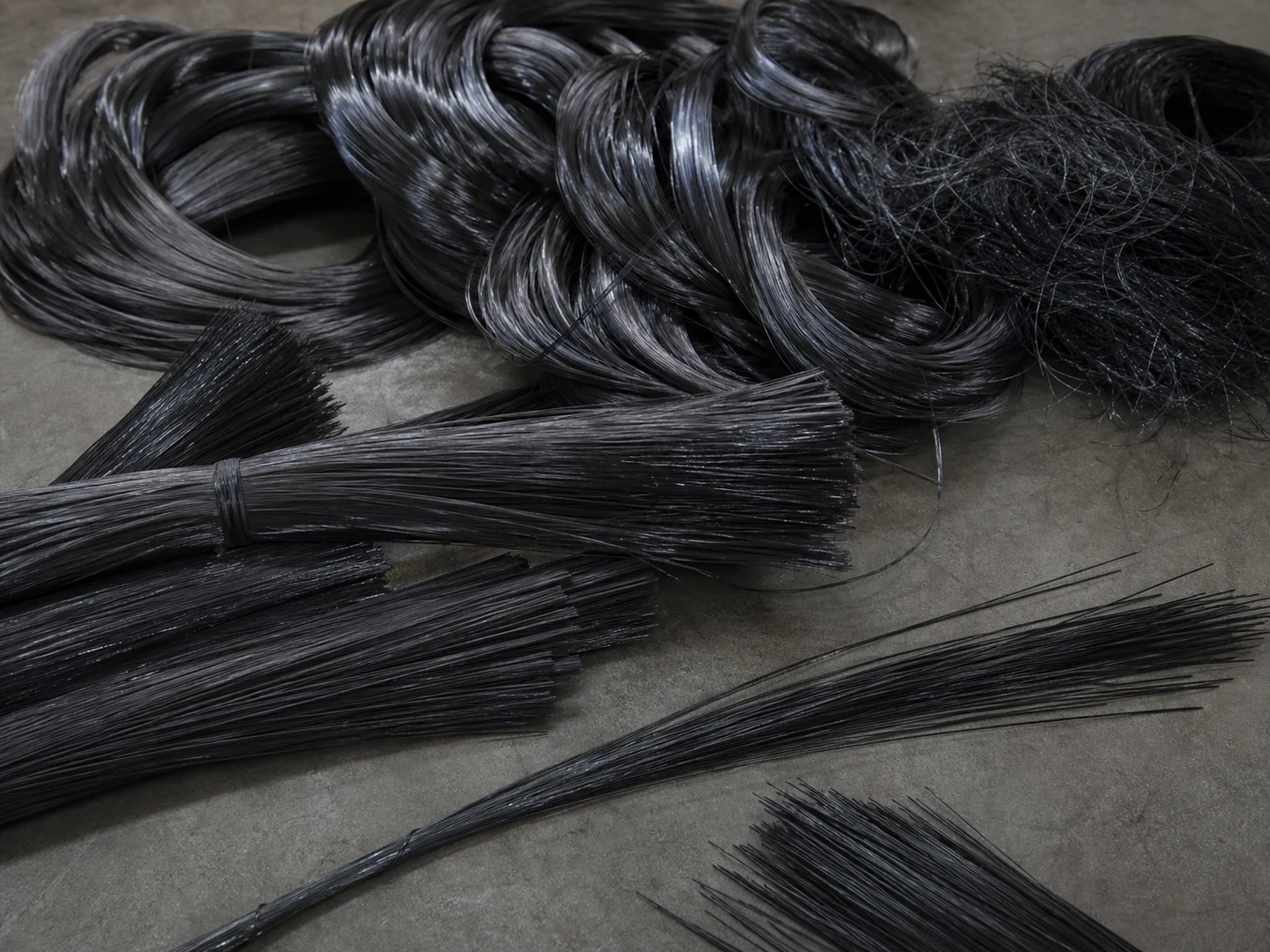
Carbon Fiber
Choose Carbon Fiber based on its stiffness, recovery, wear, wet-service, chemical, and temperature behavior.…
Compare this materialCustom Manufacturing RFQ
Discuss This Application
Share the working surface, residue, dimensions, material direction, interface, quantity and drawing or sample photo.
Custom Brush RFQ
Request a Custom Cleaning Brush Quote
Upload a drawing, product photo, or sample photo and provide the core dimensions and cleaning conditions.
“We need a brush to remove wet residue from a stainless steel conveyor, about 800mm wide. The current brush wears quickly. We can send photos.”
“We sell drinkware and need a cleaning brush to include with the product. Quantity around 5,000 pieces.”