What Is a PCB Brush?
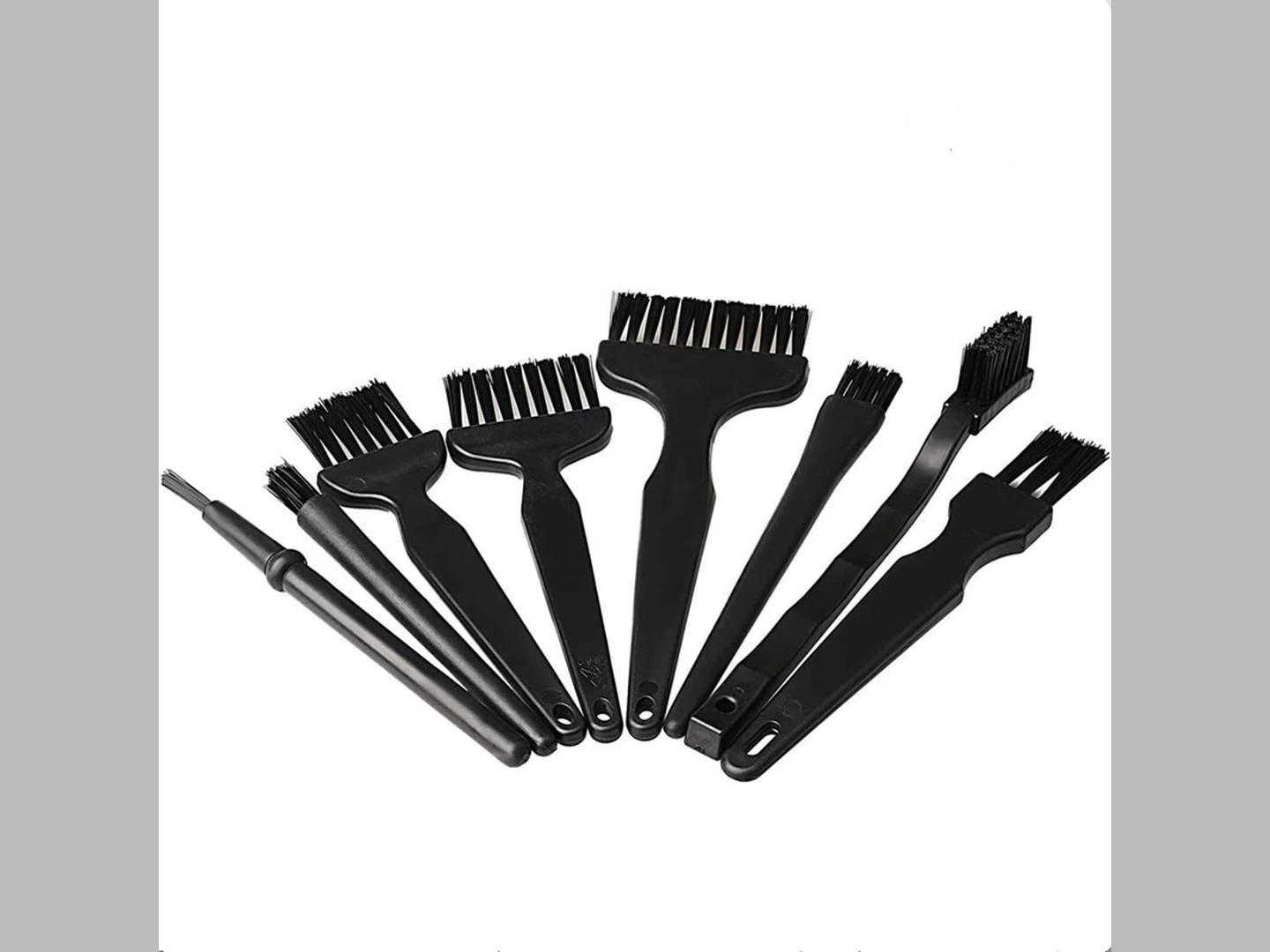
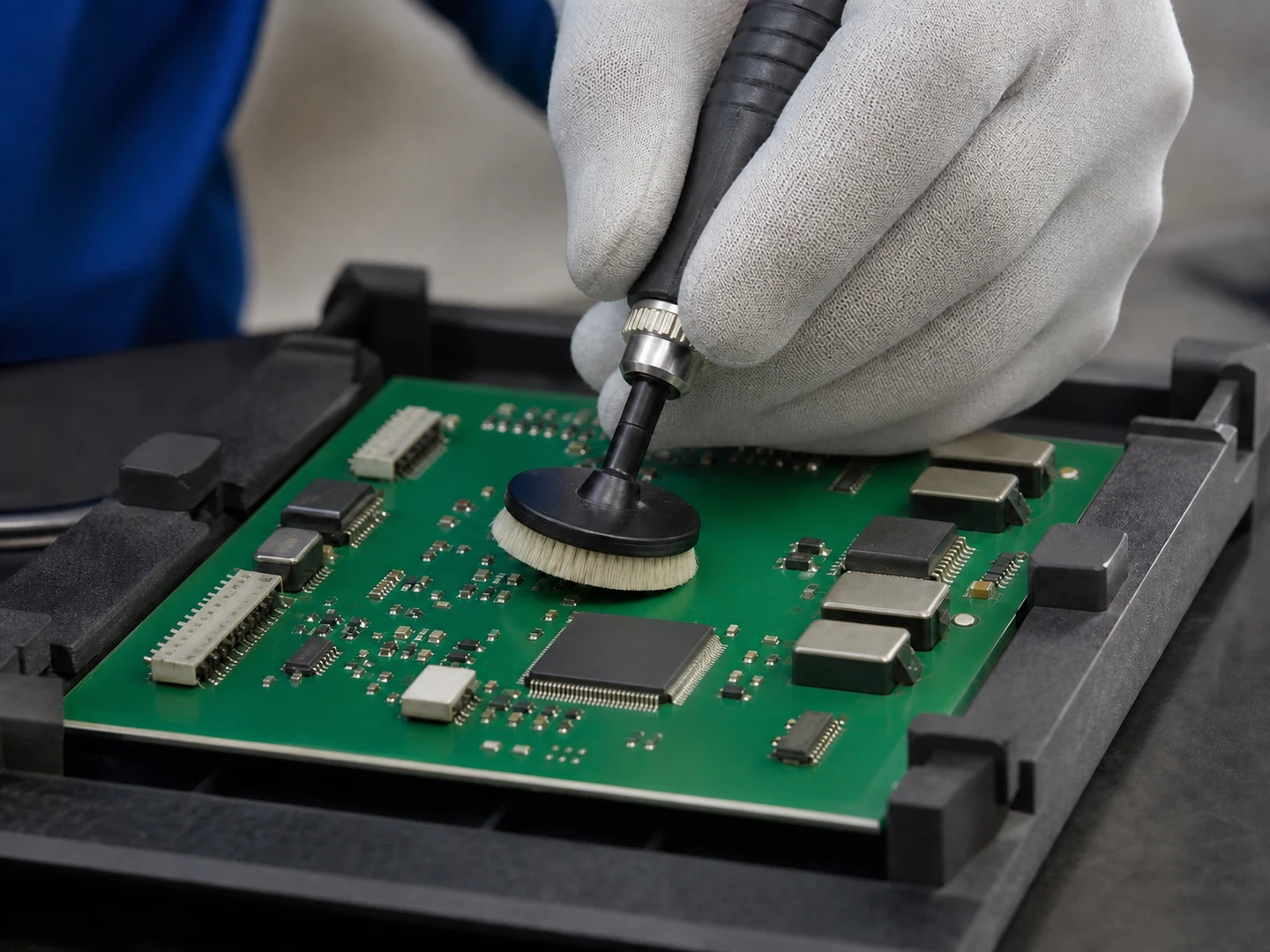
A PCB brush is a contact cleaning element engineered to remove loose particles, light flux residues, and surface contamination from a printed circuit board surface. In precision carrier applications, the brush often mounts directly onto the automated conveyor, elevator, or robotic end‑effector, and must maintain consistent contact pressure, avoid debris redeposition, and preserve the board’s surface finish. The term covers a wide family of brush types—from simple handheld anti‑static brushes for touch‑up to permanently mounted roller brushes in inline cleaning modules.
Common Types of PCB Brushes for Precision Carriers
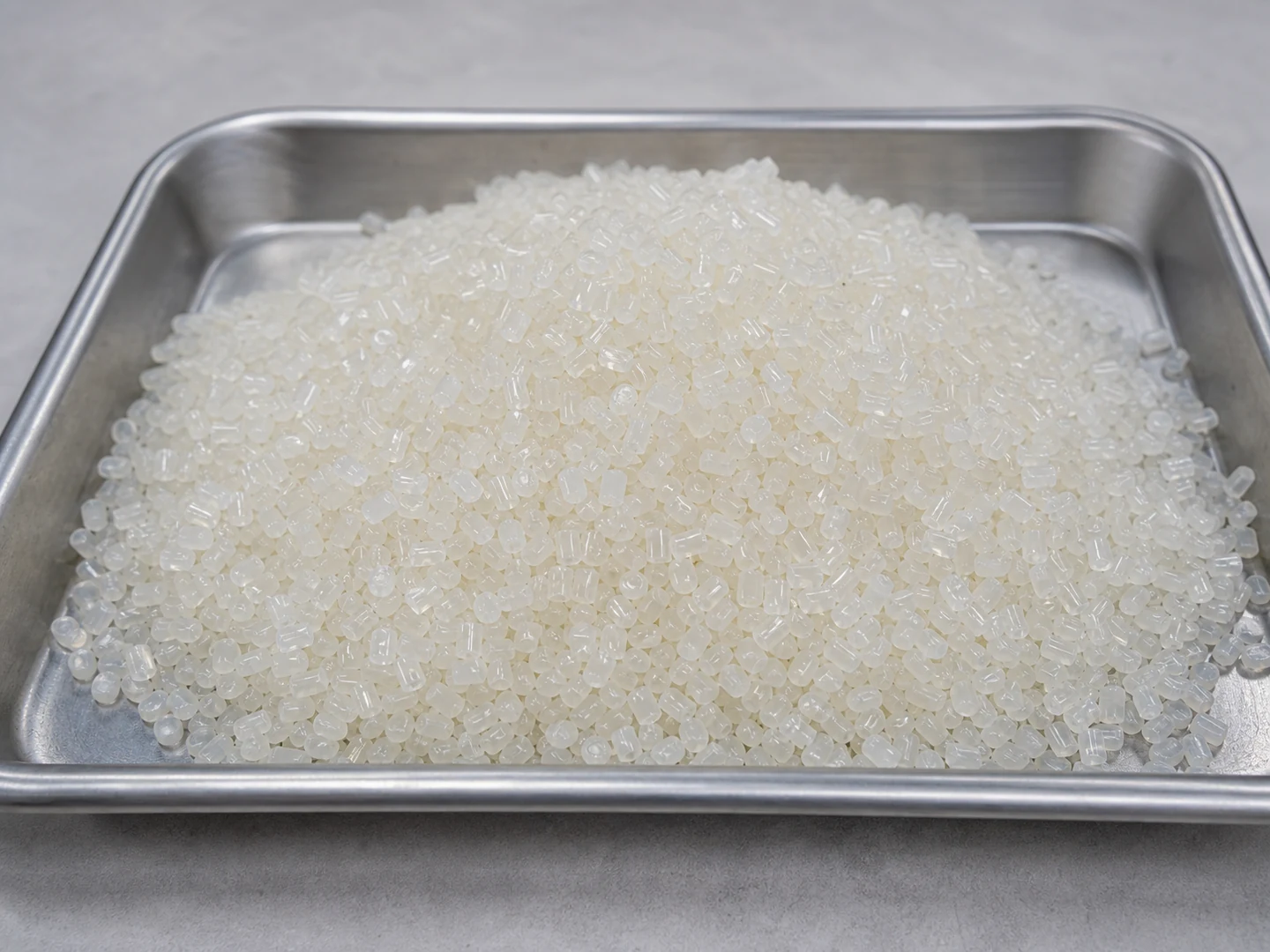
- Nylon filament brushes – Good general‑purpose static dissipative fiber, available in soft and medium stiffness.
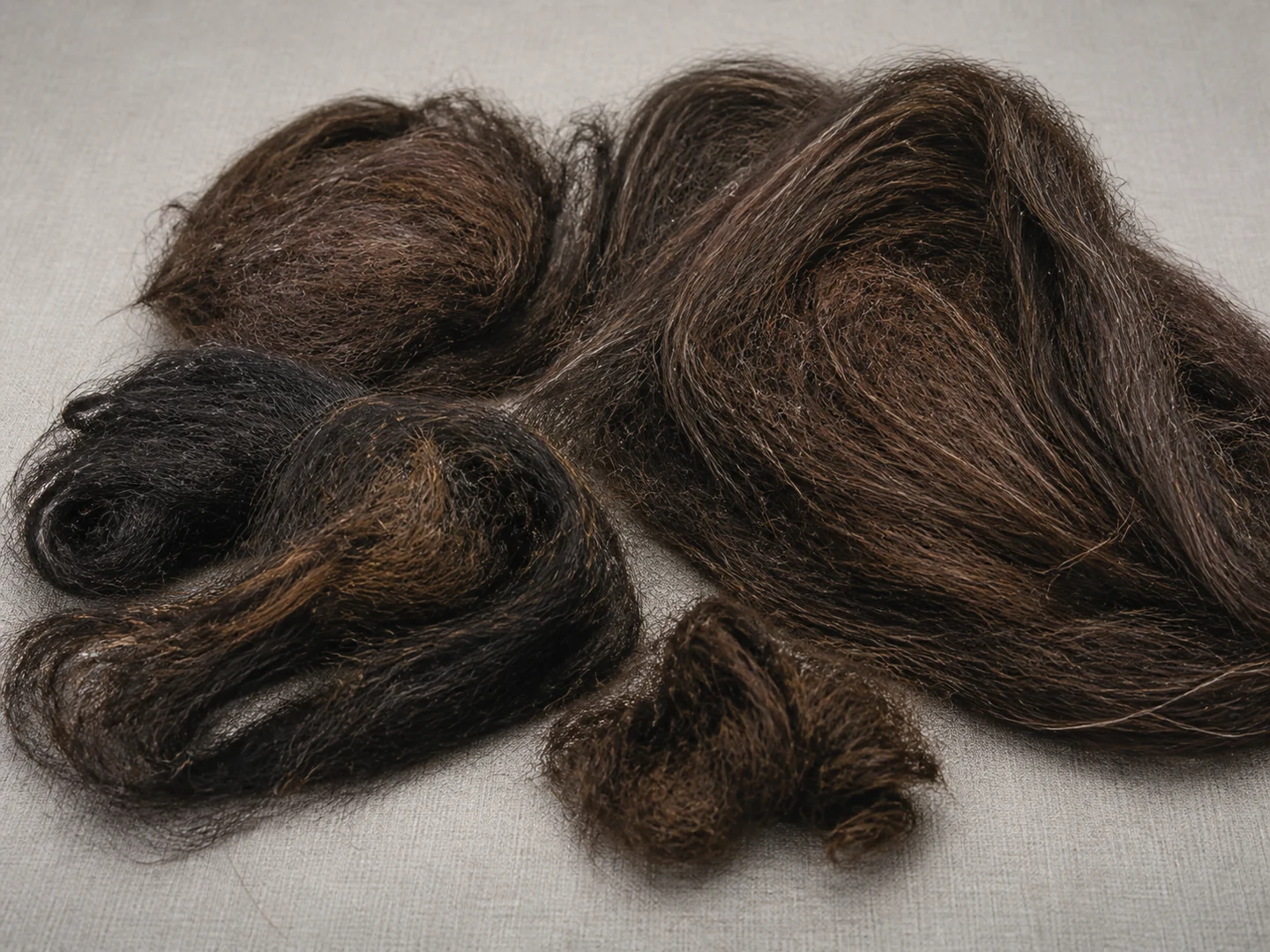
- Horsehair brushes – Natural fiber that is gentle on soft gold pads and thin copper; often used before inspection.
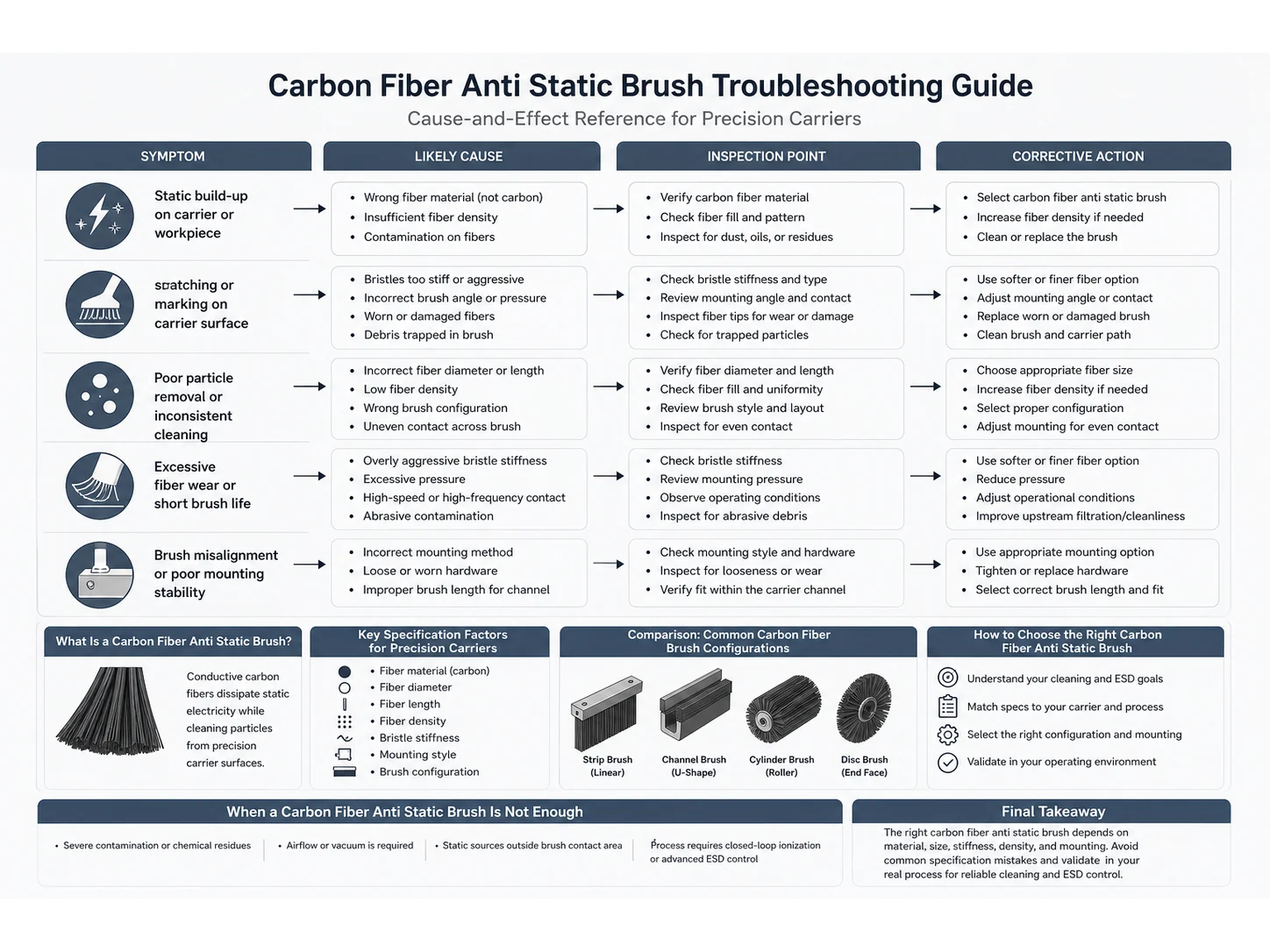
- Conductive carbon‑fiber brushes – Remove static charge while cleaning; critical where ESD‑sensitive components are handled.
- Micro‑abrasive brushes – Contain embedded abrasive particles for removing tougher flux or oxide; require careful process control to avoid scratching.
- Channel‑mounted and quick‑change core brushes – Designed for easy replacement with minimal carrier downtime.
Material and Design Comparison
| Brush Type | Typical Filament | Stiffness Level | Chemical Resistance | Static Control | Best Use Case |
|---|---|---|---|---|---|
| Soft nylon | Conductive or plain nylon | Low | Good with most solvents | Dissipative options available | Pre‑inspection wipe on bare boards |
| Horsehair | Natural animal hair | Very low | Limited—avoid strong acids/alkalis | No inherent ESD protection | Gold‑plated contacts, final clean before lamination |
| Carbon fiber | Carbon‑loaded or pure carbon | Medium | Excellent | Fully conductive | ESD‑sensitive areas, inline cleaner modules |
| Abrasive nylon | Alumina or SiC‑filled nylon | High | Good but grit can shed | Dissipative grades available | Stubborn flux removal, oxide cleaning (controlled speed/pressure) |
| Channel brush strip | Any of the above | Customizable | Depends on filament | Depends on filament | Quick‑change carrier cleaning stations |
How to Choose the Right PCB Brush for Your Carrier System
Start with the residue type, not the brush cost. Light dust needs a soft tip; baked‑on solder flux may need a mild abrasive but only if the board surface and nearby components can tolerate it. Then match to the carrier environment:
- Residue type – Dry dust, oily fingerprint residue, flux, or fiberglass splinters each require different filament material and aggressiveness.
- Surface sensitivity – Gold contacts, OSP finishes, and thin copper pads are easily scratched; choose horsehair or ultra‑soft nylon.
- Wet or dry process – If the brush runs in a wash section with IPA or water‑based chemistry, verify filament chemical compatibility and whether the core will swell.
- Carrier interface – Check mounting slot dimensions, overall length, brush OD, and whether the carrier needs a single brush strip or a row of disc brushes.
- Maintenance window – A quick‑change core can reduce carrier downtime from 20 minutes to under a minute. Factor this into the total cost calculation.
- Custom dimensions – Off‑the‑shelf brushes often fit standard carrier designs, but precision carriers with tight tolerances may require a custom‑extruded profile. Provide a drawing to the supplier early.
Common PCB Brush Mistakes in Precision Carriers
Many board defects trace back to a single wrong brush decision. Below are the most frequent mistakes and how to avoid them.
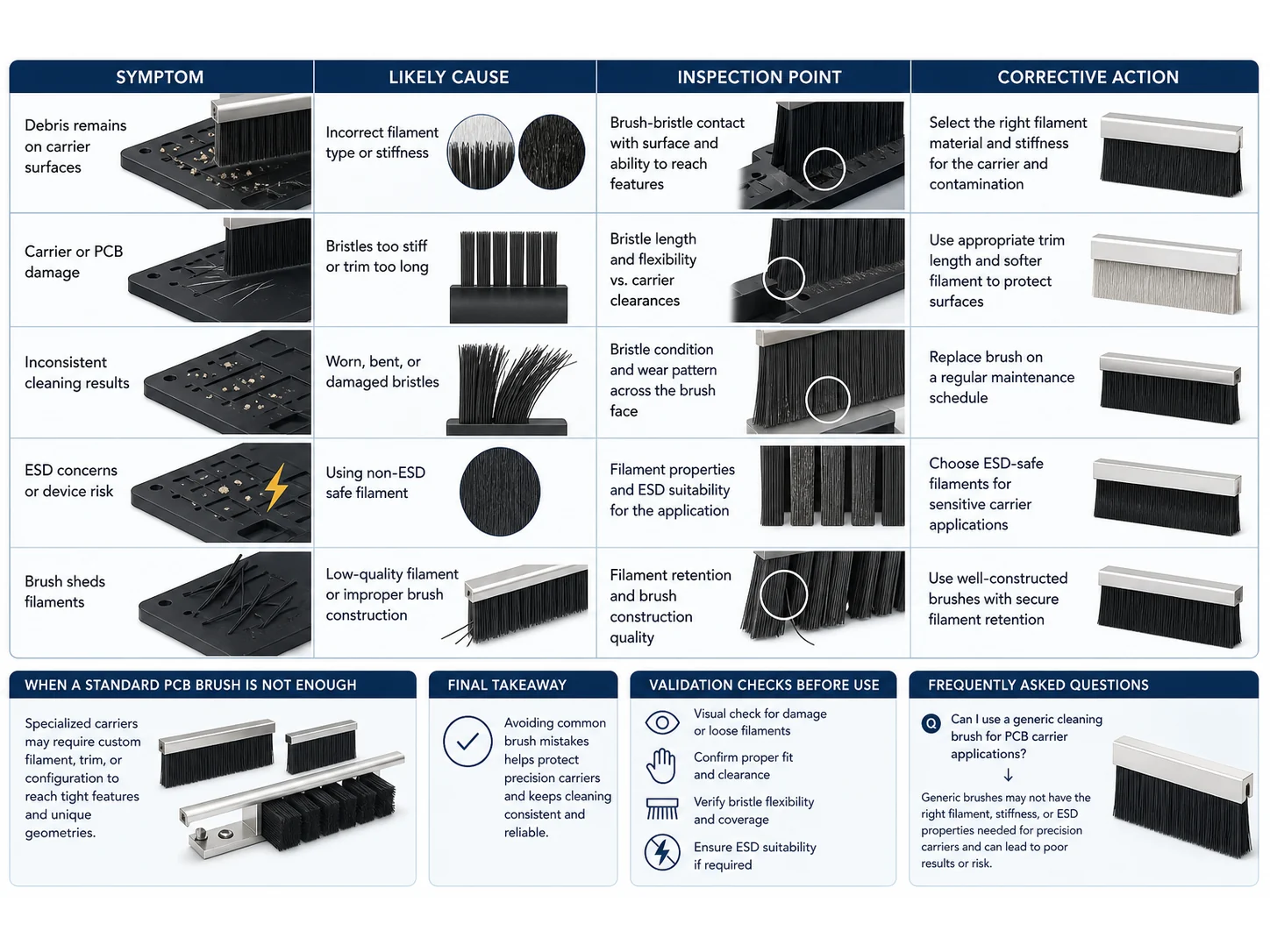
- 1. Choosing stiffness by cost drivers, not by board spec. A low-cost, stiff nylon brush scrubs off solder mask or scratches gold fingers. Prevention: always request a filament sample and run a board test on scrap panels before full deployment.
- 2. Ignoring static electricity. A standard insulating brush can generate thousands of volts on a moving carrier in low‑humidity conditions, blowing sensitive IC inputs. Use conductive or static‑dissipative filaments and monitor grounding continuity.
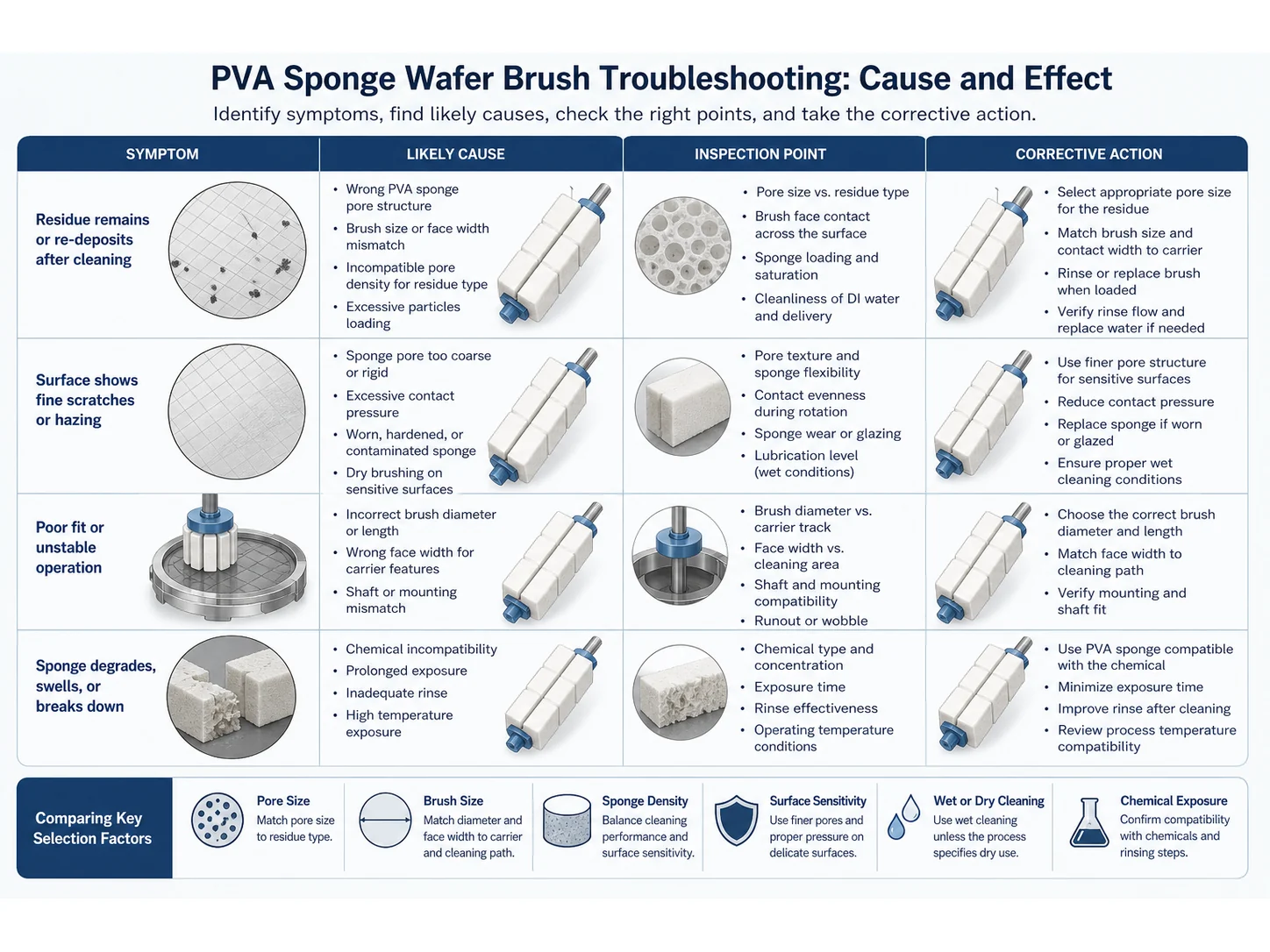
- 3. Overlooking chemical exposure. A nylon brush that works fine dry may swell, soften, or shed fibers when exposed to IPA or alkaline cleaners. Prevention: ask the supplier for a chemical resistance chart and test it under your wash chemistry temperature and immersion time.
- 4. Poor mounting alignment. Even a correct brush can create uneven wear, chatter, and board jams if set at the wrong angle or pressure. Prevention: follow the carrier manufacturer’s torque and alignment specifications. Use shims and go‑no‑go gauges during installation.
- 5. Running brushes past their service life. A worn brush loses cleaning effectiveness and can redeposit captured debris. Set a replacement schedule based on actual board counts, not calendar days. High‑volume lines may need weekly change‑outs.
- 6. Not requesting a pre‑production sample. An online picture or catalog description does not Help confirm fit. Always do a trial fit in one carrier slot and run at least 24 hours of production before committing to a bulk order.
- 7. Using one brush type for all board variations. A carrier that handles both rigid and flex circuits may need different brush pressures or materials. Standardize on a modular brush system that allows quick swapping between programs.
When a Standard PCB Brush Is the Wrong Choice
A PCB brush handles light contamination effectively, but it reaches its limit when heavy, baked‑on flux layers, ionic residues, or adhesive‑backed debris are present. In those cases, a brush alone cannot meet IPC cleanliness standards. Consider upgrading to a wet scrub module, ultrasonic cleaning after brushing, or a full aqueous wash system. Similarly, if the carrier must clean boards smaller than the brush width, a custom‑engineered brush profile or a multi‑stage “brush + air knife” combination may be required. When the drawing or specification includes complex under‑component cleaning, ask the supplier for an Engineering Drawing Review and a test coupon run before signing off.
Final Takeaway
The most expensive mistake in PCB carrier brush selection is assuming any brush will work. Define the contamination, test the filament on your exact board surface, verify the mounting interface, and schedule a replacement plan before the first board runs. A 30‑minute sample trial saves shifts of rework and carrier downtime.
Frequently Asked Questions
Can I use a generic cleaning brush for PCB carrier applications?
No. Generic brushes often lack ESD control, precise dimensions, and material certifications required for production environments. Always use a brush specified for PCB or electronics cleaning.
How often should I replace a PCB brush in a carrier line?
Base replacement on board count, not time. Monitor cleaning quality daily; many high‑volume lines replace brushes every 40,000–80,000 boards. Worn filaments lose stiffness and can shed debris.
What brush material is best for static‑sensitive boards?
Carbon‑fiber or conductive nylon filaments dissipate static. Ensure the brush core and carrier are properly grounded, and verify the surface resistance meets ANSI/ESD S20.20 limits for your process.
How can I tell if the brush is scratching gold contacts?
Inspect the first boards after installation under 10× magnification. Look for hairline scratches or dulling of the gold surface. If present, switch to a softer filament (horsehair or ultra‑soft nylon) and reduce brush pressure.
Should I use wet or dry cleaning with the brush?
Dry brushing works for loose dust and light debris. If flux residues are tacky or baked, a wet process with a compatible solvent applied upstream of the brush station usually gives better results. Always check filament chemical resistance before adding liquid.
What if my carrier has unusual slot dimensions?
Many brush manufacturers offer custom profile extrusion. Provide a detailed drawing with length, width, slot shape, and filament trim height. Expect a non‑recurring engineering charge and request a first‑article sample before volume delivery.
Can I speed up the carrier to clean more boards per hour?
Increasing line speed reduces contact dwell time and may leave residues. If you must increase throughput, first test whether the brush is still effective at the higher speed. You may need a larger diameter brush or a second cleaning stage to compensate.
Technical References
Which bristle material fits this job — Nylon PA, Horsehair or Carbon Fiber?
| Material | Continuous temperature (°C) | Peak temperature (°C) | Water absorption | Hardness |
|---|---|---|---|---|
| Nylon PA | 93 | 121 | 0.3–9% by PA grade and conditioning | Medium to firm; filament diameter and trim length control bending force. |
| Horsehair | 60–80 | 100–120 | 8–15% | — |
| Carbon Fiber | 200–350 | 400–500 | ≤0.10% | — |
| Conductive Nylon | 80–110 | 130–160 | 0.5–2.5% | Shore D 75–88 |
Figures as published by Brushtec / DuPont. Confirm the exact grade against the supplier datasheet before ordering.
What should replace Handheld Detail Brushes for pcb?
- Handheld Detail Brushes — Handheld detail brushes cover general precision cleaning; auto-detailing brushes impose tighter controls for painted, polished, leather, display, and trim surfaces.
- Nylon PA — Compare Nylon PA with PP, PBT, PET. Change material when wet stiffness, temperature, chemical resistance, conductivity, particle shedding, or surface marking becomes the limiting factor.
- Horsehair — Compare Horsehair with Boar bristle, goat hair, microfiber. Change material when wet stiffness, temperature, chemical resistance, conductivity, particle shedding, or surface marking becomes the limiting factor.
- Carbon Fiber — Compare Carbon Fiber with Conductive nylon, anti-static filament, stainless micro-wire, standard nylon. Change material when wet stiffness, temperature, chemical resistance, conductivity, particle shedding, or surface marking becomes the limiting factor.