
Custom Cleaning Brush
Card Reader Slot Cleaning Brush
A thin polyurethane sponge head follows the card insertion path, clearing dust and oxide film from magnetic heads and EMV contacts without shedding.
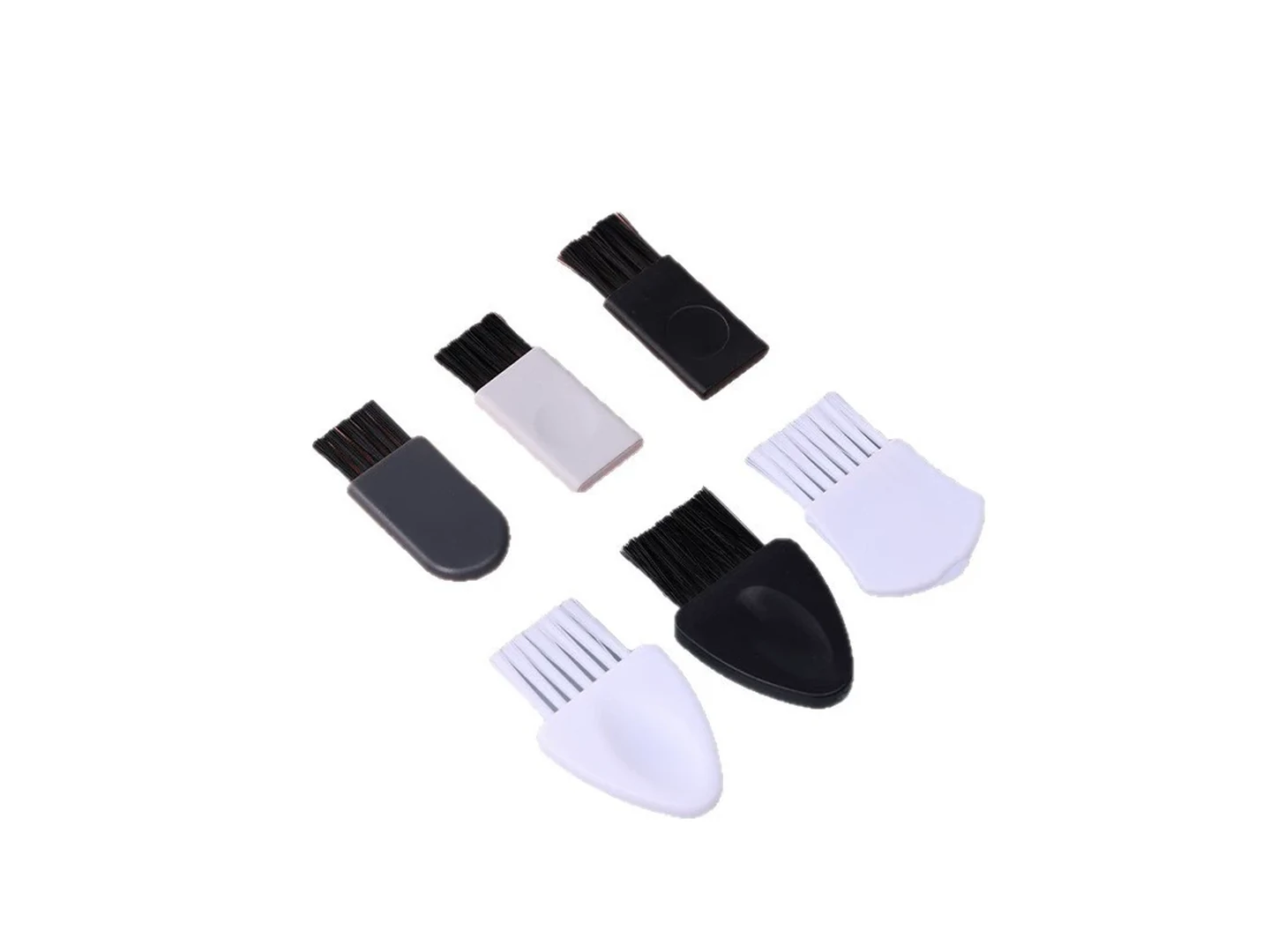
Small brush
500 pcs
Minimum order
Held in one hand: tube, bottle, detail and swab brushes — including long-handled ones with a small head.
Production lead time, once the specification is confirmed
- Up to 500 pcsWithin 7 days
- 501–50,000 pcsWithin 14 days
- Over 50,000 pcsWithin 21 days
Peak season can extend these times; the shipping date is confirmed in writing with your quotation. Sampling and shipping are quoted separately.
A low-linting sponge-swab cleaning tool for ATM, POS terminal, kiosk, and access-control card reader slots. The flat polyurethane sponge head with a microfiber cleaning face removes dust, lint, card residue, and oxide film from magnetic heads and EMV chip contact zones without scratching pins or leaving fibers.
What can this brush do for you?
Clears the full insertion path, not just the slot opening
The thin, compressible head enters narrow card-reader throats and follows the natural card insertion path. As the operator moves the stem along the slot, the pad wipes the upper and lower guide surfaces, the magnetic stripe head, and the chip contact landing zone in one controlled pass. The rigid polypropylene stem keeps the stroke straight and prevents the pad from folding inside the reader.
Soft enough for magnetic heads and chip contact pins
The cleaning contact is a microfiber-faced polyurethane pad, not bristle filaments or metal wire. It applies even, low-pressure contact that removes film and fine debris without scratching gold-plated EMV pins, magnetic head gaps, or coated guide rails. Readers with delicate contact geometry can be serviced without the scoring risk that comes from conventional brush tips.
Low-linting face prevents read-error recontamination
Both the microfiber face and the polyurethane core are selected for low particle shedding. The pad traps dust, lint, and magnetic stripe debris inside the material instead of pushing it deeper into the slot or leaving new fibers on the contacts. A cleaning pass does not introduce the very contamination it was meant to remove.
Works dry or with alcohol for different contamination
The open-cell polyurethane core absorbs a controlled amount of solvent, and the microfiber face spreads it as a thin film. Dry use lifts loose dust and lint; a small amount of isopropyl alcohol releases oily films, skin residue, flux particles, and light oxide from contact surfaces. The operator controls how much solvent reaches the reader instead of flooding the slot.
Available in single-use and reusable service formats
Field service teams can carry individually packaged single-use swabs that eliminate cross-contamination between sites. In-house maintenance programs can specify a reusable configuration with a washable or replaceable head, allowing the same tool to clean dozens of readers before it is retired.
What is a Card Reader Slot Cleaning Brush?
Despite the common product name, this is not a filament or bristle brush. It is a sponge-swab style cleaning tool built around a flat open-cell polyurethane foam core with a low-lint microfiber contact face on a rigid polypropylene stem. The tool is inserted into the card slot and moved along the natural card travel path, wiping the magnetic stripe read head, EMV chip contact block, and slot guide surfaces as it travels.
For dip and swipe readers, the full slot can be cleaned during normal service with the reader powered off. For motorized card readers, the tool is used on exposed guide and contact areas only when the transport is disabled and the service procedure allows a manual swab. It is not a replacement for the manufacturer-approved cleaning card used inside sealed optical, roller, or motor-driven paths.
The brush removes dust, lint, card debris, skin oils, light oxide film, and flux residue from the surfaces that determine whether a card reads on the first attempt. It is not designed for heavy grease, baked-on deposits, or deep corrosion; those conditions belong to disassembly, ultrasonic cleaning, or the OEM-designated cleaning procedure.
Technical Specifications
Dimensions, foam density, face material, and packaging are configured around the reader slot and the service procedure. The values below represent the standard configuration range.
| Parameter | Value / Options |
|---|---|
| Cleaning head width | 50–85 mm, matched to card width and reader throat |
| Cleaning head thickness | 1.5–3.0 mm uncompressed; compresses to fit 1.0–3.0 mm slot gap |
| Cleaning head length | 12–30 mm along the card travel direction |
| Stem length | 60–160 mm, set by required insertion depth and grip preference |
| Overall length | 110–230 mm |
| Sponge core | Open-cell polyurethane foam; density and cell structure selected for solvent pickup and compression recovery |
| Contact face | Low-lint microfiber (PET/PA blend) bonded to the foam core; bare polyurethane or dual-side face available |
| Stem material | Polypropylene (PP), standard or static-dissipative grade |
| Tip profile | Flat, wedge, radiused, or stepped chip-pocket profile |
| Solvent compatibility | 70–99% isopropyl alcohol and water-based cleaners; do not use ketones, esters, or aromatic solvents |
| Operating temperature | 0–60 °C for wet cleaning; dry-use temperature to 80 °C, material-dependent |
| Packaging | Bulk bag, individual cleanroom-compatible pouch, or service kit with case and tamper-evident seal |
| Brush type | Custom Handheld Detail Brushes |
| How it is driven | Hand-guided |
| Cleaning target | atm card reader and cash recycler, pos terminal and pin pad, and access control and time attendance reader cleaning |
| Surface or part | slots, pads, pins, terminals, gaps, housings, plastic, and traps |
| Residue or debris | dust, lint, oxide, flux, oxide film, skin oil, particles, and fiber |
| Mounting / connection | Shaft-Mounted / Flange |
Where does this brush work best?
- ATM card readers and cash recyclers — removes lint and dust from the card path, magnetic stripe head, and chip contact landing area before intermittent read failures appear.
- POS terminals and PIN pads — cleans swipe and dip slots in retail and foodservice environments where skin oils, beverage films, and card residue accumulate quickly.
- Access control and time attendance readers — clears grit, oxide, and card debris from high-usage swipe readers and proximity card slots.
- Vending, parking, and fuel dispenser readers — handles outdoor dust, plastic transfer from card stock, and light film on exposed card slots.
- Card reader module assembly and test benches — final cleaning of chip contact assemblies and magnetic heads before housing closure, removing flux particles and light residue.
How do I choose the right one?
Measure the narrowest slot gap
Use a feeler gauge or the reader drawing to find the smallest opening the tool must pass. The uncompressed head thickness should be slightly larger than the gap so the foam and microfiber contact both the upper and lower guide surfaces, but not so thick that insertion requires excessive force or folds the pad over. A head that slides through without contact will not clean the magnetic head or chip contacts.
Match the contact face to the residue
Dry dust, lint, and loose particles are best removed with the dry microfiber face, which traps fine debris without propelling it deeper into the slot. Oily films, skin residue, and light oxide respond better to a small amount of isopropyl alcohol on the microfiber or bare polyurethane face. If oxidation or flux residue is heavy, replace the pad rather than scrubbing harder; this is a controlled-contact cleaner, not an abrasive.
Decide between single-use and reusable
Field service teams moving between customer sites usually prefer individually packaged single-use swabs to prevent cross-contamination and eliminate tool cleaning. In-house maintenance staff can use a reusable version with a washable or replaceable head, provided there is a defined inspection and replacement interval.
Check solvent and temperature compatibility
Confirm the alcohol or contact cleaner is compatible with the polyurethane foam, the microfiber adhesive, and the polypropylene stem. Isopropyl alcohol at 70–99% is generally safe, but esters, ketones, and aromatic solvents can attack the stem or the pad bonding. If the reader is cleaned at elevated temperature, specify the actual temperature so the materials are selected for that condition.
When another cleaning method fits better
If the service manual calls for a manufacturer-specific cleaning card, use that card for sealed or motor-driven paths; do not improvise with this swab inside a powered transport. For heavy carbonized deposits, deep corrosion, or readers that can be opened, disassembly and ultrasonic or contact cleaning may be the right procedure. Vacuum or blow out loose grit before wiping so the foam face is not abrading debris into the contact block.
Can I customize this brush?
Slot dimensions, contact locations, and service procedures vary by reader model, so most projects are configured from the reader geometry and the cleaning procedure. We will need the minimum slot gap, insertion depth, contact-block position, card format, cleaning solvent, single-use or reusable intent, and any ESD or cleanroom packaging requirement. A reader drawing, sample reader, or existing service tool accelerates the configuration.
- Head geometry — width, thickness profile, length, wedge angle, stepped chip-pocket tip, dual-side cleaning face, or radiused corner profile.
- Contact face — microfiber weight and weave, bare polyurethane, laminated dual-layer face, adhesive-free welded option, or replaceable adhesive pad.
- Stem and handle — polypropylene length, thickness, finger grip, thumb pad, hanging loop, static-dissipative grade, color identification, laser marking or pad printing.
- Foam core — open-cell or closed-cell structure, density, compression set, solvent retention, or extra-soft conforming grade for delicate contact blocks.
- Packaging — bulk, individual peel-open cleanroom-compatible pouch, pre-saturated with approved solvent in foil pack, or service kit with tray and tamper-evident seal.
If your card reader program requires material declarations, inspection data, or third-party testing for a specific service procedure, these can be incorporated into the project scope.
When is a card reader slot cleaning brush worn out rather than just dirty?
Can I use this brush in a motorized card reader while it is powered on?
No. Power down the reader or use the service procedure’s designated maintenance mode before inserting any cleaning tool. Never insert the brush into moving rollers or into a transport that is actively driving the card. For sealed motor-driven paths, use the manufacturer-approved cleaning card. This tool is intended for accessible slot, guide, magnetic head, and chip contact areas.
How do I know when the card reader slot needs cleaning?
Look for intermittent read failures, repeated card swipes or re-insertions before acceptance, chip errors that do not follow the card, or visible dust and film at the slot opening. If a known-good card reads reliably in another reader but fails in the suspect unit, contamination is a likely cause. Clean the contact and guide surfaces, then retest before replacing hardware.
Can I use isopropyl alcohol on the sponge or microfiber head?
Yes, with the materials specified for this product. Use 70–99% isopropyl alcohol or an equivalent alcohol-based cleaner in small amounts — the head should feel damp, not dripping. Allow the contact area to dry completely before reinserting a card. Do not use acetone, MEK, esters, or aromatic solvents, which can soften the polypropylene stem or attack the pad bonding.
How can I verify the brush removed the contamination?
Visually inspect the magnetic head and chip contact pins under magnification where access allows. For enclosed contact blocks, run a known-good test card before and after cleaning and compare read success rates. If errors persist after a correct wet and dry cleaning pass, the problem may be mechanical, electrical, or deeper contamination rather than surface debris.
How do I inspect and maintain a reusable brush between services?
Check the pad for delamination, torn foam, embedded grit, or permanent compression. Rinse an alcohol-compatible reusable head with clean isopropyl alcohol and allow it to air dry in a clean sealed bag. Replace the pad or the tool when the face no longer recovers its shape or shows fiber shedding. Discard single-use swabs after each slot.
Does using this brush replace the manufacturer’s cleaning card?
No. A cleaning card is designed for the sealed transport, rollers, and internal optical or contact modules under the OEM’s specific procedure. This brush cleans the accessible slot throat, guide surfaces, magnetic head, and chip contact area. Where the service manual lists a specific cleaning card or swab, follow that requirement first.
Guides that go deeper on this
RELATED BRUSH RESOURCES
Recommended Reading & Related Brush Resources
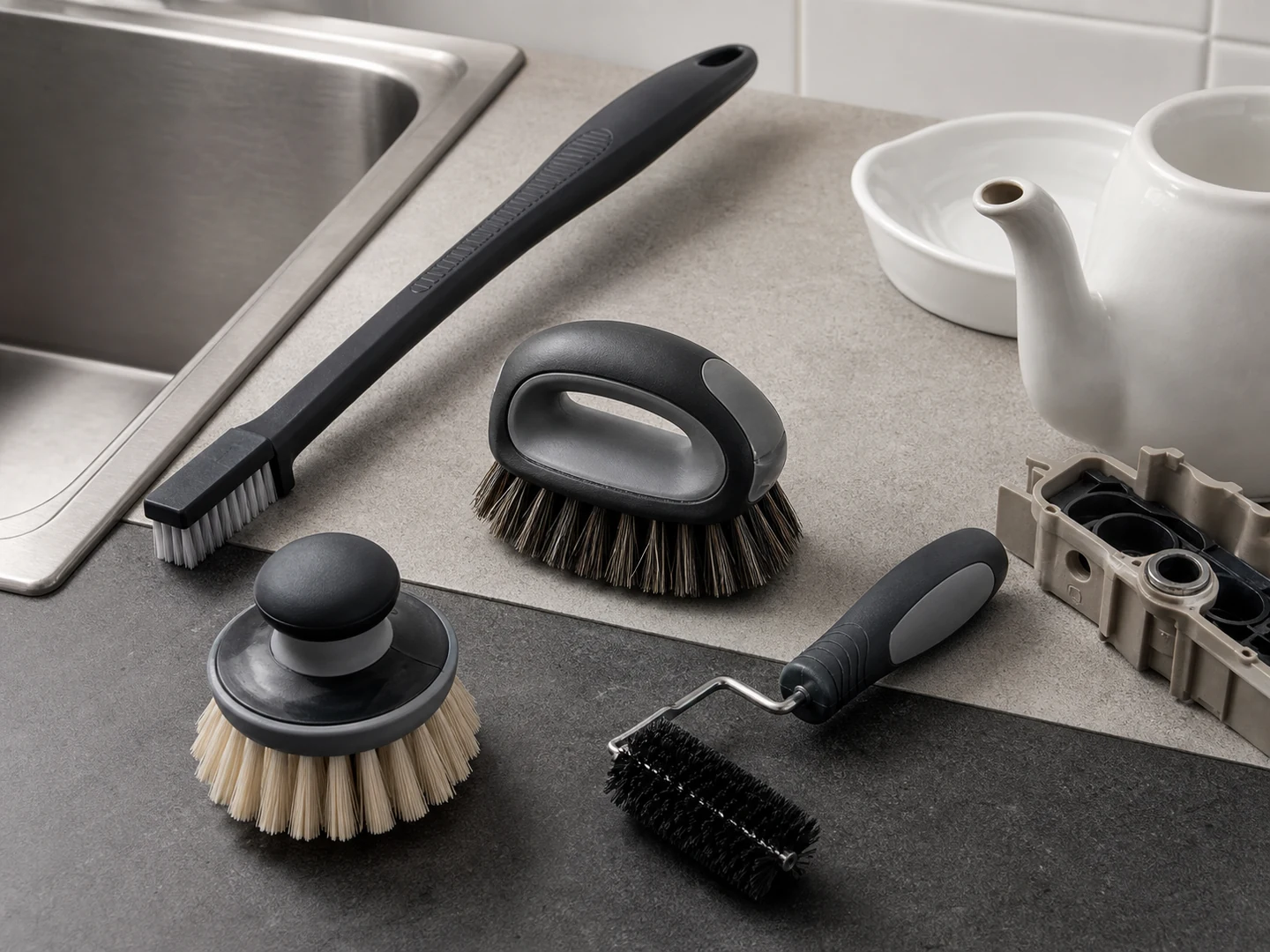
Custom Handheld Detail Brushes
Choose a handheld detail brush when you need direct control in seams, recesses, fittings,…
See how this type is built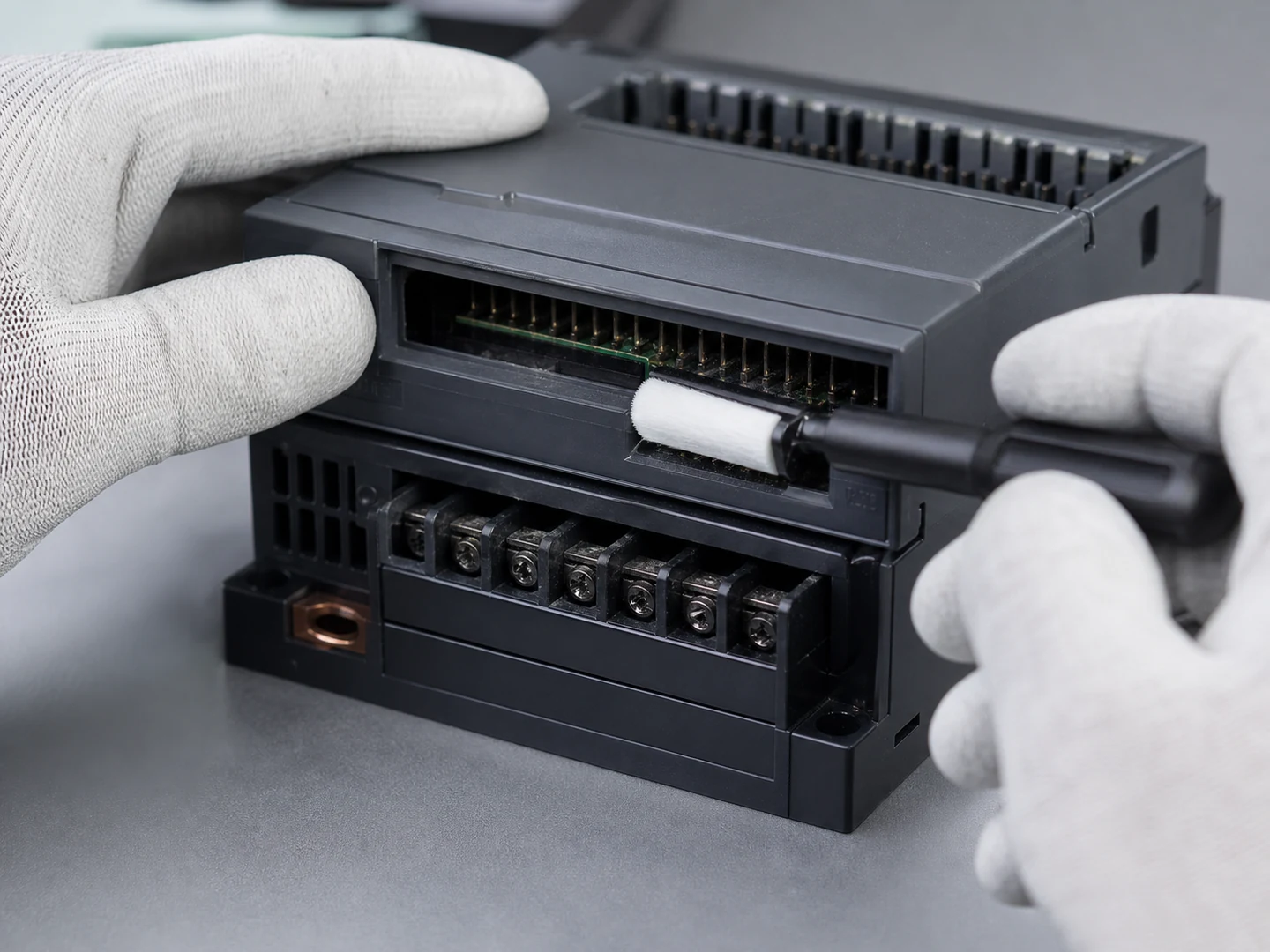
Connector & Slot Cleaning
For Connector & Slot Cleaning, the brush must reach the working area, disturb or…
See the cleaning job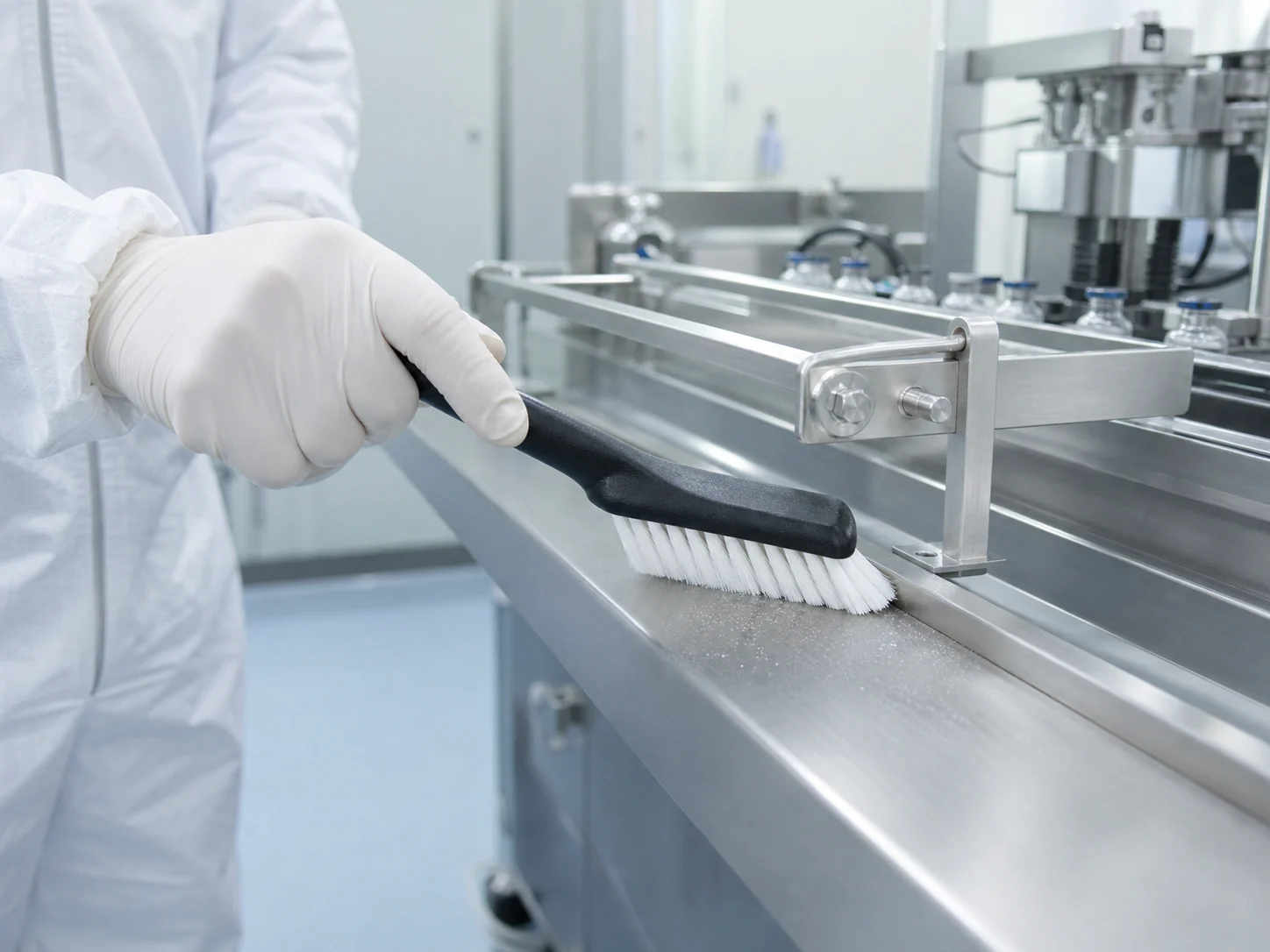
Pharmaceutical Cleanroom Surface Dust Removal
For Pharmaceutical Cleanroom Surface Dust Removal, the brush must reach the working area, disturb…
See the cleaning job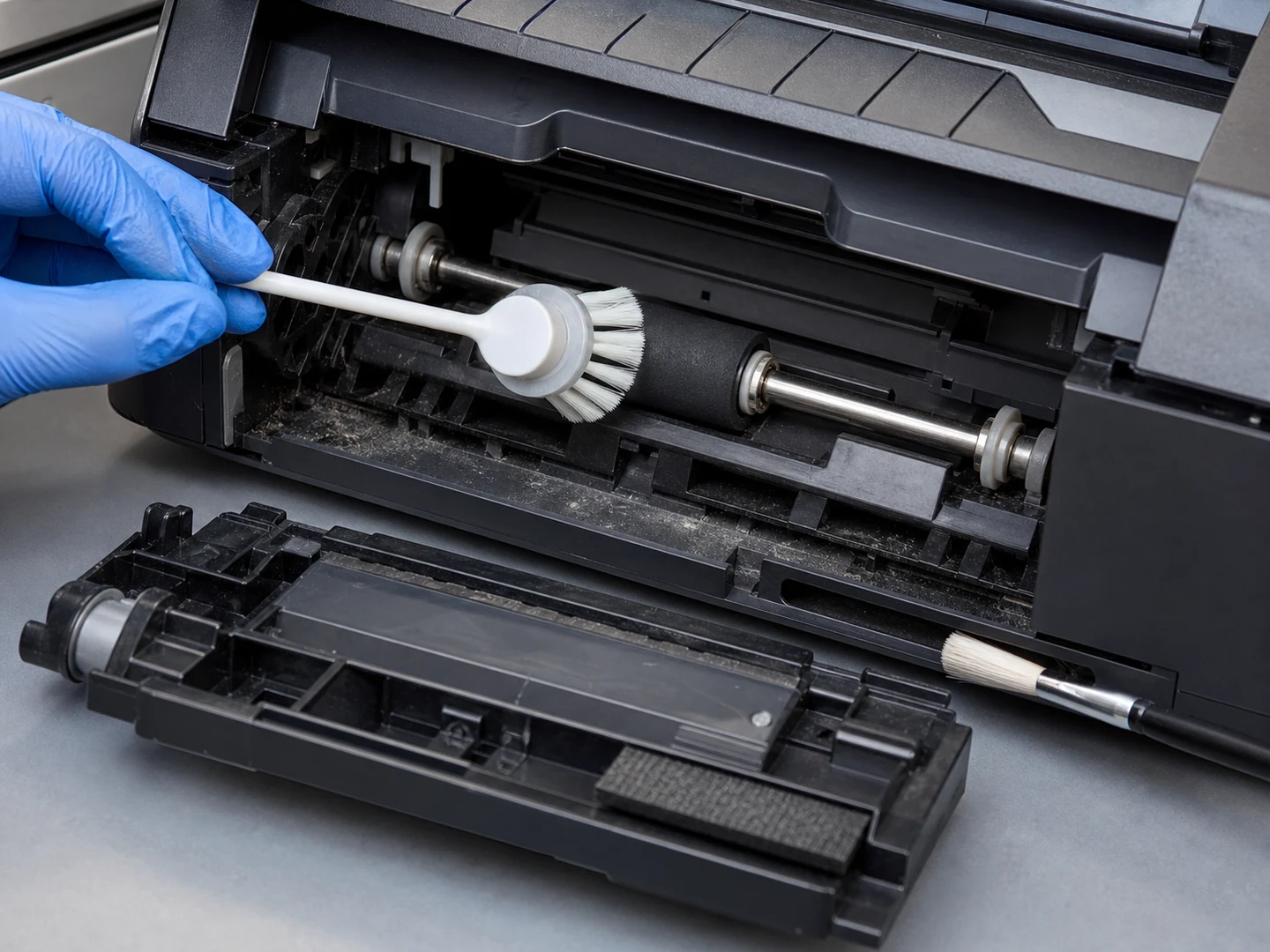
Printer & Scanner Cleaning
For Printer & Scanner Cleaning, the brush must reach the working area, disturb or…
See the cleaning job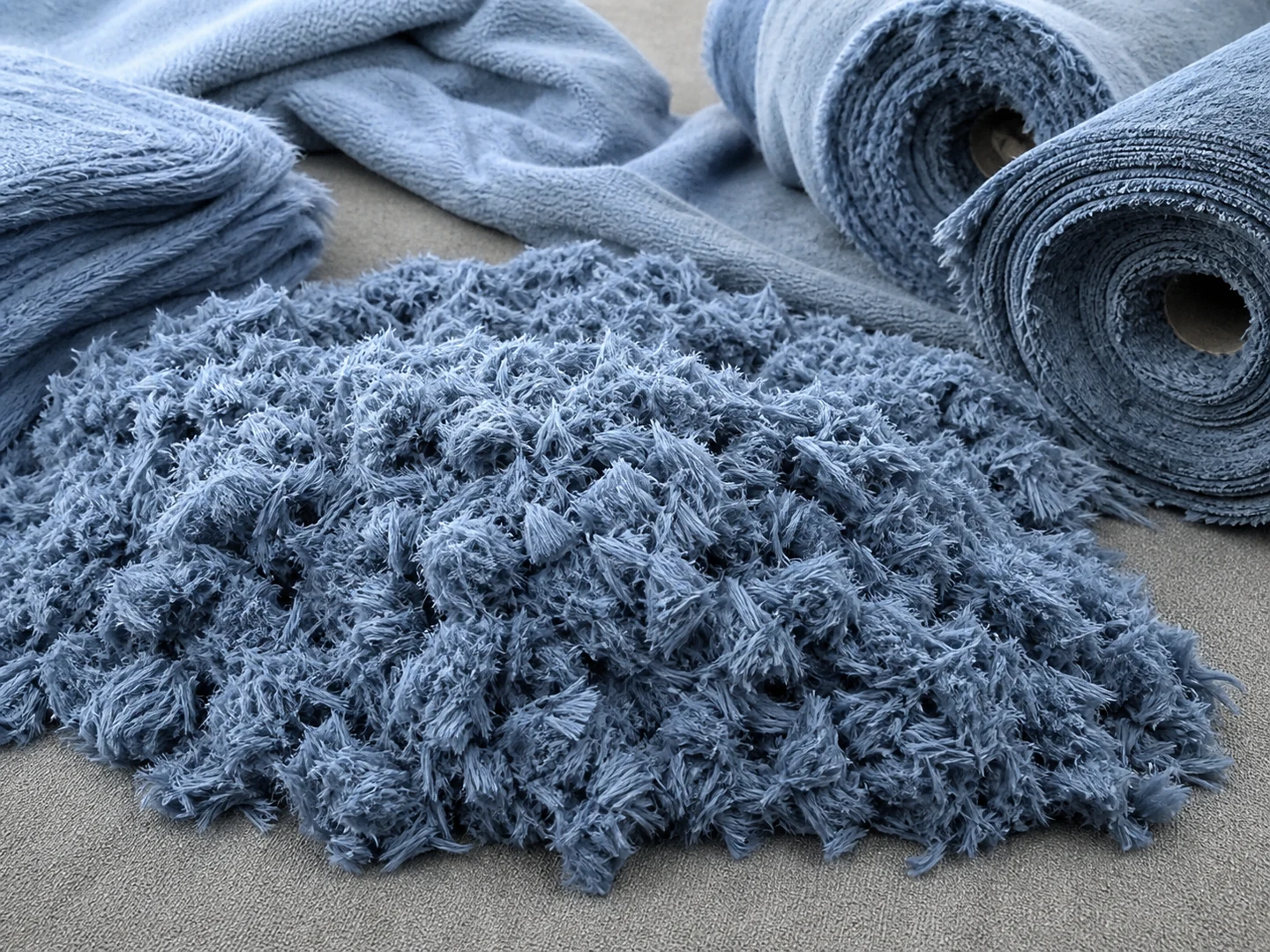
Microfiber
Choose Microfiber based on its stiffness, recovery, wear, wet-service, chemical, and temperature behavior. For…
Compare this material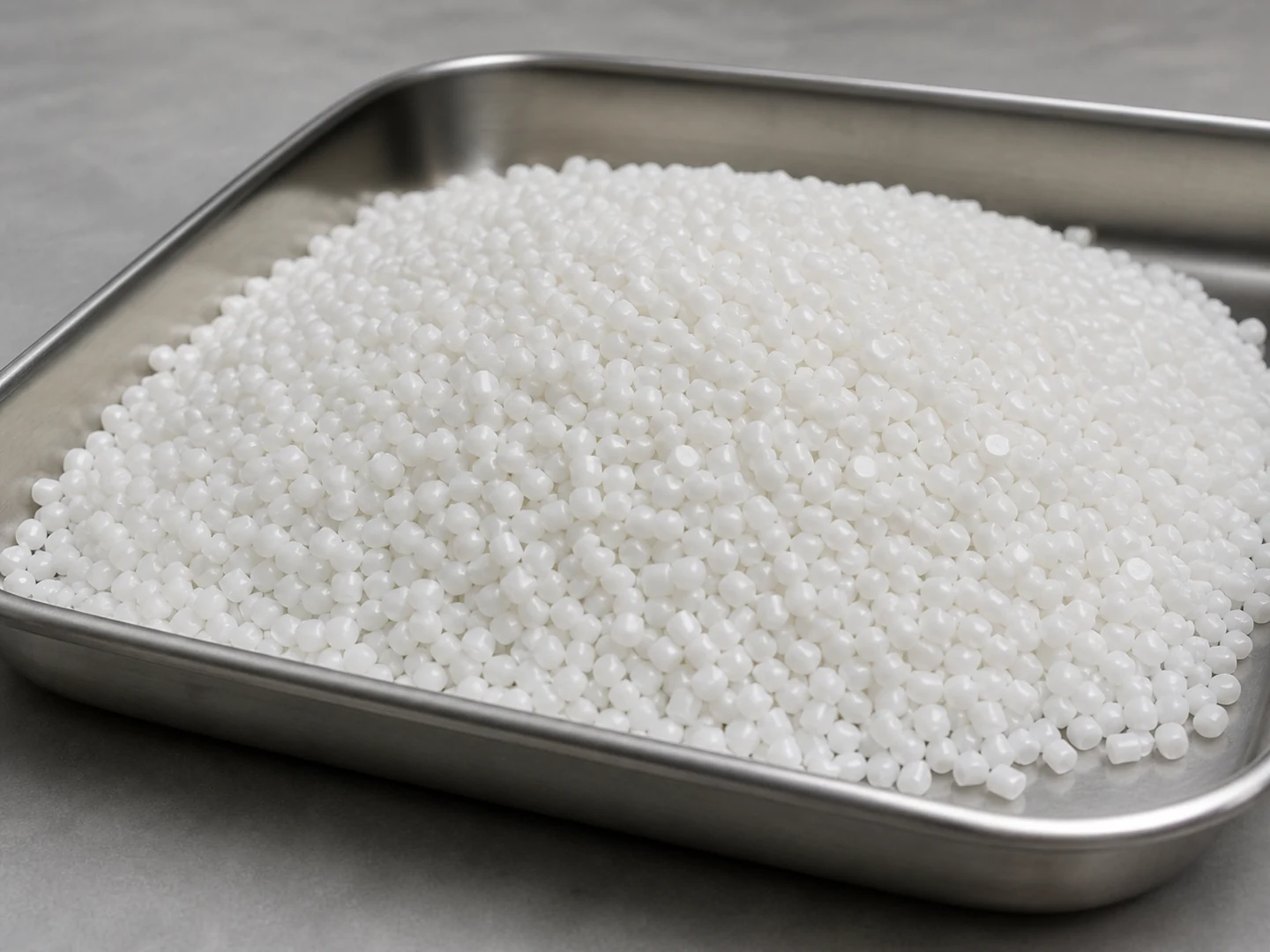
Polypropylene PP
Choose Polypropylene PP based on its stiffness, recovery, wear, wet-service, chemical, and temperature behavior.…
Compare this material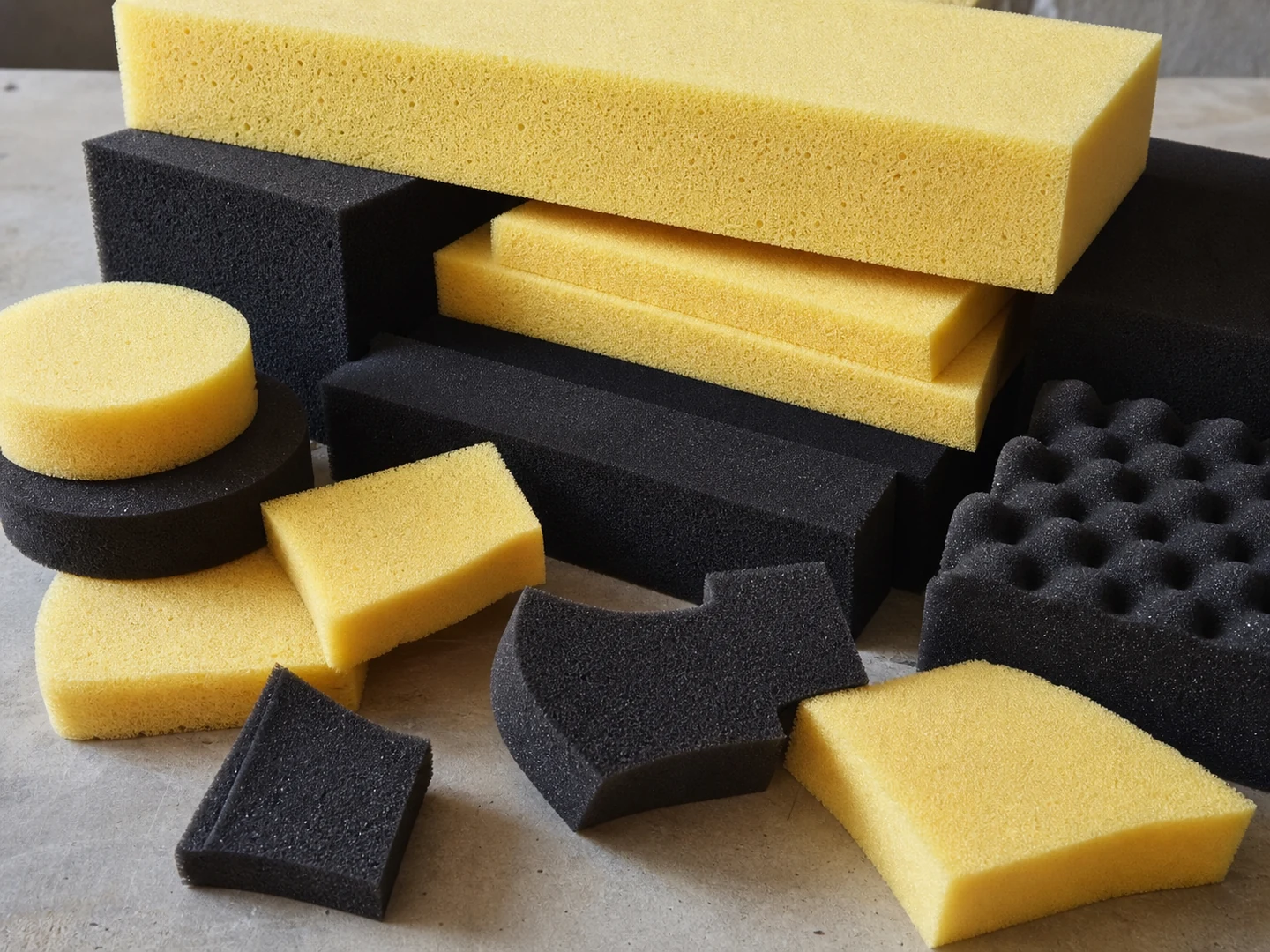
PU Foam
Choose PU Foam based on its stiffness, recovery, wear, wet-service, chemical, and temperature behavior.…
Compare this material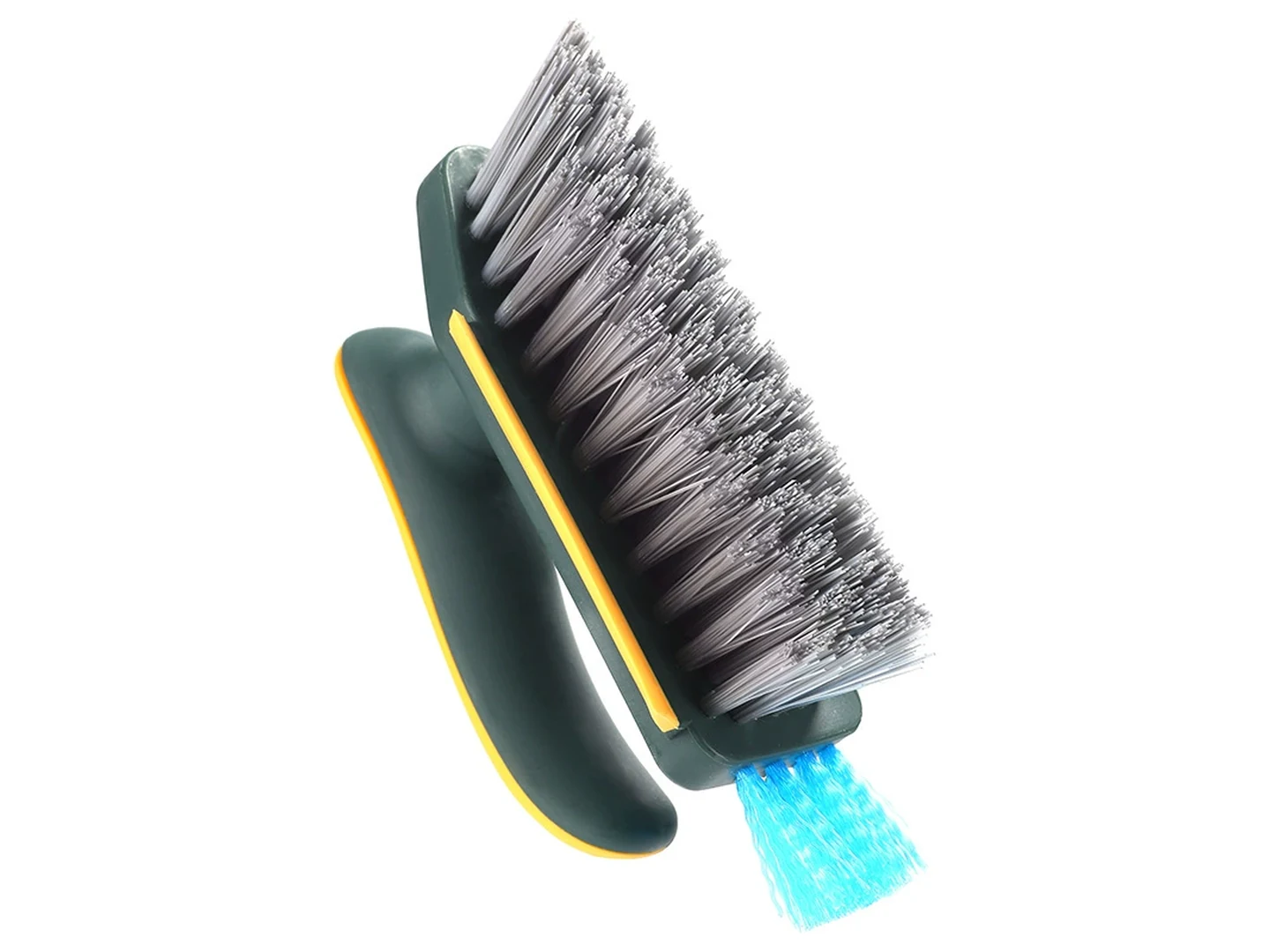
Slot Cleaning Brush
Narrow nylon PA brush built to a chosen slot width from 2 mm to…
Compare the specificationCustom Manufacturing RFQ
Describe Your Application
Send the key measurements, cleaning requirement, residue, material direction, mounting method, quantity, and drawing or photo.
Drawing or photo optional — it speeds things up, it does not gate the enquiry.
Custom Brush RFQ
Send Your Brush Project
Upload a drawing, product photo, or sample photo and provide the core dimensions and cleaning conditions.
“We need a brush to remove wet residue from a stainless steel conveyor, about 800mm wide. The current brush wears quickly. We can send photos.”
“We sell drinkware and need a cleaning brush to include with the product. Quantity around 5,000 pieces.”