What Is an Inkjet Nozzle Cleaning Brush?
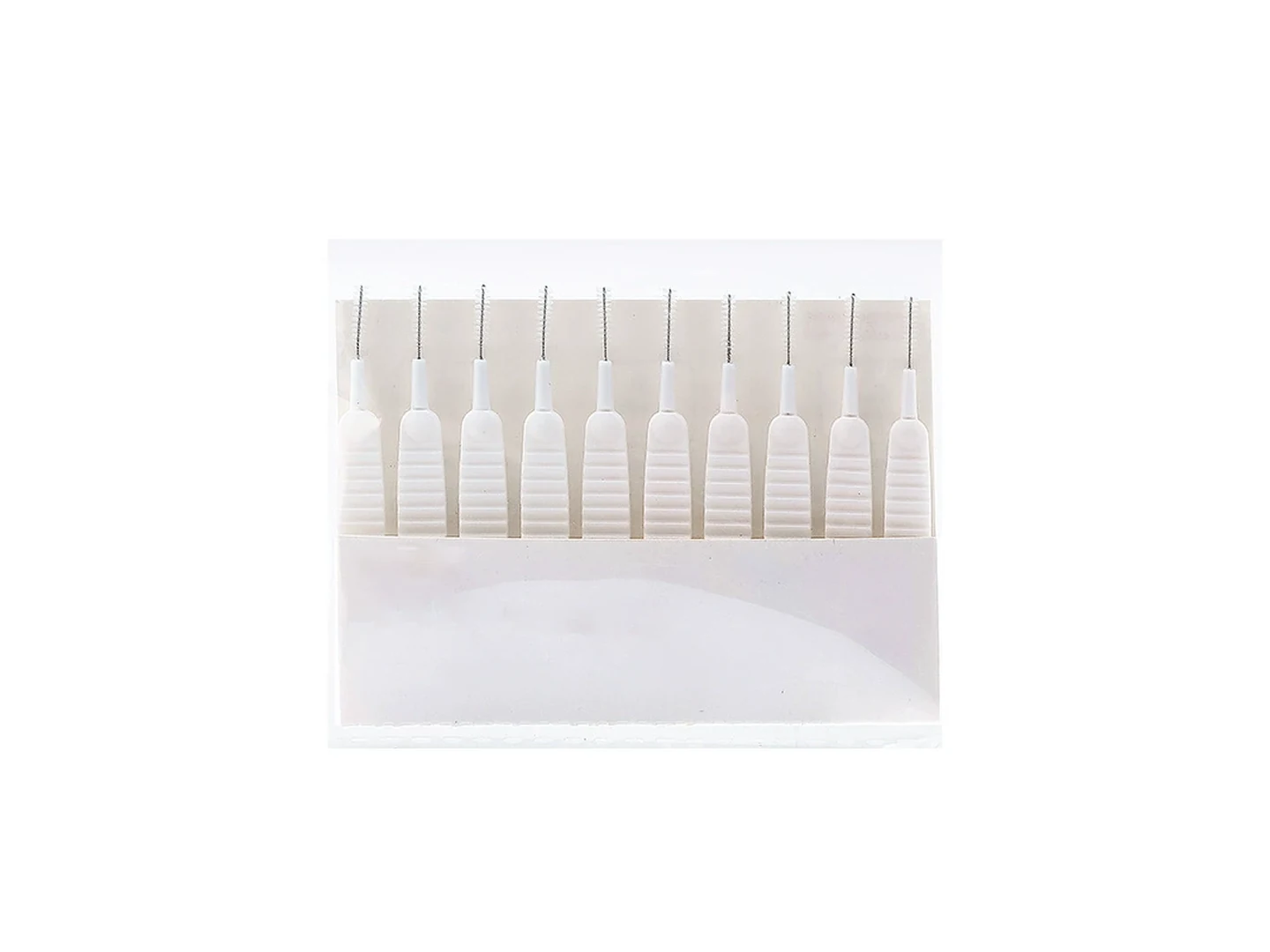
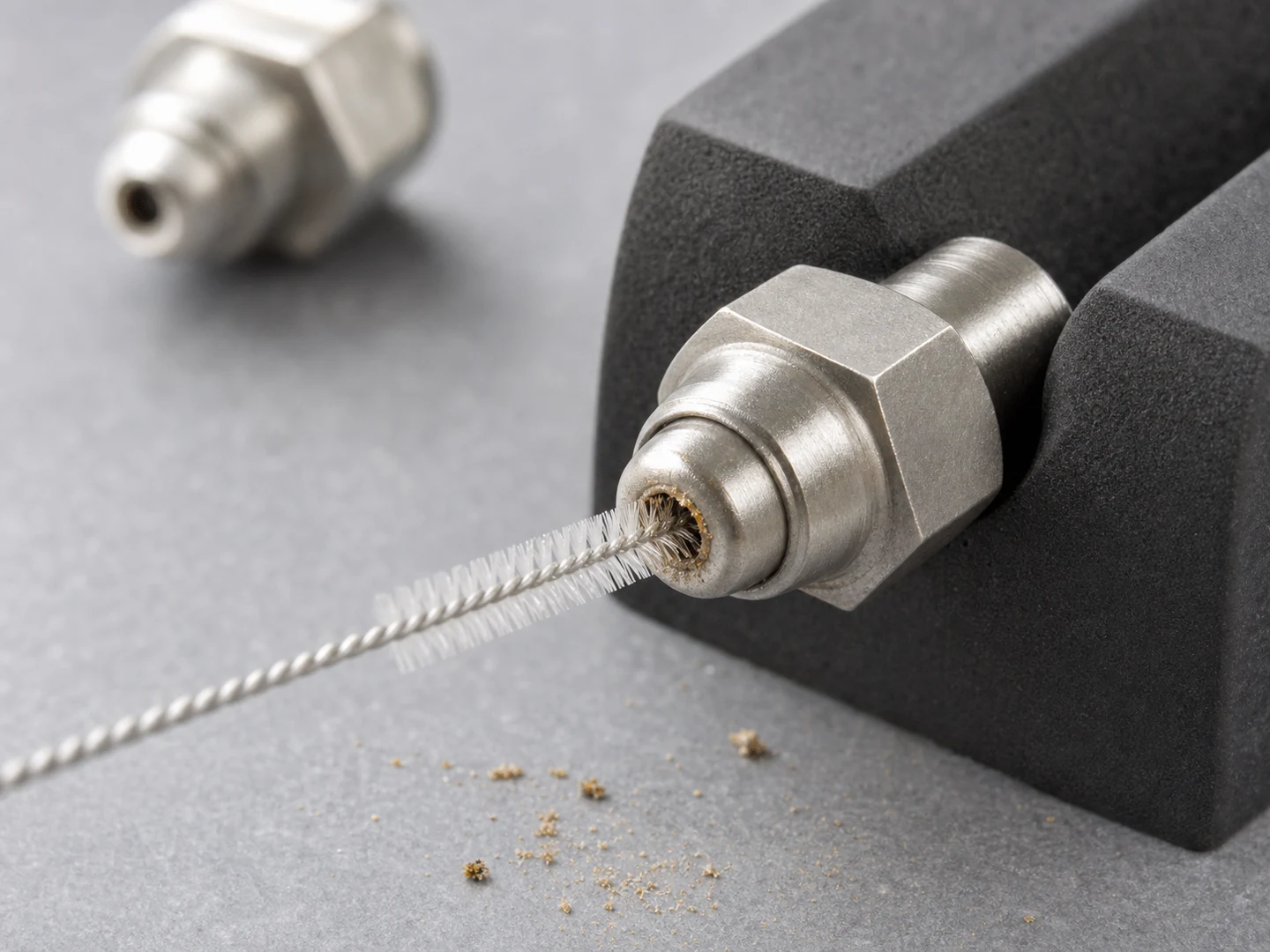
An inkjet nozzle cleaning brush is a miniature brush with filaments, a swab, or a foam tip specifically sized to access and clean the nozzle plate area of an inkjet printhead without causing mechanical harm. Its primary function is to gently loosen and remove ink residue that flushing or solvent baths alone cannot clear. Because the printhead face and nozzle bores are engineered to micron-level tolerances, the brush must be softer than the nozzle plate material, free of abrasive particles, and resistant to the solvents used in the cleaning process.
Common Types of Inkjet Nozzle Cleaning Brushes
For static-control claims, this article uses EOS/ESD Association — ESD Fundamentals as the ESD reference.
For static-control claims, this article uses EOS/ESD Association — Principles of ESD Control as the ESD reference.
For brush terminology and construction language, this section references American Brush Manufacturers Association — Brush Lingo.
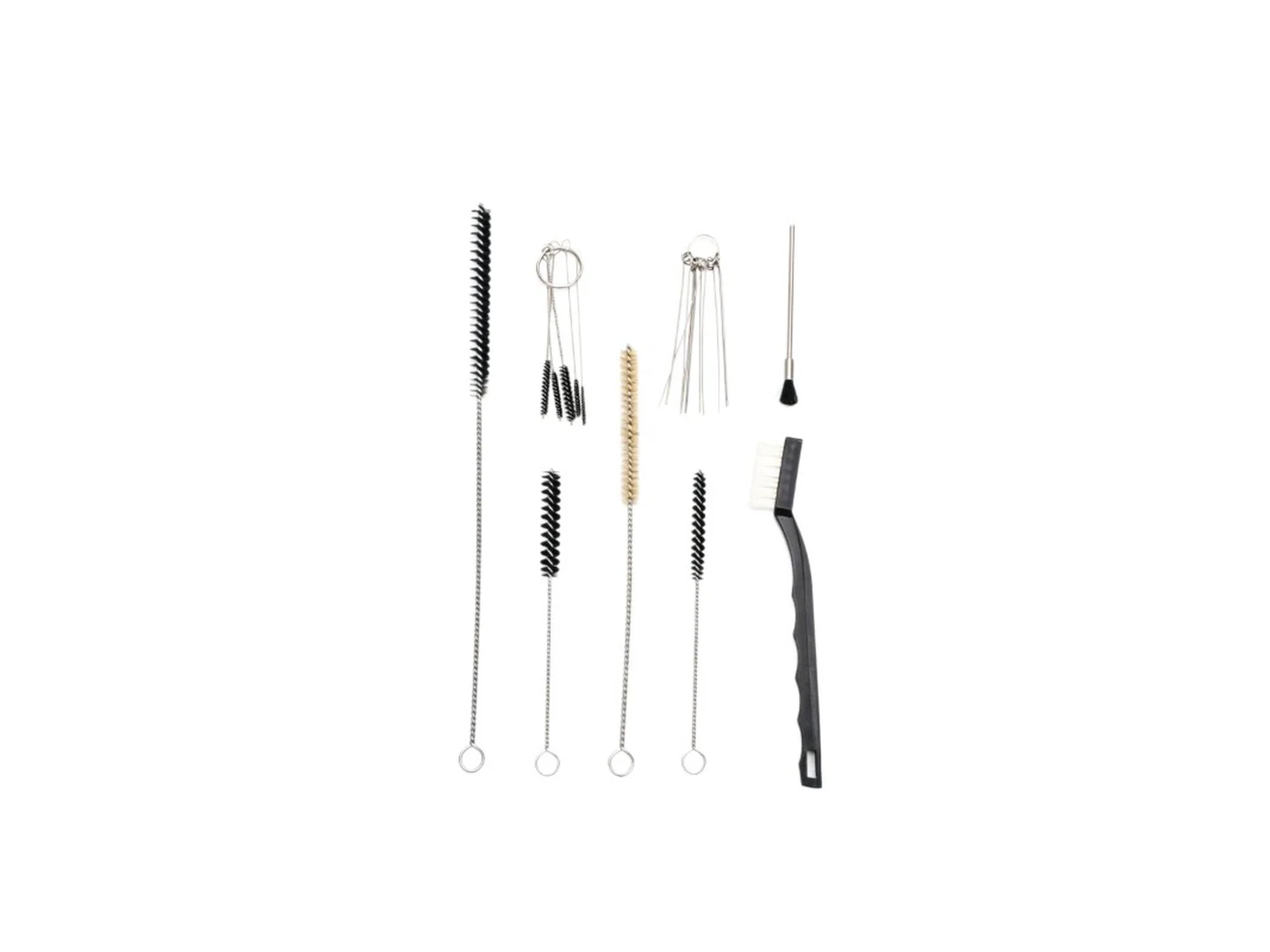
Several brush designs are available, each suited to different printhead architectures and contamination challenges. The main categories include:
- Fine natural-bristle brushes – Often camel hair or sable, these are very soft and low-lint, making them safer for delicate nozzle plates, but they may swell or degrade with aggressive solvents.
- Synthetic micro-filament brushes – Materials like polyester or nylon offer consistent stiffness, better solvent resistance, and less shedding than natural hair. Anti-static variants are available to prevent dust attraction in electronics-intensive environments.
- Foam or micro-fiber tipped swabs – These provide a non-scratching contact surface and excellent absorbency for solvent application, though they may leave adhesive residues if not designed for cleanroom use.
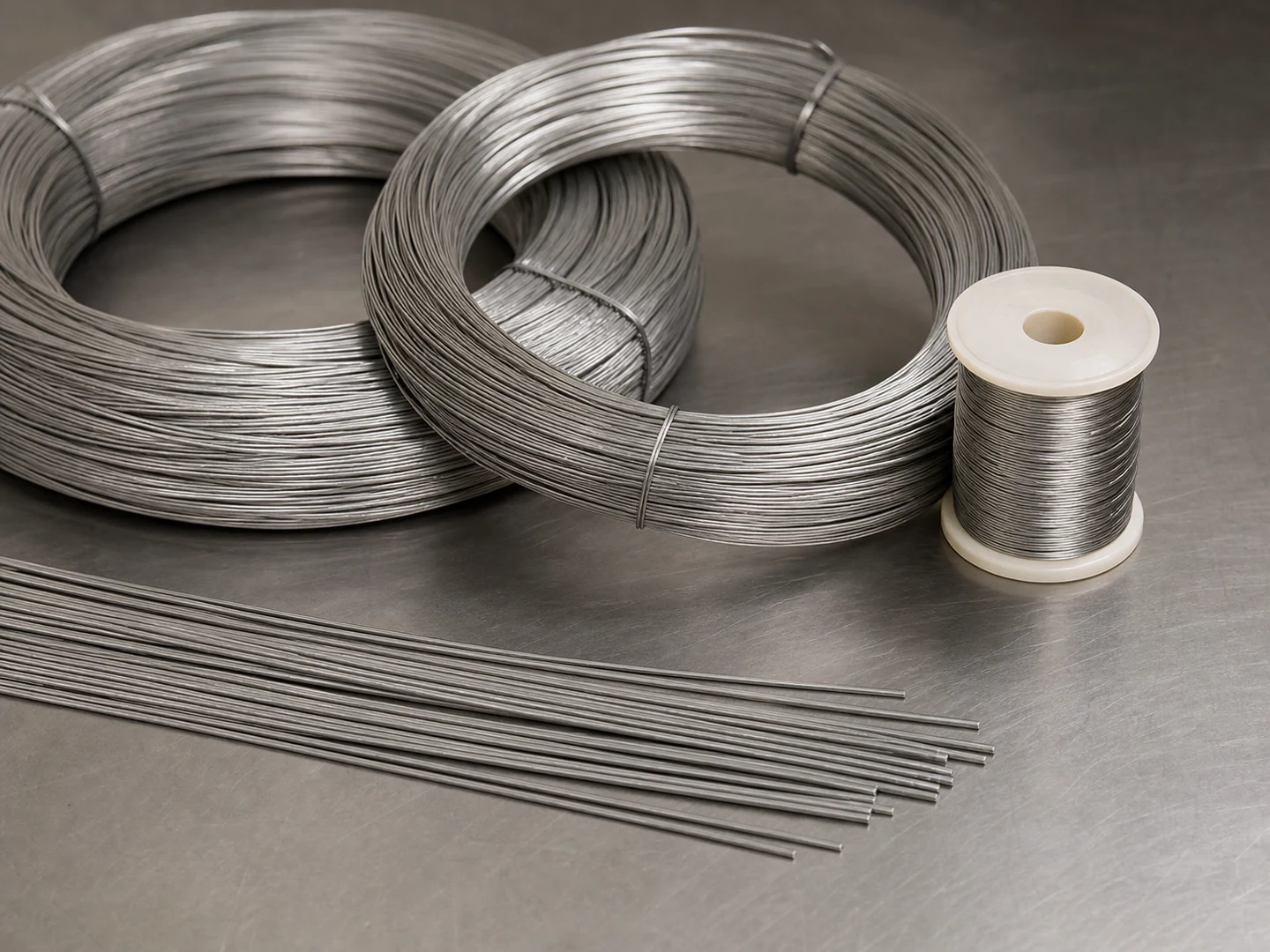
- Miniature wire brushes – Very fine stainless-steel or brass wire brushes are occasionally used for heavy encrustations on industrial printheads, but they present a high risk of scratching and should only be considered when the nozzle plate hardness is confirmed and non-abrasive methods have failed.
Comparing Brush Materials and Features
The table below summarizes key differences among common inkjet nozzle cleaning brush materials. Use this as a starting point for selection, but always verify compatibility with your specific printhead and ink formulation.
| Brush Material | Typical Stiffness | Lint / Particle Risk | Solvent Compatibility | Best for Orifice Size | Notes |
|---|---|---|---|---|---|
| Camel / sable hair | Very low | Low | Water, mild IPA; avoid strong solvents | ≤ 50 microns (gentle) | Good for dried water-based ink; may lose shape |
| Polyester (anti-static) | Low–medium | Very low (anti-static) | Broad (IPA, acetone, mild acids/alkalis) | ≤ 30 microns when fine | Excellent all-around choice for ESD-safe areas |
| Nylon | Medium | Low–moderate | Broad, but avoid strong acids | ≤ 50 microns | Good solvent resistance; watch for hardened tips |
| Foam swab (polyurethane) | Very low | Low (if cleanroom-grade) | Water, IPA; avoid ketones | Contact area, not direct bore insertion | Ideal for nozzle plate wiping; absorbent |
| Ultra-fine wire (stainless steel) | High | None (but risk of scratching) | Nearly all solvents | Use only on hardened plates > 100 microns | Last resort; scouring risk very high |
How to Choose the Right Brush for Your Inkjet Nozzle
Selecting a safe and effective inkjet nozzle cleaning brush involves matching the brush’s physical properties to the specific cleaning challenge. Key decision factors include:
- Orifice size and plate material – Smaller orifices require softer filaments to prevent bell-mouthing or bore enlargement. Check the printhead datasheet for nozzle diameter and plate hardness (often nickel, stainless steel, or silicon). A brush filament should be at least an order of magnitude softer than the plate material.
- Ink type and dried residue – UV-cured ink, pigmented inks, and resin-based inks form harder deposits than dye-based or water-based inks. Match the brush stiffness to the difficulty of removal without exceeding the safe pressure limit.
- Solvent compatibility – The brush must not degrade or swell when exposed to your chosen cleaning solvent (isopropyl alcohol, acetone, N-methyl-2-pyrrolidone, etc.). Synthetic brushes often have better chemical resistance than natural hair.
- Lint and particulate generation – In cleanroom or high-resolution printing environments, even microscopic fibers left on the nozzle plate can cause defects. Anti-static, cleanroom-processed brushes or foam-tipped swabs are preferred.
- Handle and control – A fine, ergonomic handle with a secure grip allows precise, low-force application. Brushes with swappable tips reduce cross-contamination risk between colors or ink types.
When Brushing Is Too Risky
Physical brushing should be avoided in several situations, and alternative cleaning methods should be considered first:
- Nozzle bores smaller than 20 microns – Mechanical contact, even with the softest filament, can introduce damage that affects drop placement or causes satellite droplets. Non-contact ultrasonic cleaning or pressurized solvent flushing is safer.
- Hydrophobic or oleophobic coated nozzle plates – Many industrial printheads have specialized coatings to repel ink. Brushing can abrade or lift these coatings, ruining the printhead. Check the instrument manufacturer’s manual; if a coating is present, use only manufacturer-approved cleaning cloths or wipes.
- Delicate MEMS-based printheads – Thermal inkjet and some piezo printheads use thin-film resistor or actuator layers that are easily damaged. Brushing should be minimal and limited to the outer plate surface, never directly into nozzle channels.
- When ink has hardened deep inside the ink channel – A superficial brush won’t clear a blockage deep inside the printhead; excessive force can wedge particles more tightly. In such cases, a proper flushing station, vacuum purge, or professional rebuild is necessary.
Common Mistakes When Using an Inkjet Nozzle Cleaning Brush
Many printhead failures attributed to “clogging” are actually caused by improper cleaning techniques. Avoid these errors:
- Choosing a brush by size alone – A brush that physically fits into the nozzle is not automatically safe. Filament stiffness and tip shape can cause irreversible damage even if the brush feels soft to the touch.
- Applying too much pressure – The goal is to let the solvent and capillary action do the work while the brush merely agitates the surface. Pressing hard enough to bend filaments focuses force onto a few nozzle edges, easily chipping or deforming them.
- Reusing contaminated brushes – Cross-contamination of inks, especially between colors or from pigment to dye, can create new clogs. Dispose of single-use brushes or thoroughly rinse reusable brushes in clean solvent between cleaning cycles.
- Ignoring static discharge – In low-humidity environments, brushing can generate electrostatic charges that attract dust or, in severe cases, damage the printhead driver electronics. Always use an anti-static brush if the printhead contains CMOS or other sensitive components.
- Using wire brushes without verifying plate hardness – Even “soft” brass wires can score a nickel-plated orifice plate. Reserve wire brushes only for robust industrial heads where the manufacturer explicitly permits abrasive cleaning.
When an Inkjet Nozzle Cleaning Brush Is Not Enough
A brush can handle surface-level contamination, but several scenarios demand more advanced intervention or professional servicing:
- Internal ink system blockages – If nozzles refill improperly after cleaning, the problem may be upstream: dried ink in the manifold, air in the dampener, or a faulty vacuum system. A brush won’t solve these.
- Damaged nozzle plate or alignment marks – If the printhead has been physically hit by media or debris, brushing may catch on raised edges. Inspect under magnification before any contact cleaning.
- Chemical incompatibility – When you’re unsure whether a solvent will attack the brush bristles, the adhesive holding the head together, or the ink itself, always run a sample test on a similar but disposable part. A supplier evaluation or review of a technical drawing can prevent a costly mistake.
- High-value printheads under warranty – Aggressive cleaning can void the warranty. Check the service guidelines first; the manufacturer may offer a certified cleaning or exchange program.
Final Takeaway
An inkjet nozzle cleaning brush is a valuable troubleshooting tool, but it requires careful selection and disciplined technique. Match brush stiffness to orifice size and plate material, prioritize low-lint and solvent-resistant designs, and always prefer the gentlest possible method first—soft brush, appropriate solvent, and minimal contact. When in doubt, stepping up to non-contact or professional cleaning protects your investment far better than an extra pass with the wrong brush.
Frequently Asked Questions
Can I use a small wire brush for cleaning inkjet nozzles?
Wire brushes, even very fine ones, should only be used on industrial printheads where the nozzle plate hardness is confirmed and the manufacturer permits abrasive cleaning. For most inkjet printers, wire brushes risk irreversible scratching and nozzle deformation. Soft synthetic or natural bristles are much safer.
What size brush is safe for inkjet nozzles?
There is no one-size-fits-all answer. The brush filament diameter should be smaller than the nozzle bore, but stiffness and tip shape matter more. A brush that is too large can physically bell-mouth the orifice, while a too-stiff brush can chip edges. Always start with the softest filament available and work under magnification.
How do I know if a brush is shedding fibers onto the nozzle plate?
Examine the nozzle area under a microscope after a gentle dry wipe on a clean glass slide. Many synthetic brushes are processed to remove loose fibers; anti-static and cleanroom-processed brushes usually have very low lint. If fibers are visible, choose a different brush material or opt for foam-tipped swabs.
Is it safe to use a cleaning brush on a thermal inkjet printhead?
Thermal inkjet printheads have delicate heater chips that can be easily damaged by direct brushing. If a brush is used, limit contact to the outer orifice plate surface and never insert filaments into the nozzle channels. Always consult the printer service manual first.
What if the brush gets stuck in a nozzle?
Do not pull with force, as this can tear the plate or enlarge the hole. Use a magnifier and fine tweezers to very gently reverse the filament out while applying solvent to lubricate. If this fails, the printhead may need professional repair. Prevention—choosing a brush that does not bottom out—is essential.
Can I reuse an inkjet nozzle cleaning brush?
Some brushes are designed for single use to avoid cross-contamination. Reusable brushes must be thoroughly rinsed and dried between uses, and stored in a clean container. However, brush filaments can degrade or pick up hardened ink particles over time, so regular replacement is recommended.
What is the best solvent to use with an inkjet nozzle cleaning brush?
The best solvent is the one recommended by the ink or printer manufacturer, as it is designed to be compatible with the ink chemistry and printhead materials. Isopropyl alcohol (IPA) is a common, safe choice for many water-based and solvent-based inks, but always confirm before use.